Teams won't load, messages don't arrive or meetings drop? Then you want to know quickly: is it Microsoft, our organization, or just my computer? In this article you'll learn where to check the status of Microsoft Teams and what to do during an outage.
For admins: Service health in the admin center
The most reliable source is your own tenant. After all, not every organization has the same problem.
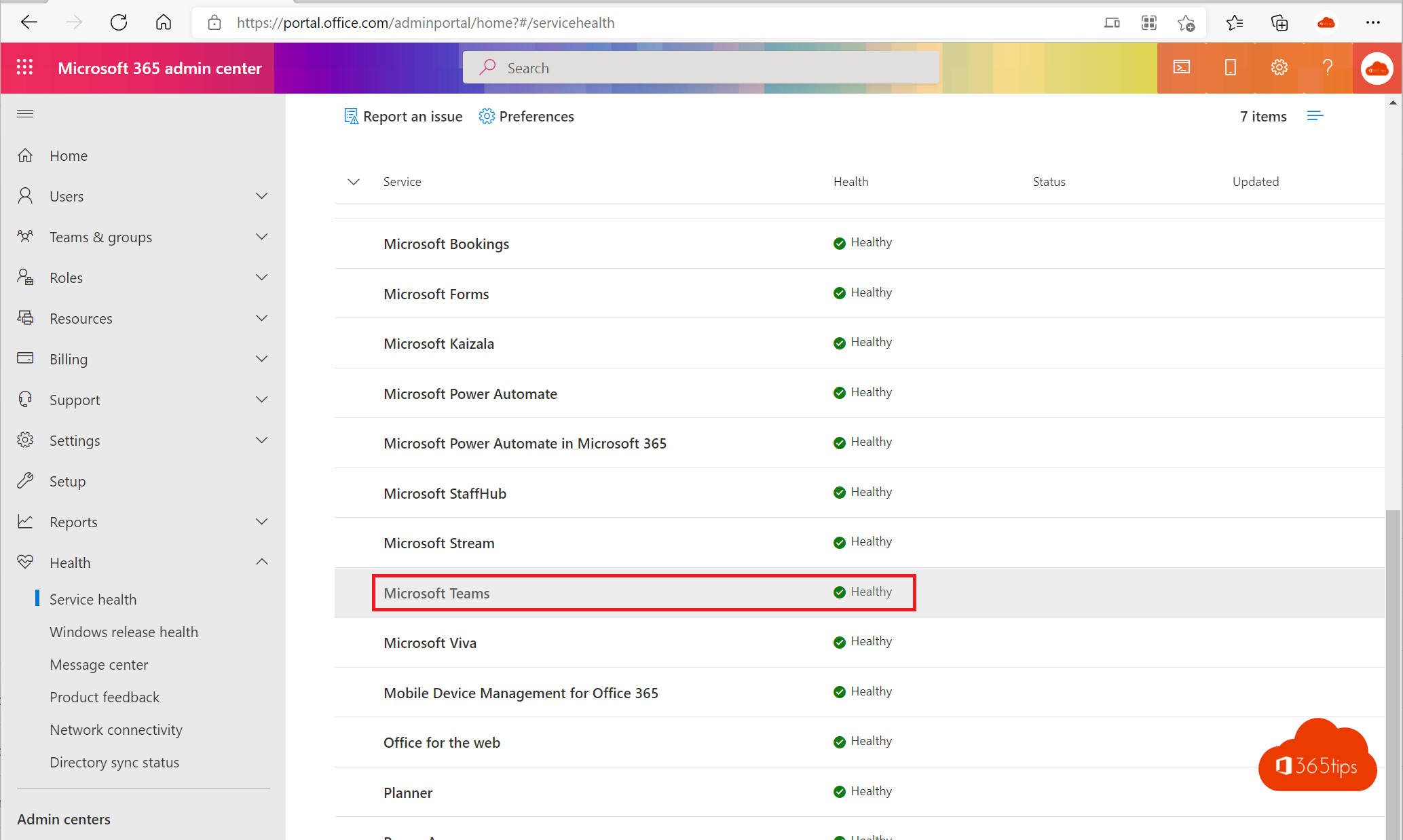
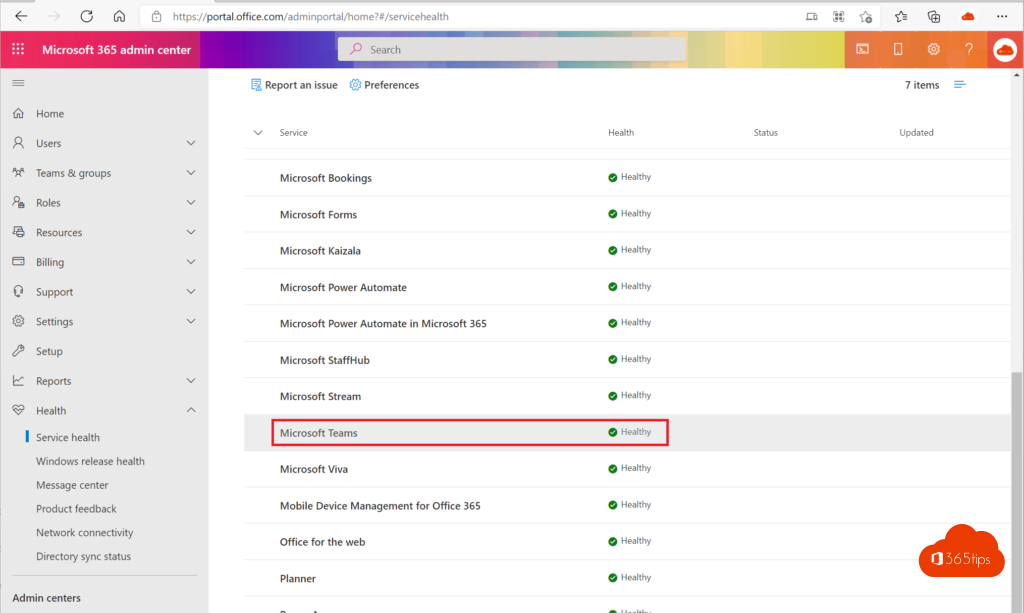
- Go to the Microsoft 365 admin center (
https://admin.microsoft.com). - Choose Health > Service health.
- Look at the Microsoft Teams row. Click an incident or advisory for details, impact and the next update.
Tip: the Microsoft 365 Admin app on your phone shows the same information, and you can get email notifications for new incidents.
For everyone: the public status page
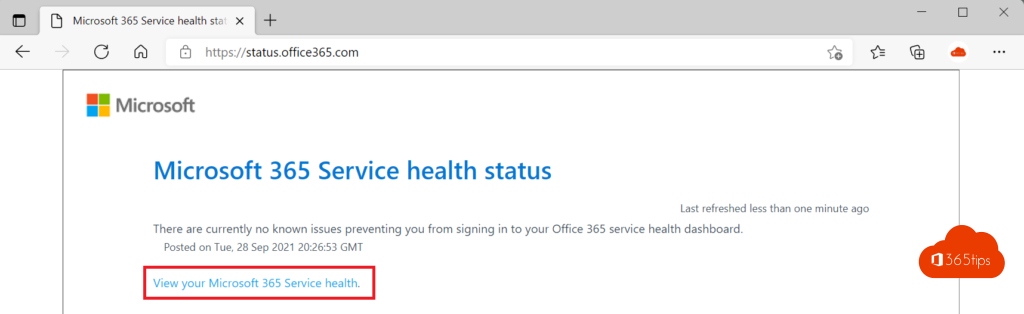
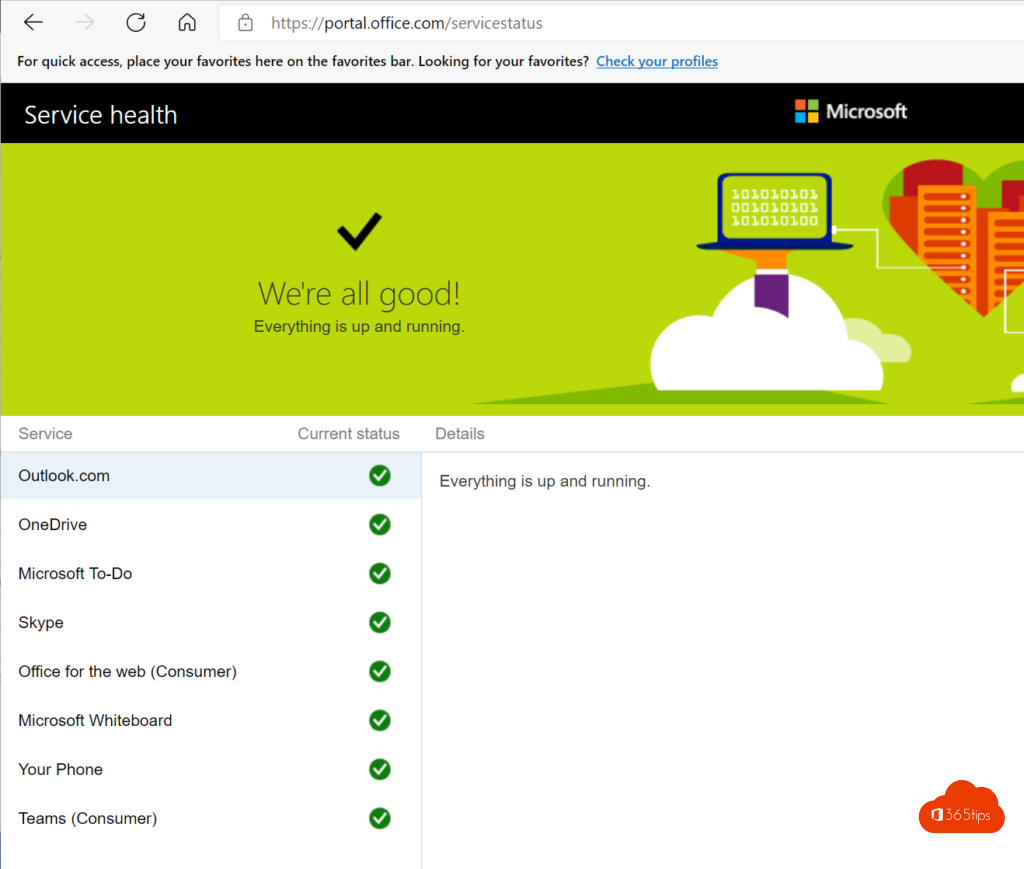
No admin rights? Check the public status page at https://status.cloud.microsoft (the old address status.office.com redirects there). It only lists major outages that affect many customers.
Microsoft 365 Status on X
The @MSFT365Status account on X (formerly Twitter) shares updates on major outages, often faster than the status page.
What to do during an outage
- Check locally first. Does Teams work in the browser (
https://teams.microsoft.com)? Do Outlook and OneDrive work? Then it's often your device or network. - Restart Teams or clear the cache.
- Check service health or the status page.
- Inform your colleagues through another channel, like email or text message, with the expected recovery time.
- Report the problem as an admin via Support in the admin center if Microsoft doesn't know about it yet.
Sites like Downdetector show reports from users. Useful as a signal, but not an official source.
Also see what to do when Microsoft 365 is down.
Read also
Microsoft 365 is down: what now, and how to keep working?
Clear the Microsoft Teams cache on Windows and Mac
A tour of the Microsoft Teams admin center
Nederlandstalige versie: Is Microsoft Teams down? Zo controleer je de servicestatus