With a handful of PCs you can keep an eye on Windows Update yourself. With dozens or hundreds of devices, you don't know which PCs are falling behind without central management, and that's exactly what attackers aim for. With Microsoft Intune (formerly Endpoint Manager) you decide centrally when PCs get updates, test with a small group first and see in one report which devices aren't up to date. This article shows how to set that up.
Work with rings
You split your PCs into a few groups, or rings, that get updates one after the other. If something goes wrong, the first ring notices before the rest gets it.
| Ring | Who | Quality update deferral |
|---|---|---|
| Test | IT department, a few test devices | 0 days |
| Pilot | About 5 to 10% of users, spread across departments | 3 days |
| Broad | Everyone | 7 days |
Create an update ring
- Go to the Intune admin center > Devices > Windows updates > Update rings > Create profile.
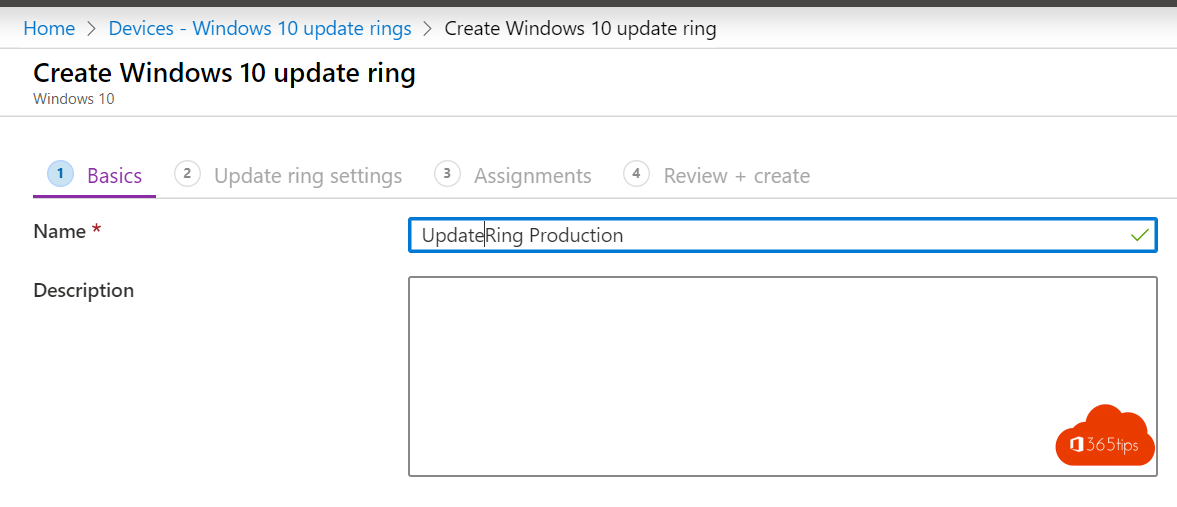
- Name it, for example Ring 2 - Pilot.
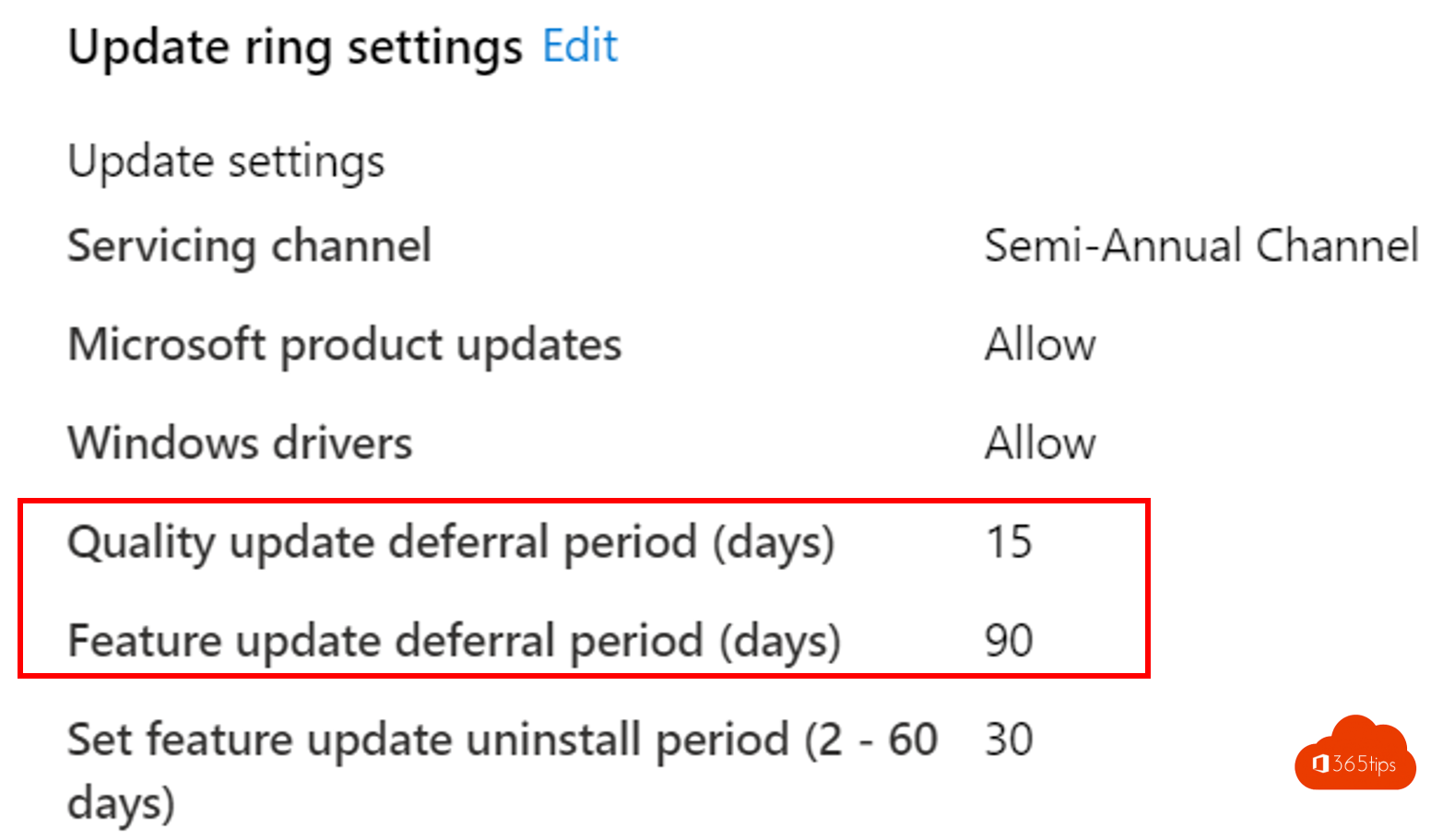
- Set the quality update deferral (days after the monthly Patch Tuesday) and the feature update deferral.
- Set deadlines: for example 3 days to install and a 2-day grace period before a forced restart.
- Set active hours so restarts happen outside working hours.
- Assign the profile to that ring's group and select Create.
Pin the Windows version
With a feature updates policy (Windows updates > Feature updates) you decide which Windows 11 version your PCs get, for example 24H2, and they stay there until you choose a newer one. That way you test a new version in the test ring before rolling it out broadly.
Roll out an urgent update faster
Is there a critical vulnerability being actively exploited? Expedite quality updates (Windows updates > Quality updates) pushes the latest security update to all devices immediately, regardless of the deferral in the rings.
Reports
Under Reports > Windows updates you see per device which update is installed, which failed and which PCs haven't connected for a long time. Check that report weekly and follow up on devices that fall behind.
Prefer automatic: Windows Autopatch
With Windows Autopatch, Microsoft manages the rings and schedule for you, including Microsoft 365 apps, Edge and Teams. Autopatch is available with, among others, Windows Enterprise E3/E5 and Microsoft 365 E3/E5, and in a more limited form with Business Premium. Handy when your IT team is small.
Tips
- Don't let users pause updates indefinitely; limit it with the settings in the update ring.
- Combine updates with Autopilot so new PCs land in the right ring straight away.
- For end users, see updates for other Microsoft products.
Read also
Windows Autopilot: what it is and how to set it up in 4 steps
Install the Intune Company Portal automatically on all computers
Updates for other Microsoft products and optional updates in Windows 11
Nederlandstalige versie: Alle Windows-pc's up-to-date houden met Microsoft Intune