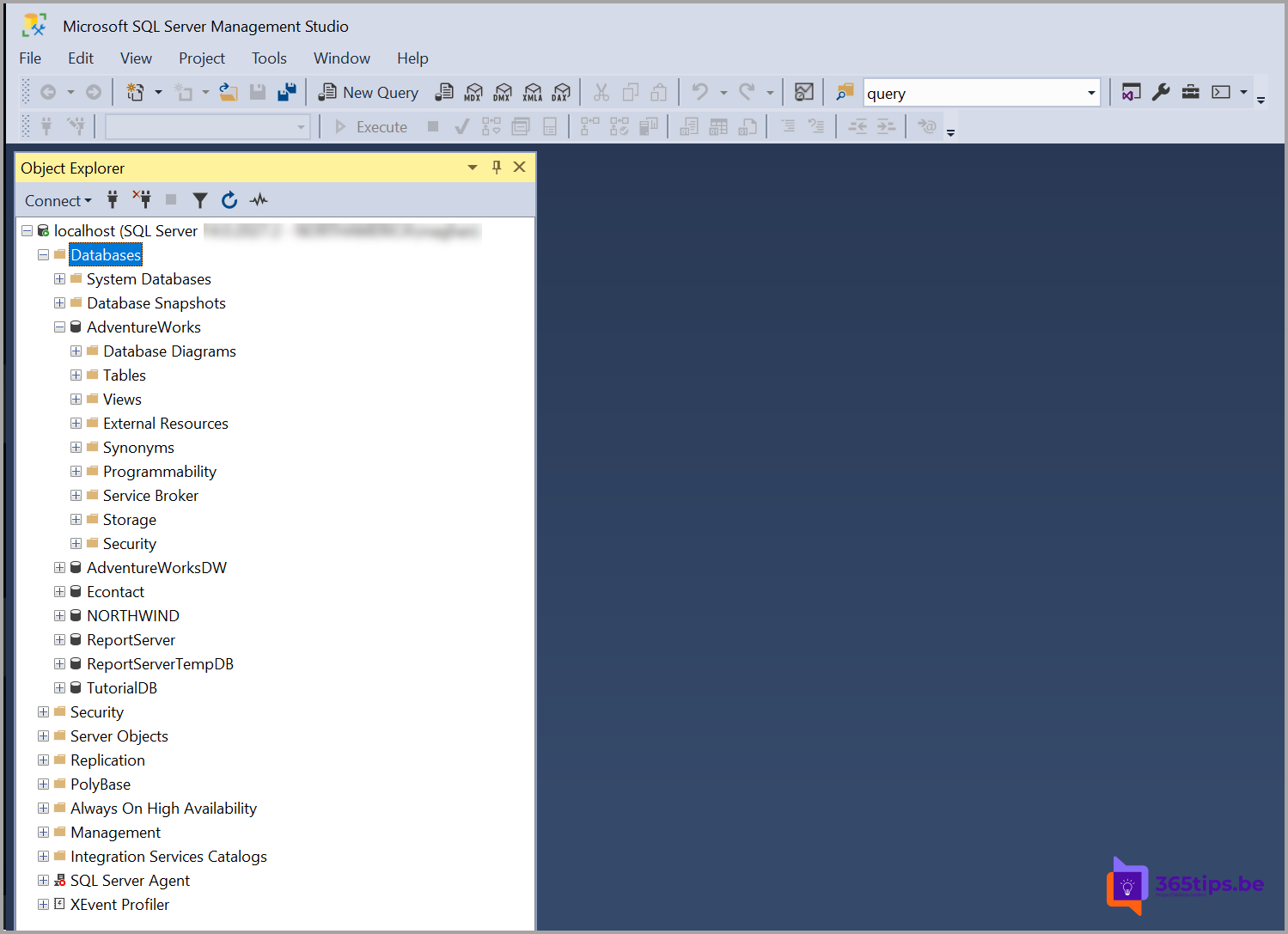
SQL Server Management Studio (SSMS) is Microsoft's free management tool for SQL Server, Azure SQL Database and other SQL environments. Here is where to download the current version, how to update it and how to check which version you have. Always get the latest version from the official SSMS download page on Microsoft Learn.
What is SSMS?
With SSMS you manage databases and servers: write and run queries, manage security and backups, and review performance. It works with SQL Server on your own servers and with databases in Azure.
Download the current version
- Search Microsoft Learn for Download SQL Server Management Studio (SSMS).
- Download the installer from that official page.
- Run the installation. For recent versions this goes through the Visual Studio Installer.
Don't download SSMS from other websites. That way you're sure of a safe, recent version.
Check your version
- Open SSMS and choose Help > About for the version and build number.
- Compare with the release notes on Microsoft Learn to see if a newer version is available.
Update SSMS
For recent versions you update SSMS through the Visual Studio Installer or the update notification in the app. Older versions, such as SSMS 18 or 19, can stay installed side by side or be removed first.
Handy extra tools
- Visual Studio Code with the SQL Server extension, if you prefer a lightweight editor.
- SQL Server Developer Edition: a free edition of SQL Server for local testing.
Also see download Azure Storage Explorer and install software with winget.
Read also
Download Azure Storage Explorer and connect to Azure
Install and update software with winget on Windows
Install PowerToys on Windows 11: the most useful tools
Nederlandstalige versie: SQL Server Management Studio (SSMS) downloaden en bijwerken