You use a page in SharePoint for news, a guide, a project overview or the home page of your site. You build it with web parts such as text, images, documents and video. In this guide you create a page and publish it.
Create a page
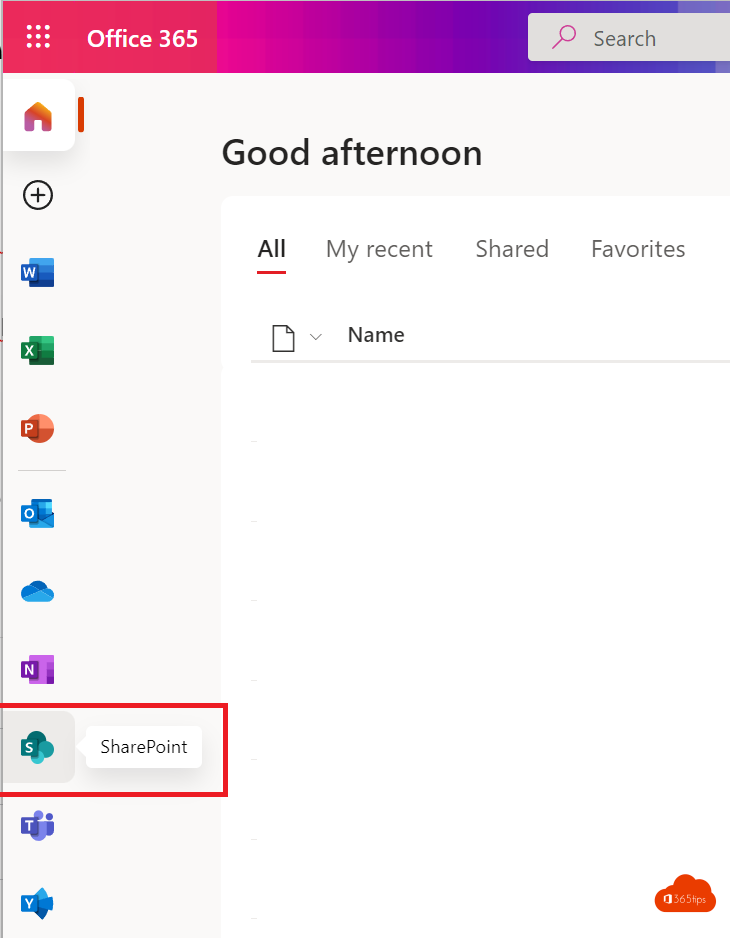
- Open the SharePoint site where the page should go.
- Select + New > Page (or News post if it's news).
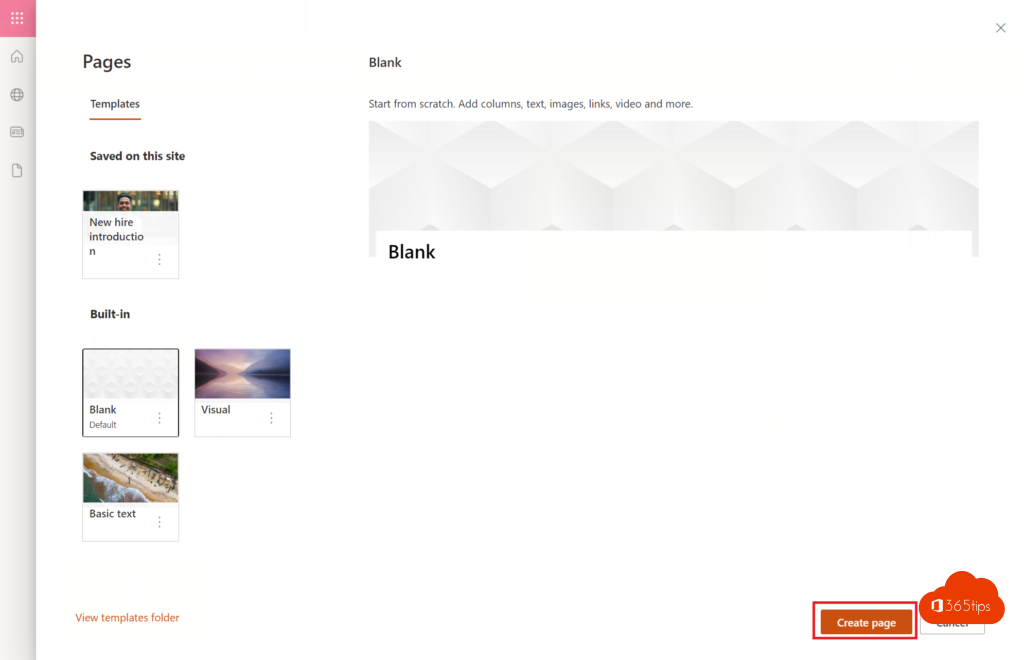
- Choose a template or start with a blank page and select Create page.
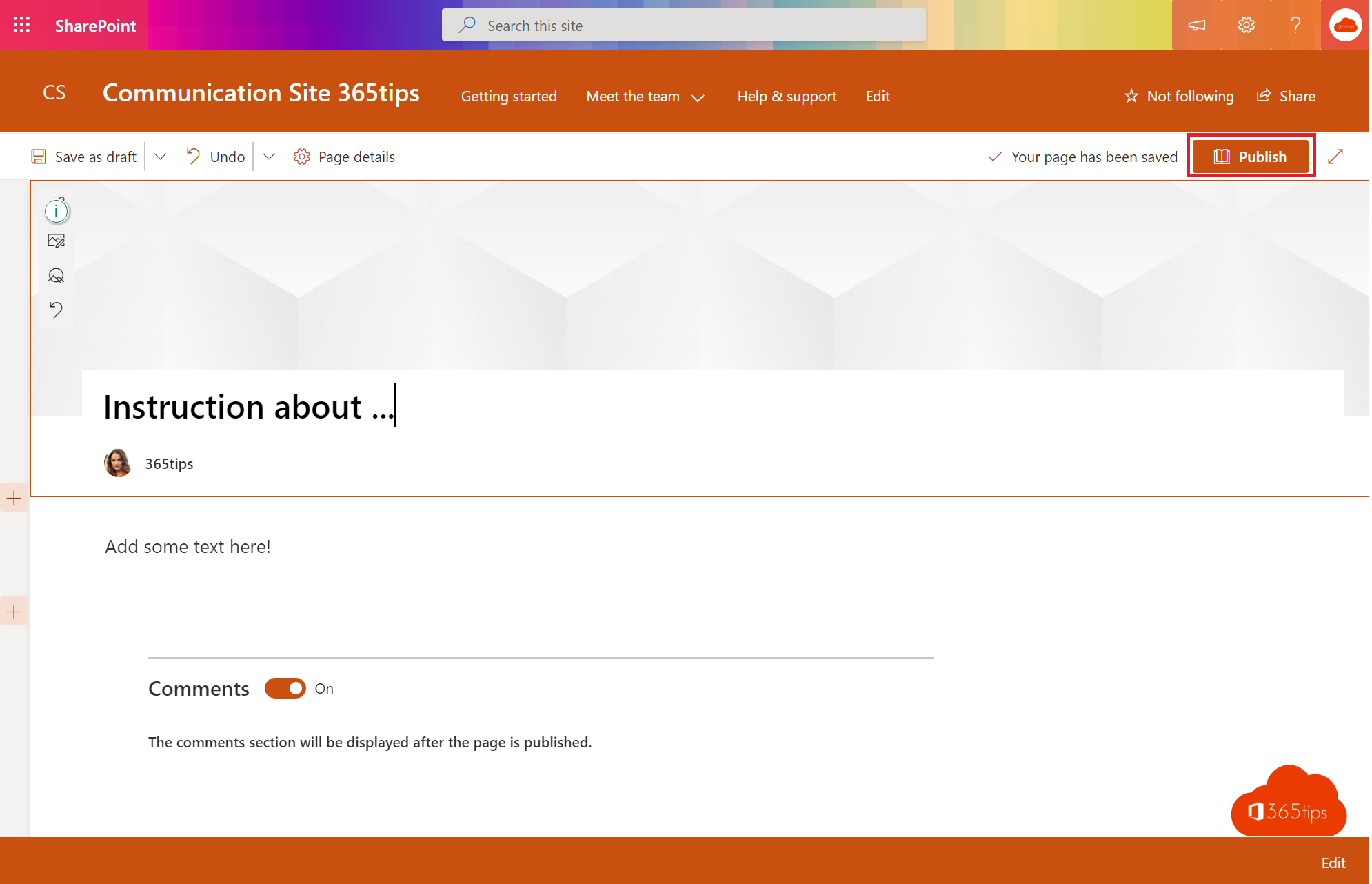
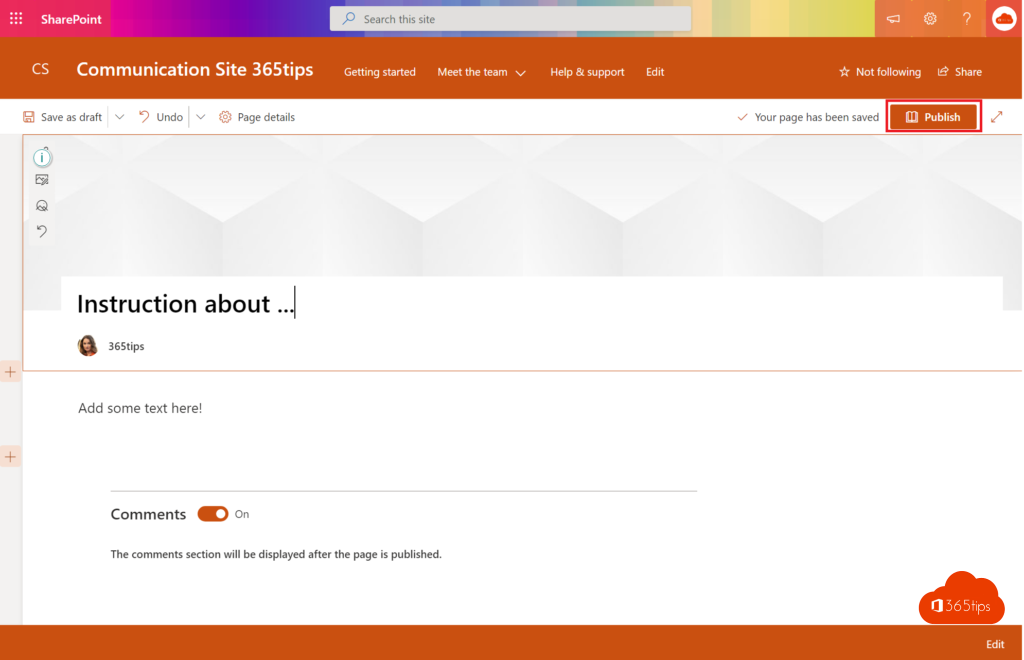
- Type a title and choose a header image.

Add content
- Select the + sign between two blocks to add a web part: Text, Image, File and media, Quick links, News, Video or List.
- Use sections with one, two or three columns for a clear layout.
- Use the pane on the right to adjust each web part.
Save and publish
Select Save as draft while you work; only editors see the page then. Select Publish to make it visible to everyone with access to the site. After publishing you can add the page to the navigation or show it as news on the home page.
Tips
- Save a good page as a template via the arrow next to Save as draft, so colleagues use the same layout.
- Every page has version history, so a mistake is easy to undo. See version history in SharePoint.
- With a Copilot license, Copilot can suggest a first draft of the page.
Also read create a communication site in SharePoint.
Read also
Create a communication site in SharePoint Online
Add a SharePoint page, site or list to Microsoft Teams
Restore an earlier version with version history in OneDrive and SharePoint
Nederlandstalige versie: Een pagina maken en publiceren in SharePoint Online