A migration to Microsoft 365 only really works when everyone knows where files belong. Without agreements, documents end up scattered across OneDrive, Teams and SharePoint and everyone has to hunt for them. Here's how to set up a simple structure, which place is for which files, and how to bring people along.
Where does each file belong?
| Place | For which files |
|---|---|
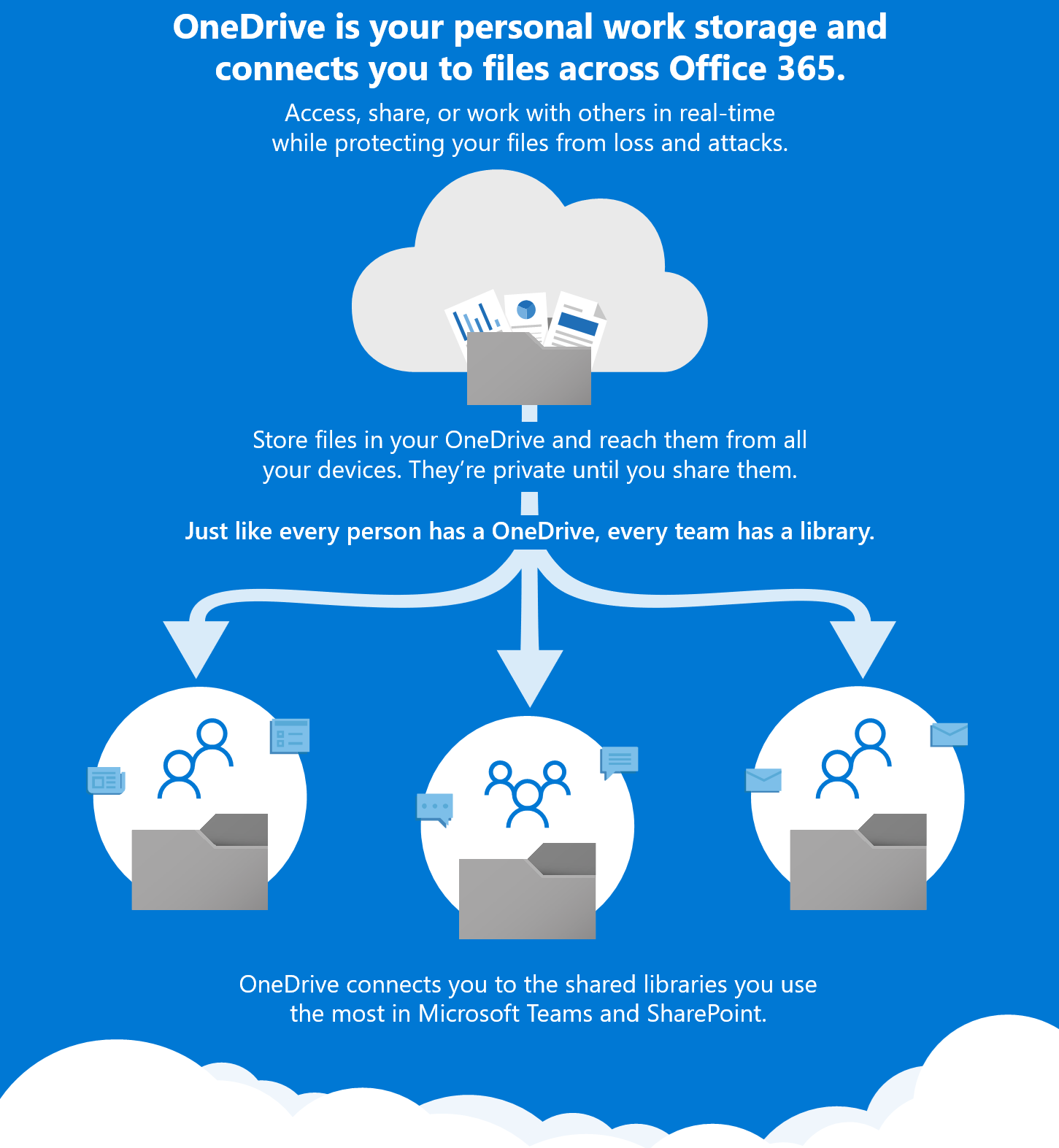
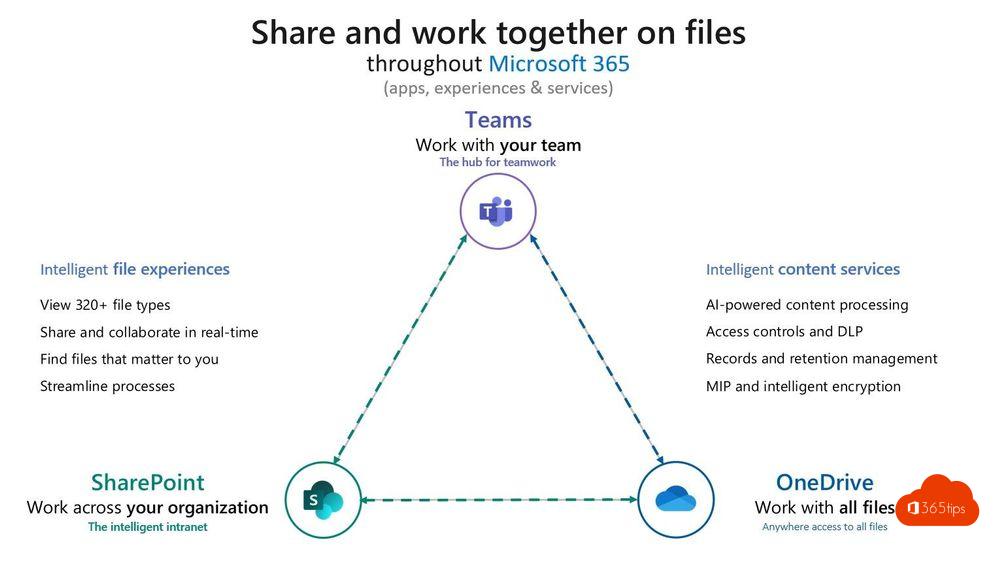
| OneDrive | Your own working files and drafts. Share them with a few colleagues when needed. |
| Teams (and its SharePoint site) | Files for a team or project that several people work on together. |
| SharePoint communication site | Information for a large audience, such as procedures, policies and news. |
A simple rule of thumb: if it's yours, OneDrive. If it belongs to the team, Teams. If the whole organization needs to read it, a communication site.
Step-by-step plan
- Map what exists today: network drives, old folders and who uses them.
- Clean up before you move: old and duplicate files don't need to come along.
- Define the structure: which teams, channels and sites you'll create.
- Agree on naming, who may create teams and who owns them.
- Migrate in phases, for example department by department. For large volumes use Microsoft's migration tools, such as Migration Manager in the SharePoint admin center.
- Support users with short training and a contact person per department.
Bring people along
Technology is rarely the problem. Involve users early, let a few enthusiastic colleagues act as champions and don't wait for the perfect structure: good enough is enough to start. You can adjust later.
Also see migrate files to OneDrive and SharePoint Online governance.
Read also
Migrate personal files and network drives to OneDrive
Set up good governance for SharePoint Online
Set up good governance for OneDrive for work
Nederlandstalige versie: Een Microsoft 365-migratie: creëer structuur en samenwerking