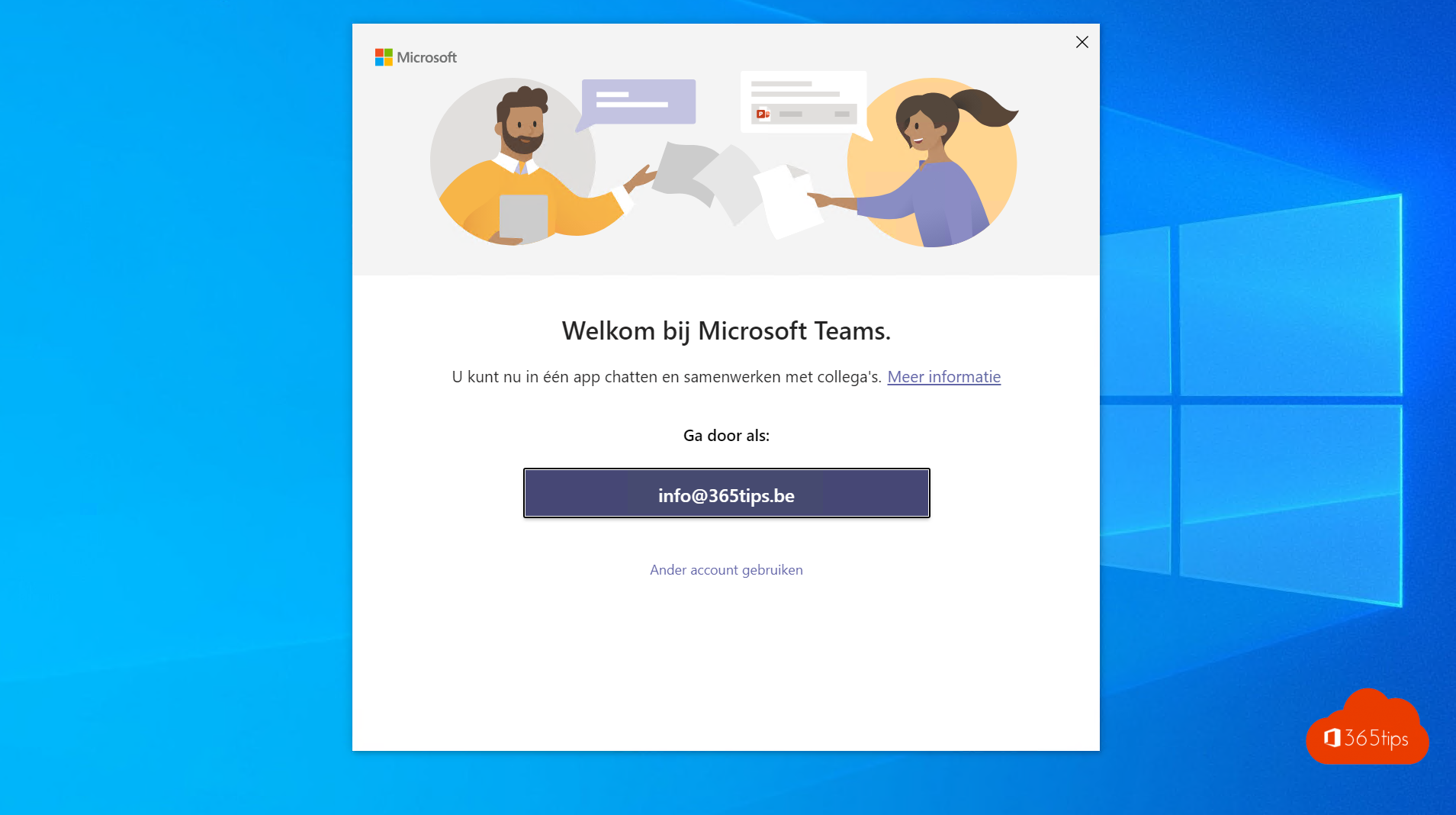
With single sign-on (SSO), you sign in once on your computer and Microsoft Teams opens without asking for your password again. The same goes for Outlook, OneDrive and the other Microsoft 365 apps. Here's how it works and what you need to set up as an admin. Note that Azure Active Directory is now called Microsoft Entra ID and Azure AD Connect is now Microsoft Entra Connect.
How does SSO work in Teams?
Teams uses your work or school account in Microsoft Entra ID. If your device is joined to Entra ID, Windows receives a token when you sign in. Teams and the other apps use that token, so you don't have to sign in again. With MFA or a passkey it stays secure, because the strong sign-in happens once on the device.
SSO on Windows devices
| Situation | How you get SSO |
|---|---|
| Device is Microsoft Entra joined | Works automatically. For example on devices deployed with Windows Autopilot and Intune. |
| Device is Microsoft Entra hybrid joined | Works automatically after joining through Microsoft Entra Connect. |
| Device is only in your on-premises domain | Turn on Seamless SSO in Microsoft Entra Connect, or better: join the device to Entra ID. |
| Personal device | Add your work account via Settings > Accounts > Access work or school. |
Read more about the differences in Entra joined vs. hybrid joined.
SSO on Mac and mobile
- macOS: use Microsoft's Enterprise SSO plug-in, deployed through Intune or another MDM tool.
- iPhone and Android: install the Microsoft Authenticator app (iOS) or Company Portal (Android). They act as a broker, so you sign in once for all Microsoft apps.
Test it
- Sign in on a joined Windows device.
- Open Teams. You should be signed in right away.
- Also open
https://myapps.microsoft.comorhttps://www.office.comin Microsoft Edge. There too, you sign in without a password.
Not working? Check under Settings > Accounts > Access work or school whether the work account is connected, or run dsregcmd /status in a command prompt.
Try it in a test environment
Want to test this first? Create a test tenant and enroll a device in Intune with Windows Autopilot. Devices in that environment are Entra joined, so they get SSO straight away.
Also see sign in to Microsoft Teams and passwordless sign-in.
Read also
Entra joined, hybrid joined or registered: which should you choose?
Sign in to Microsoft Teams: a basic guide
Enable passwordless sign-in in Microsoft 365 in 3 steps
Nederlandstalige versie: Single sign-on (SSO) voor Microsoft Teams met Microsoft Entra ID