
Is a colleague celebrating their birthday while you work hybrid or remotely? Then set a festive birthday background in your next Teams meeting. Here you'll find a set of free birthday photos and a few ideas to surprise someone online too.
How to set a background
- Right-click an image below and choose Save image as.
- In the new Teams, open the pre-join screen of a meeting, or during the meeting select the arrow next to Camera.
- Choose Video effects and settings (the exact name can vary, for example Effects and avatars).
- Under Backgrounds, select Add new and pick your image.
- Select the background and choose Apply.
A landscape image of about 1920 × 1080 pixels works best. The images on this page are resized; for a sharper version, look up the photo on the original photo site. Note that an admin can turn off custom backgrounds, and with Teams Premium your organization can also provide official backgrounds. More in set a custom background in Teams.
Birthday backgrounds





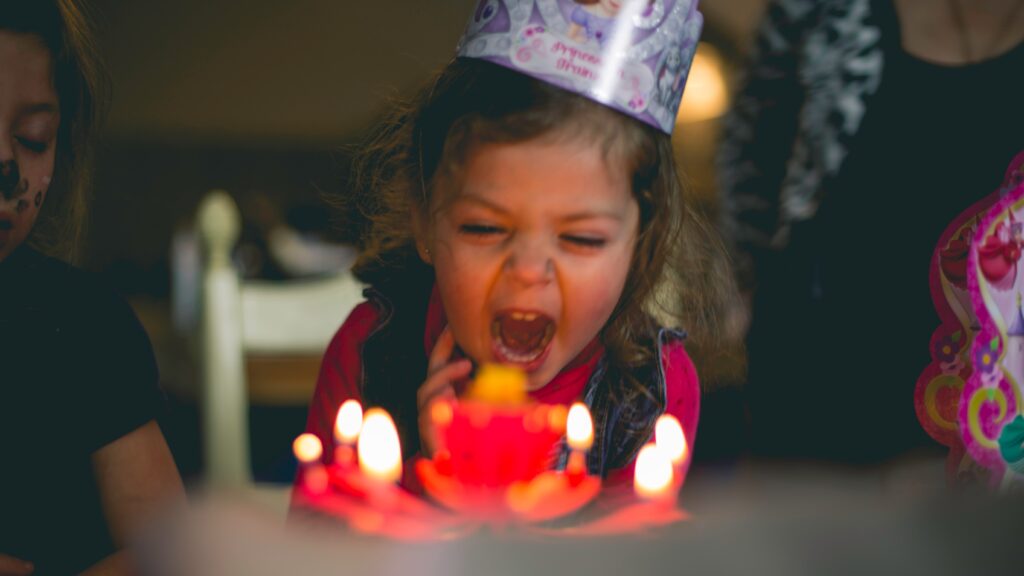

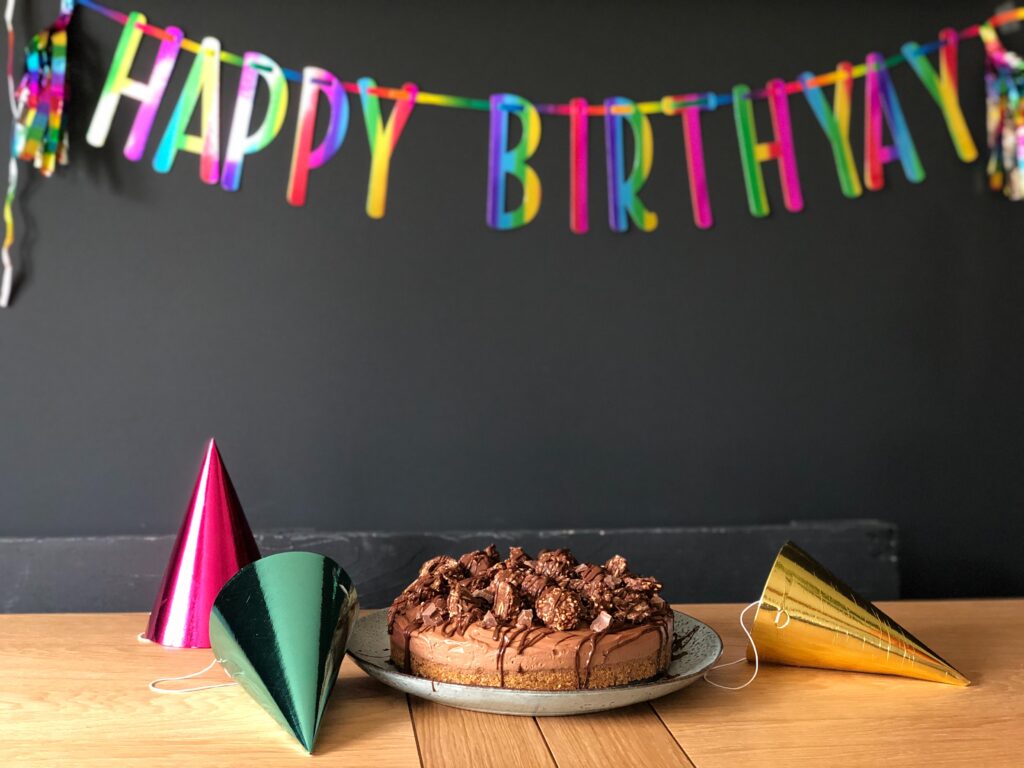



More ways to celebrate a birthday in Teams
- Send a GIF, sticker or praise card in the chat.
- Have everyone send a reaction at the same time, like the heart or applause.
- Schedule a short, informal coffee break in Teams with the birthday person.
Also see emoji, GIFs and stickers in Teams.
Read also
Set a custom background in Microsoft Teams
Use emoji, GIFs and stickers in Teams and Outlook
Use live reactions in a Microsoft Teams meeting
Nederlandstalige versie: De beste verjaardagsachtergronden voor Microsoft Teams