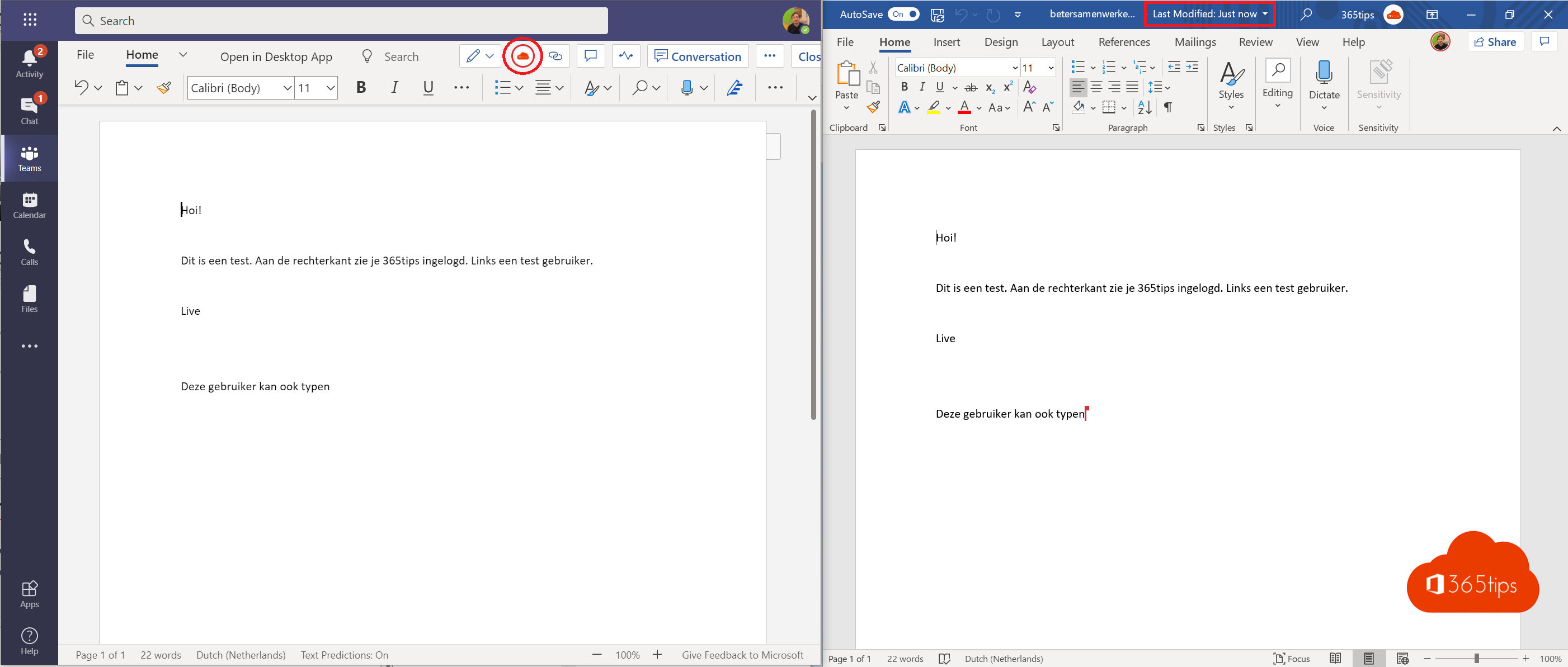
No more attachments called version 3 final. In Microsoft 365, several people work in the same file at the same time: in Word, Excel and PowerPoint, on the desktop, in the browser or on a phone. Everyone sees each other's changes almost instantly.
What do you need?
- The file is stored in OneDrive, SharePoint or Teams, not on your own drive or in an attachment.
- The file is in a modern format (.docx, .xlsx, .pptx).
- AutoSave is on (toggle at the top left of the app).

Share the file
- Select Share at the top right.
- Type your colleagues' names and choose whether they can edit.
- Select Send, or copy the link and paste it into a chat.


Edit together
- At the top right you see the profile pictures of who has the file open.
- A colored cursor or flag shows where someone is typing.
- Use comments with an @mention to ask someone a question. They get an email.
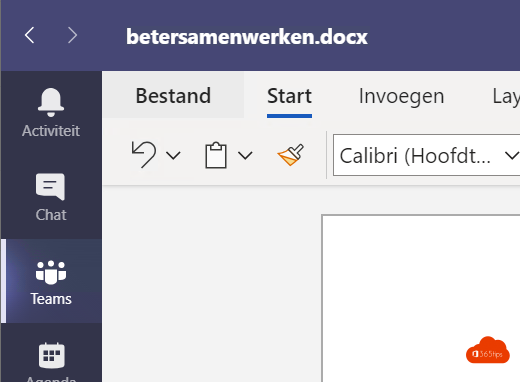
- Working in Teams? Open the file from the channel's files or in the chat.


Something went wrong?
Restore an older version via File > Info > Version History. Read version history in OneDrive and SharePoint. Also see share a document in review mode.
Read also
Restore an earlier version with version history in OneDrive and SharePoint
Share a Word document in review mode with Can review
Share files in Microsoft 365 and Teams: all the options
Nederlandstalige versie: Met meerdere personen tegelijk aan één bestand werken
More in English
▸Share files in a Teams chat, channel or via a linkShare files in Microsoft Teams in a chat, a channel or via a link, and learn where they're stored and who can…
▸Open Word, Excel and PowerPoint from Teams in the desktop app or browserFiles in Teams open inside Teams by default. Make the desktop app or browser the default, open one file…
▸Use Loop components in Teams chats, channels and meetingsInsert Loop components such as task lists and tables in a Teams chat, channel or meeting and edit them…
▸Use Word, Excel, PowerPoint and OneNote for free in your browserUse Word, Excel, PowerPoint and OneNote for free in your browser with a Microsoft account, with 5 GB of…