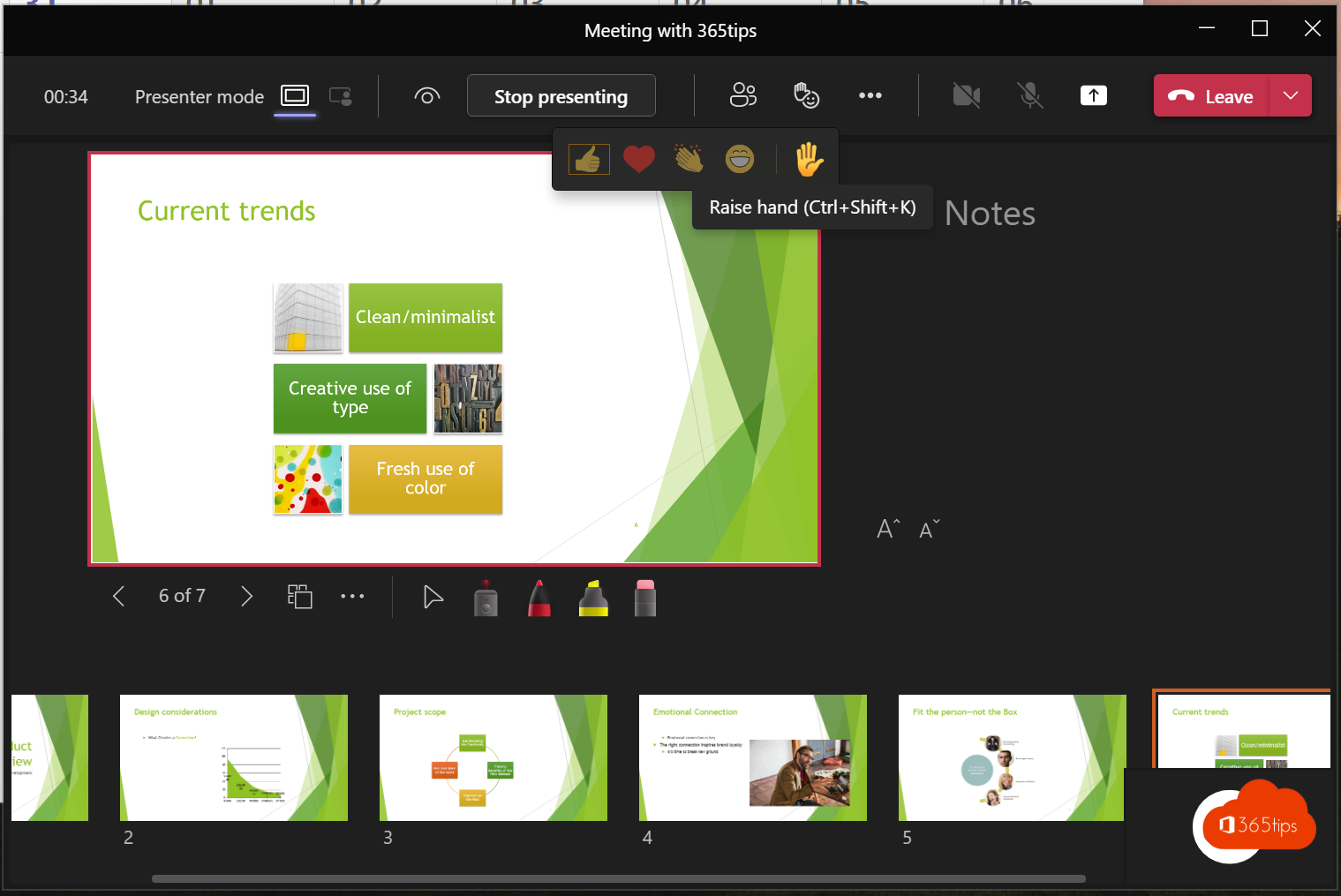
In a meeting with lots of attendees, people quickly talk over each other. With Raise hand you let everyone know in Teams that you want to speak, without interrupting. The organizer sees the order in which hands went up. This article shows how it works.
Raise your hand
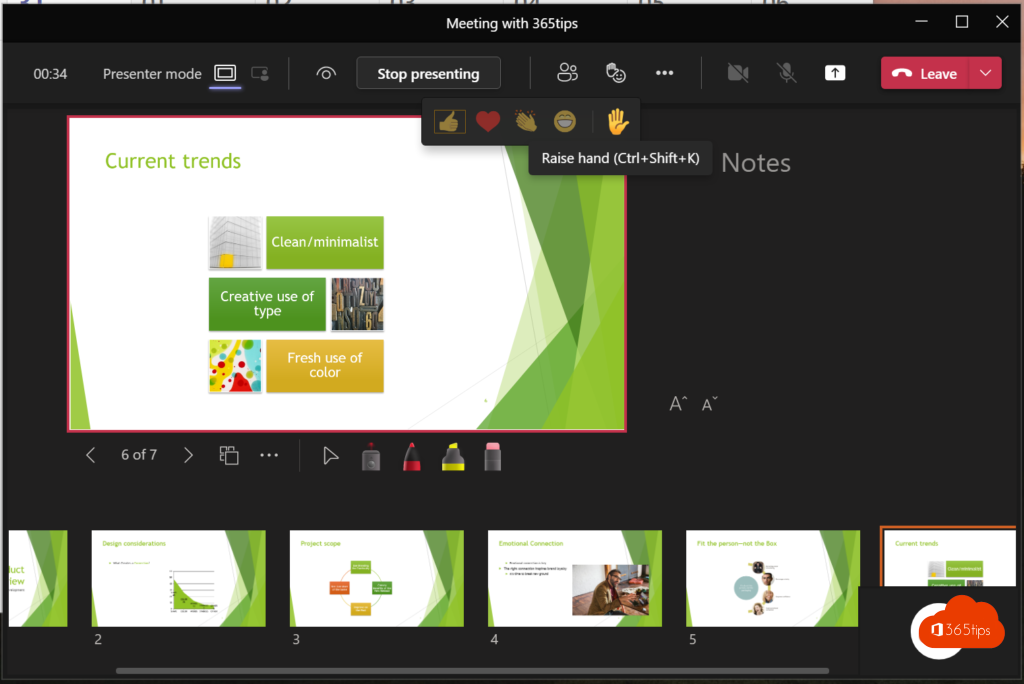
- Select React at the top > Raise hand.
- Or use the shortcut Ctrl + Shift + K (Mac: Cmd + Shift + K).
- On your phone, tap More (...) > Raise hand.
A yellow hand appears next to your name and in your video tile. Select Lower hand when you're done.
For the organizer
- Open People. Attendees with a raised hand are listed at the top, in order.
- Give the first person the floor and lower their hand via More options > Lower hand, or choose Lower all hands.
- Attendees can't unmute? Select Allow mic next to their name. Read mute everyone.
Lower automatically
Teams can lower your hand automatically once you've spoken. Look for this option in your meeting settings.
Tips
- Agree at the start that everyone raises a hand for questions. It works especially well in a class or webinar.
- Questions that don't need an immediate answer? Use Q&A.
- Put the speaker front and centre with Spotlight.
Read also
Use Spotlight in Microsoft Teams to feature the speaker
Mute everyone in a Microsoft Teams meeting
Collect questions with Q&A in Microsoft Teams meetings
Nederlandstalige versie: Je hand opsteken in een Microsoft Teams-vergadering
More in English
▸Use Spotlight in Microsoft Teams to feature the speakerFeature a speaker for everyone with Spotlight in Teams. Up to seven people, spotlighting yourself and the…
▸Everything about breakout rooms in Microsoft TeamsCreate breakout rooms in a Teams meeting, assign attendees, set a timer, use room managers and bring everyone…
▸Turn live reactions on or off in Microsoft Teams meetingsTurn off reactions in a Teams meeting: beforehand or during the meeting in meeting options, just for…
▸The most useful Microsoft Teams keyboard shortcuts for Windows and MacThe most useful shortcuts for the new Teams app: navigation, chat, mute, camera, raise hand and screen…