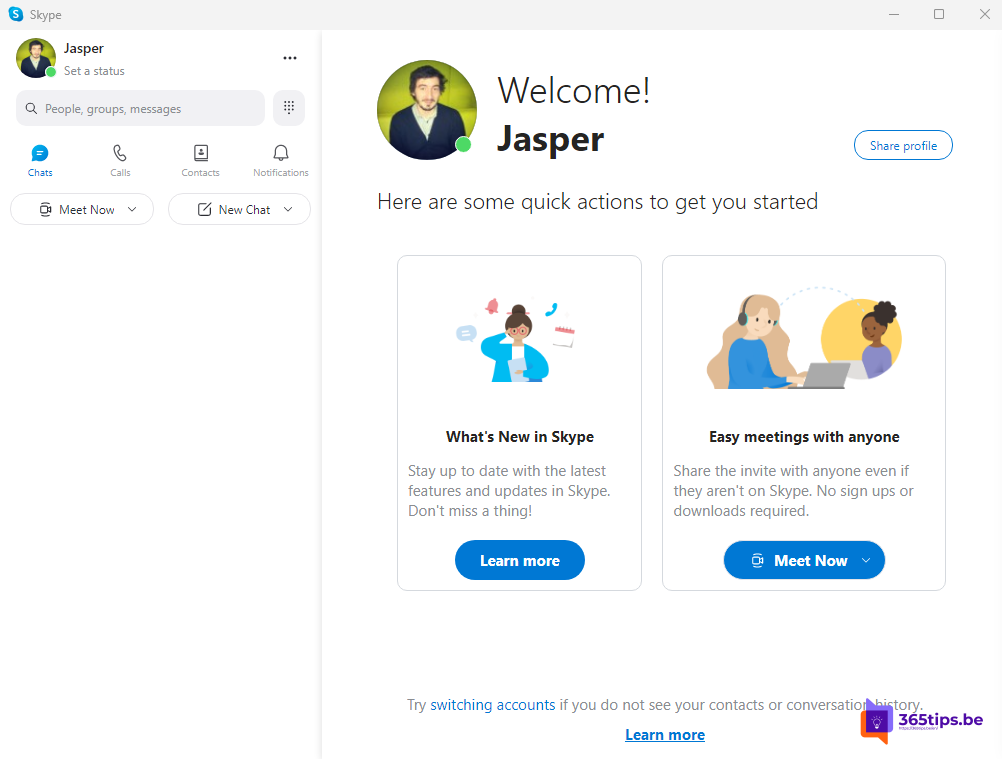
Looking for Skype for Windows 11? Microsoft retired Skype on 5 May 2025. You can no longer download or use it. Instead, Microsoft offers Microsoft Teams (free): sign in with the same Microsoft account and your contacts and chats are there. This article shows how to switch to Teams, what happened to your data and which alternatives exist.
What happened to Skype?
- Skype stopped working on 5 May 2025. The apps are gone from the stores.
- Before that date users could sign in to Teams (free) with their Skype account; their contacts and chat history came along.
- Paid features such as Skype Credit and Skype Numbers have been discontinued.
- Microsoft offered a period to export your Skype data (chats, files). Check Microsoft's support page to see whether that's still possible for your account.
Switch to Microsoft Teams (free)
- Teams (free) is often already installed on Windows 11. Search for Teams in the Start menu. Otherwise download it from the Microsoft Store or microsoft.com/microsoft-teams/free.
- Open Teams and sign in with the same Microsoft account you used for Skype (email, phone number or Skype name).
- Your Skype contacts and earlier conversations appear in Teams, if your account was migrated before the shutdown.
- Install the Teams app on your phone too, so you're reachable anywhere.

Teams (free) at a glance
| Feature | Teams (free) |
|---|---|
| One-to-one chat and calls | Yes, including video, up to 30 hours |
| Group calls | Yes, up to 100 participants and 60 minutes |
| Inviting contacts without Teams | Yes, through a link; they can join from the browser |
| Calling landline and mobile numbers | No |
| Communities, shared calendar, storage | Yes, with 5 GB of OneDrive storage |
Teams (free) is meant for personal use. For work, use Teams with your work or school account. See create a free Microsoft Teams account.
Calling phone numbers
Used Skype to call landlines or mobiles cheaply? That's not possible in Teams (free). Alternatives are calling through your own mobile plan, or apps such as WhatsApp and Signal if the other person uses them.
Skype for Business?
Skype for Business Online was already retired in July 2021 and replaced by Microsoft Teams. If your employer still runs an old Skype for Business Server, that's a separate story; ask your IT department about moving to Teams.
Problems switching
- Your contacts aren't there: check that you sign in with exactly the same account. If you never opened Skype in Teams before the shutdown, your data may not have been migrated.
- Teams opens with your work account: select your profile picture > Add another account and choose your personal account.
Read also
How to create a free Microsoft Teams account
Disable, uninstall or block Microsoft Teams in Windows 11
How to remove a device from your Microsoft account or Microsoft 365 account
Nederlandstalige versie: Skype is gestopt: overstappen naar Microsoft Teams (gratis)