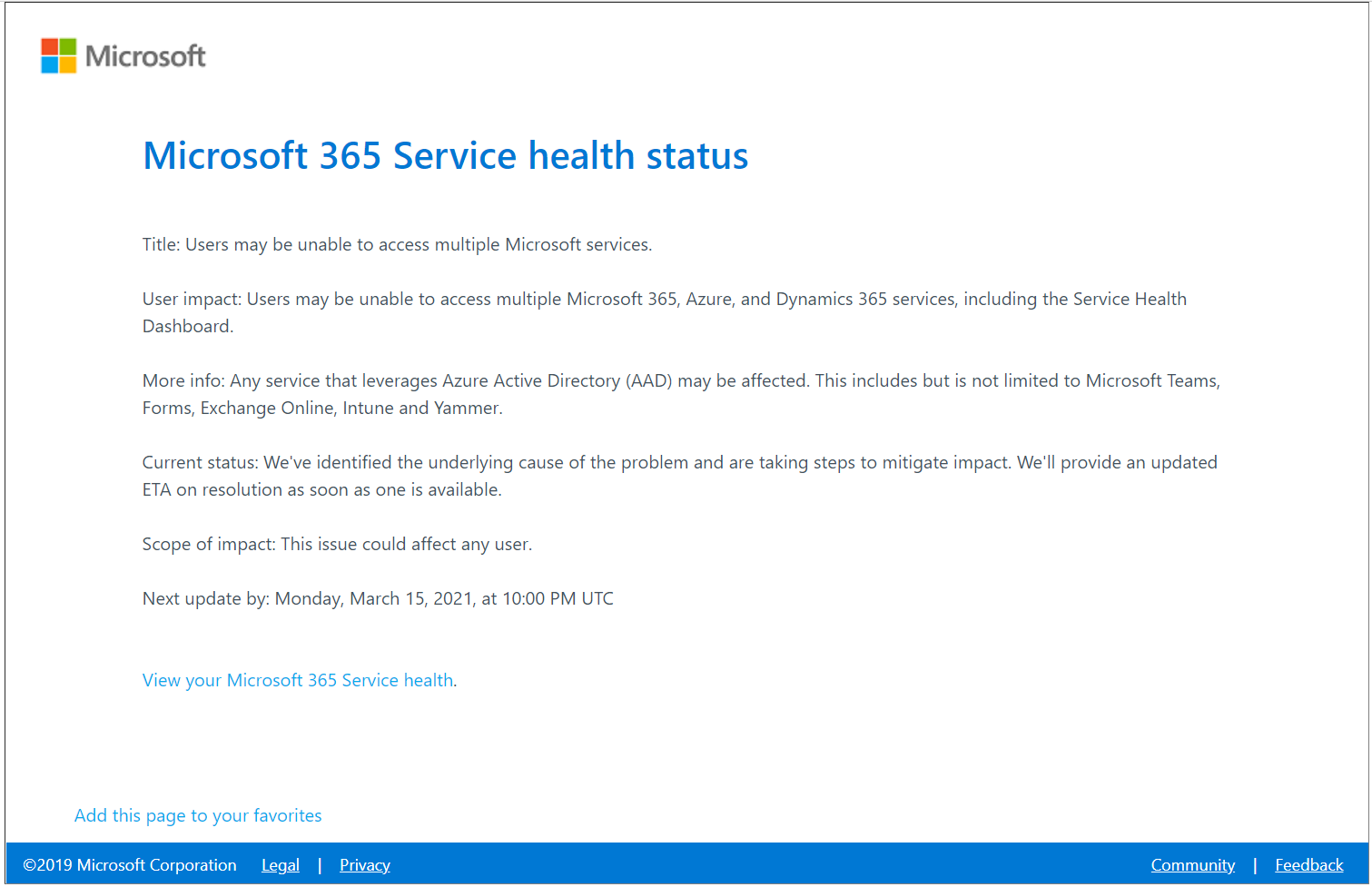
Even a large cloud service like Microsoft 365 sometimes goes (partly) down. It's usually brief, but it can bring your whole organization to a halt if you're not prepared. In this article you'll learn how to recognize an outage quickly, how to keep working and what to arrange in advance.
Is Microsoft 365 really down?
- Admins: Microsoft 365 admin center > Health > Service health. There you see incidents affecting your tenant.
- Everyone: the public page
https://status.cloud.microsoftand the @MSFT365Status account on X. - Home users with a personal Microsoft account find the status of Outlook.com, OneDrive and others on the consumer service status page.
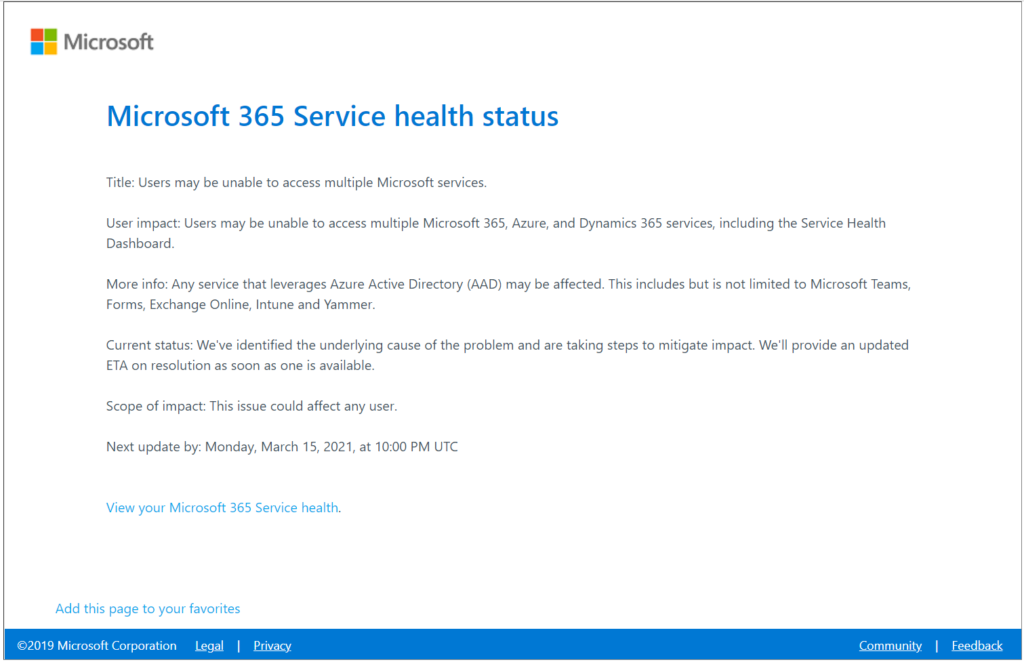
More details in check the status of Teams and Microsoft 365.
Keep working during an outage
With a little preparation, an outage is often manageable:
- Files offline: sync important libraries with the OneDrive app. You can keep working locally and changes sync later. Read sync Teams files with File Explorer.
- Desktop apps: Word, Excel and PowerPoint also work without a cloud connection. Save a local copy temporarily if needed.
- Outlook: in cached mode you still see your mail and calendar, even when Exchange Online is briefly unreachable. New messages wait in your Outbox until everything works again.
- If one app fails, try another route: the web version, the mobile app or the desktop app. Often only one component is affected.

What admins arrange in advance
- Communication plan: agree how you'll reach colleagues when Teams and email are down, for example by text message or a phone list.
- Notifications: have the admin center email you about new incidents.
- Emergency access: keep at least one break-glass admin account that doesn't depend on your normal sign-in method.
- Backup: Microsoft keeps your data available, but that's not a backup against mistakes or ransomware. Consider a backup solution for Exchange, OneDrive and SharePoint.
- Critical processes: identify which processes must never stop and plan an alternative.
What does Microsoft promise?
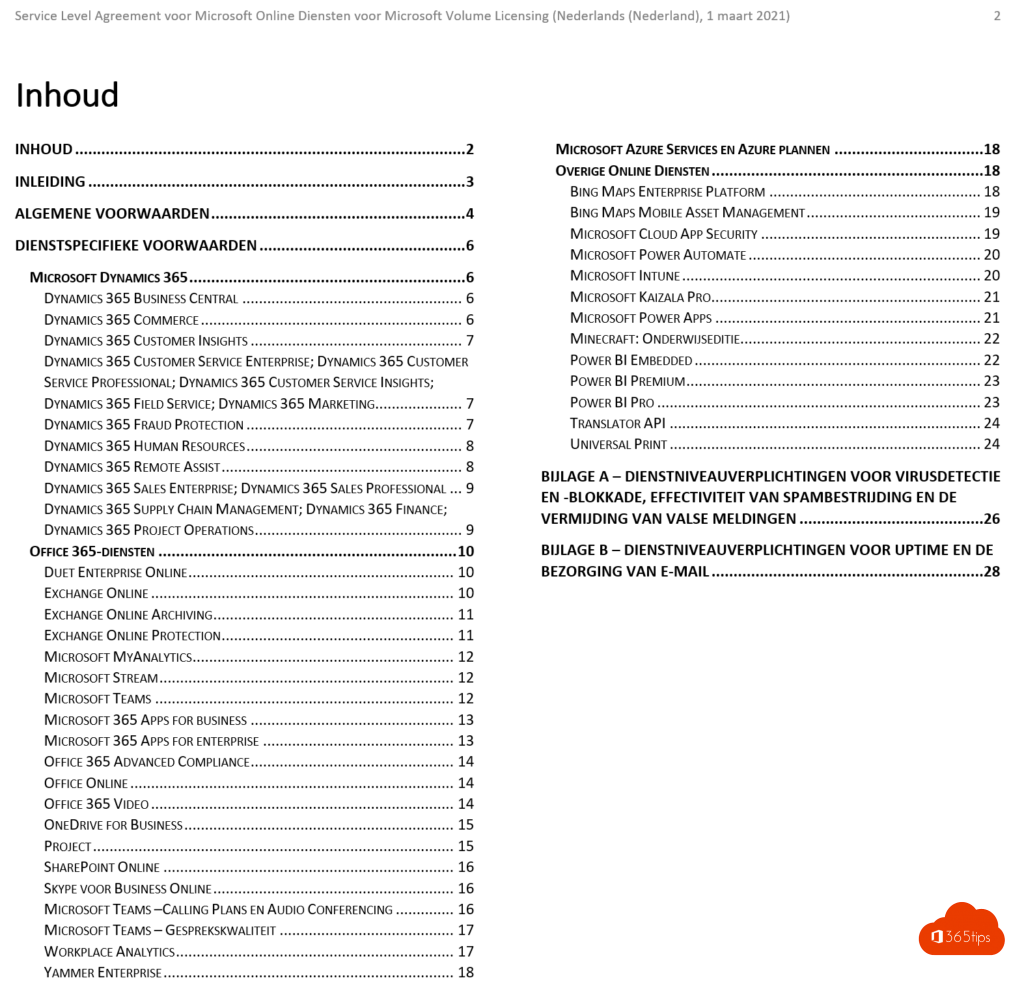
For most business Microsoft 365 services, Microsoft promises 99.9 percent availability per month, with financial compensation if that isn't met. The exact terms are in the Service Level Agreement (SLA) for Online Services, available through Microsoft's licensing documentation. As a customer you have to request compensation yourself.
So is the cloud still a good idea?
Yes. Your own datacenter fails too, and then you're on your own. In the cloud, Microsoft takes care of hardware, updates and recovery across multiple datacenters. Your job is mainly to know how to recognize an outage and to have a plan to keep working.
Also see back up your folders with OneDrive and where your Microsoft 365 data is stored.
Read also
Is Microsoft Teams down? How to check service health
Automatically back up your desktop, documents and pictures with OneDrive
Where is your Microsoft 365 tenant's data stored?
Nederlandstalige versie: Microsoft 365 is down: wat nu en hoe blijf je doorwerken?