SharePoint is the foundation under Teams, OneDrive and Lists. Without agreements you get sprawling sites, overshared files and outdated content. Good governance keeps SharePoint Online organized and secure. These are the most important settings.
1. Site creation and structure
- Decide who can create sites: SharePoint admin center > Settings > Site creation.
- Use hub sites to group sites by department or theme, with shared navigation.
- Choose clear site templates.
2. External sharing
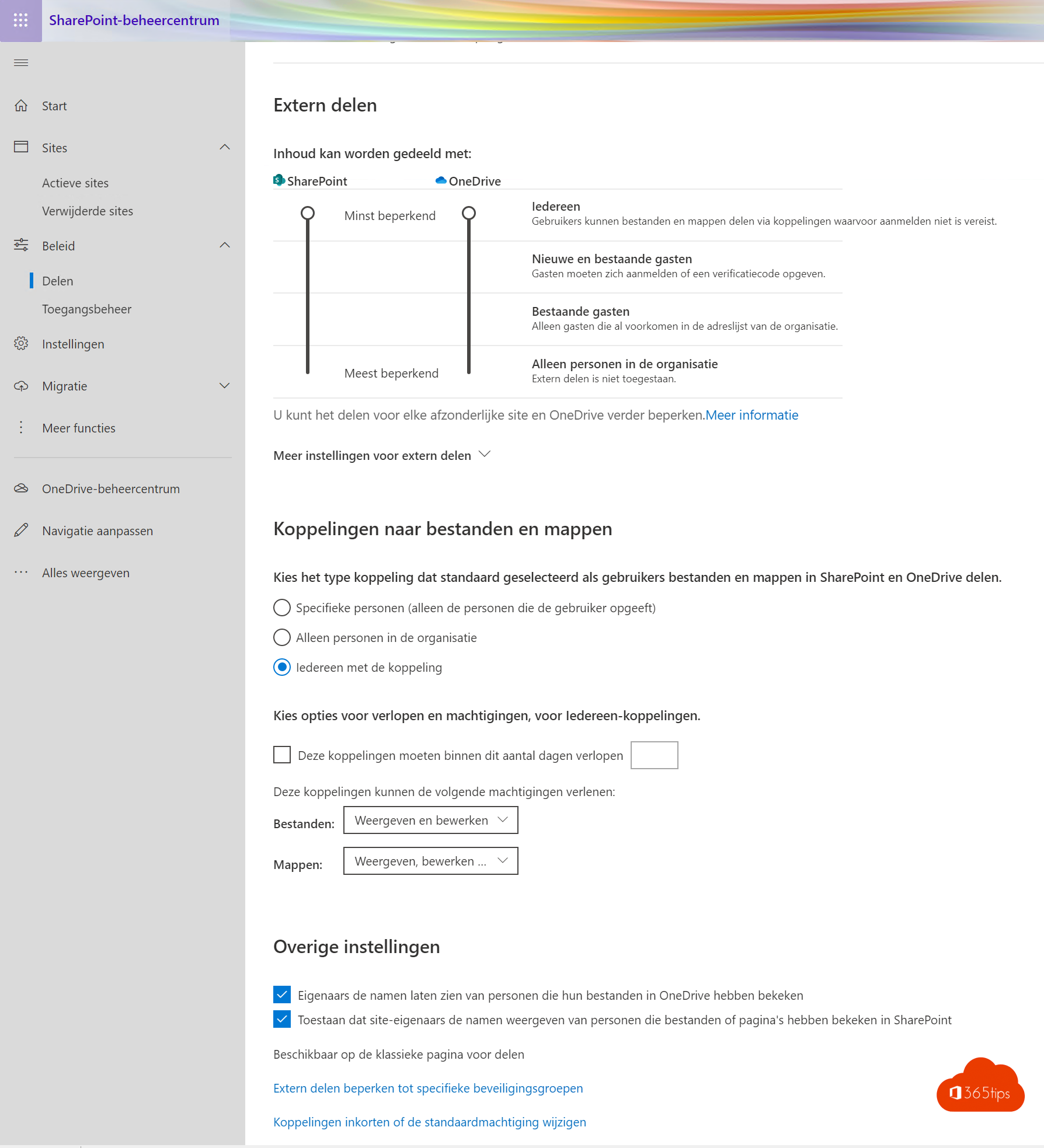
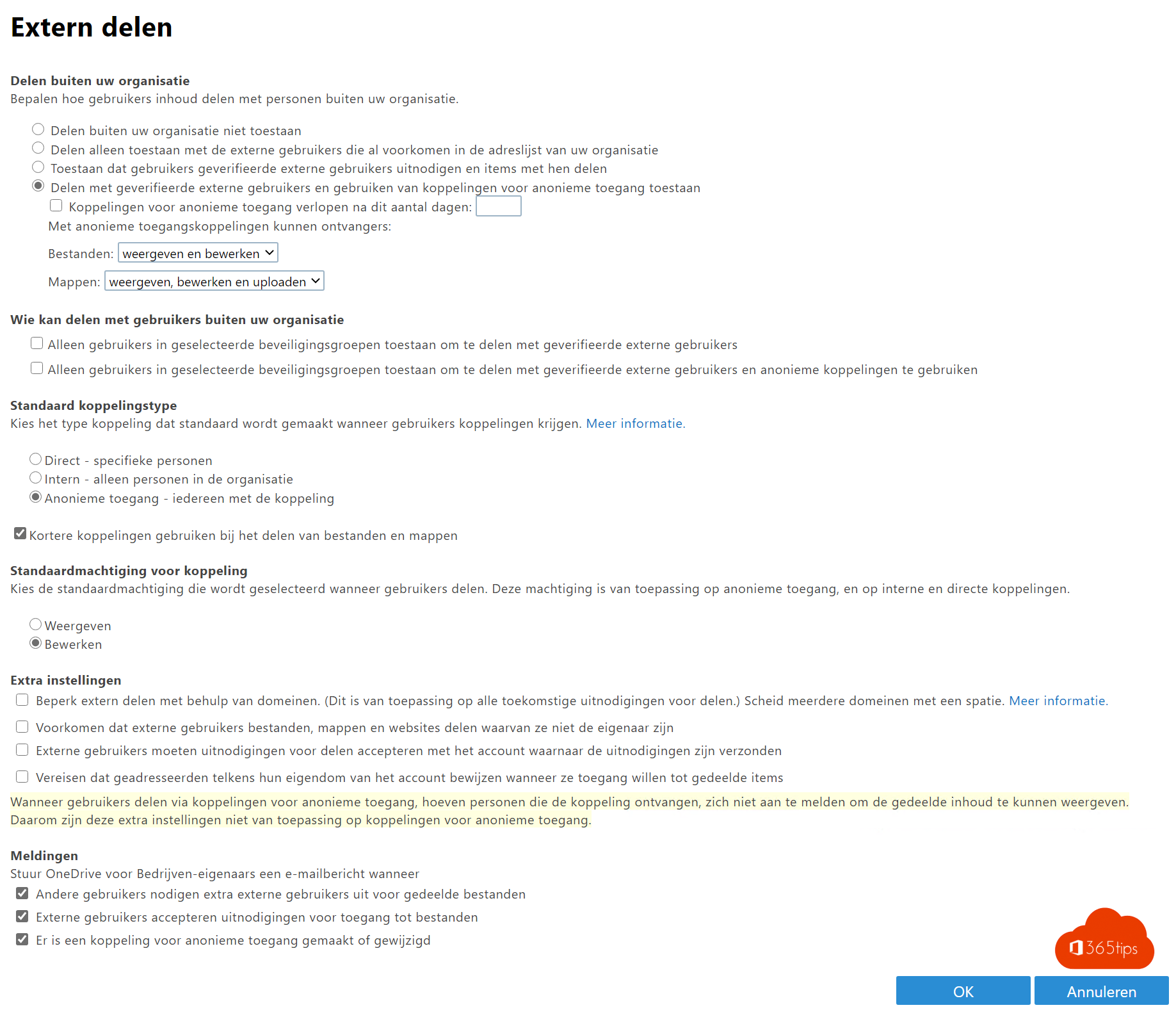
Under Policies > Sharing you choose the level for the whole organization, from Anyone (anonymous links) to Only people in your organization. Set the default link type to Specific people and make anonymous links expire after a number of days. Individual sites can be stricter.
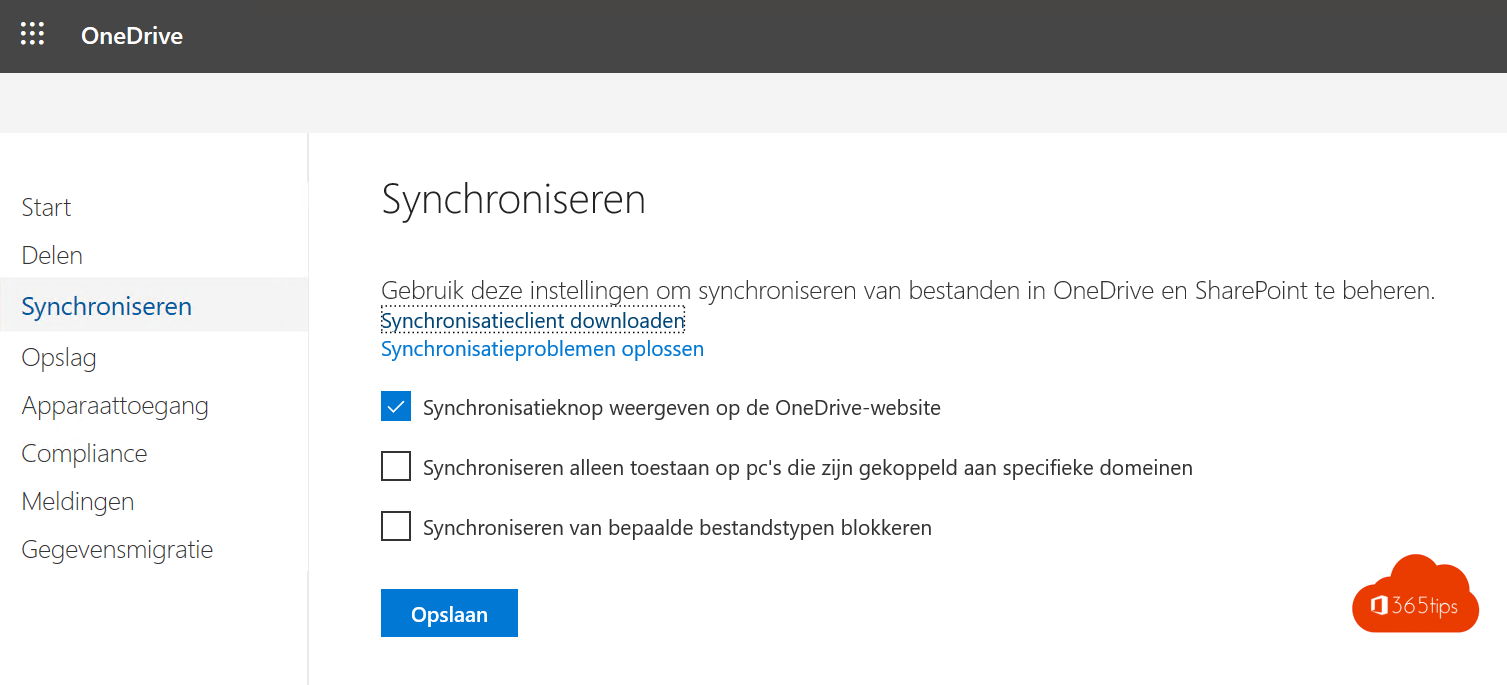
3. Device access
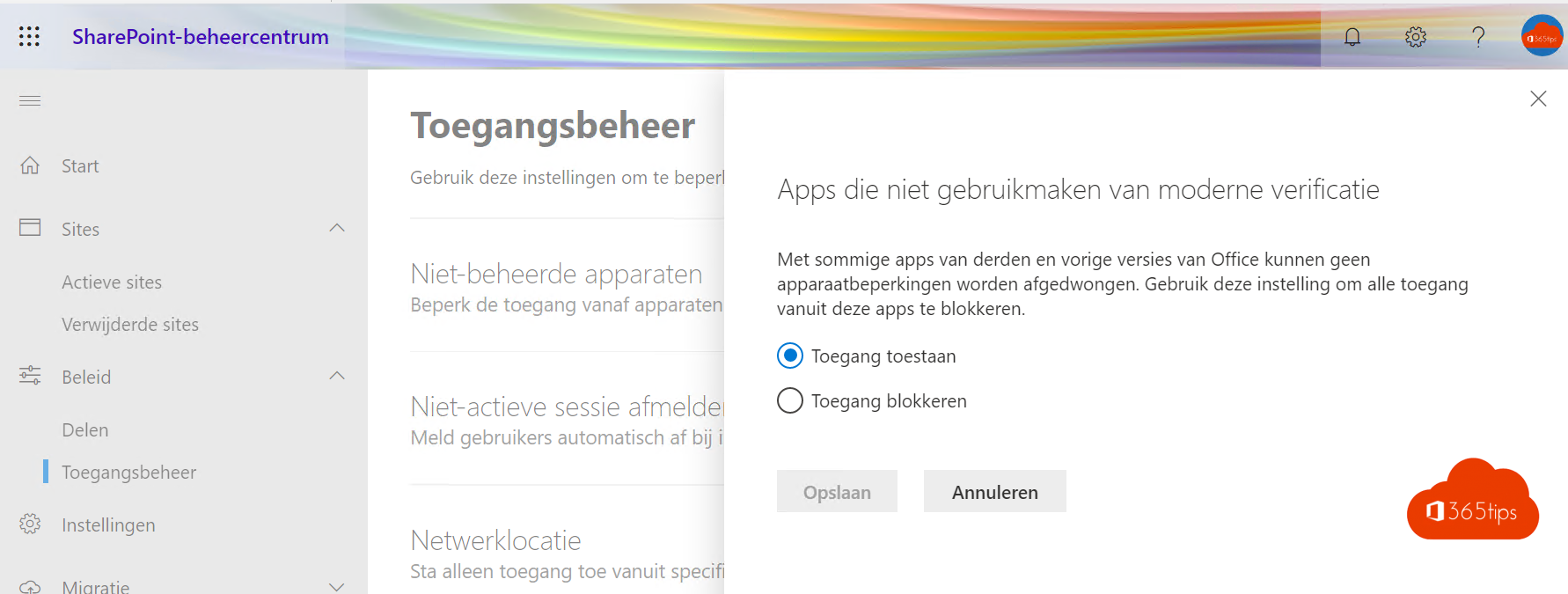
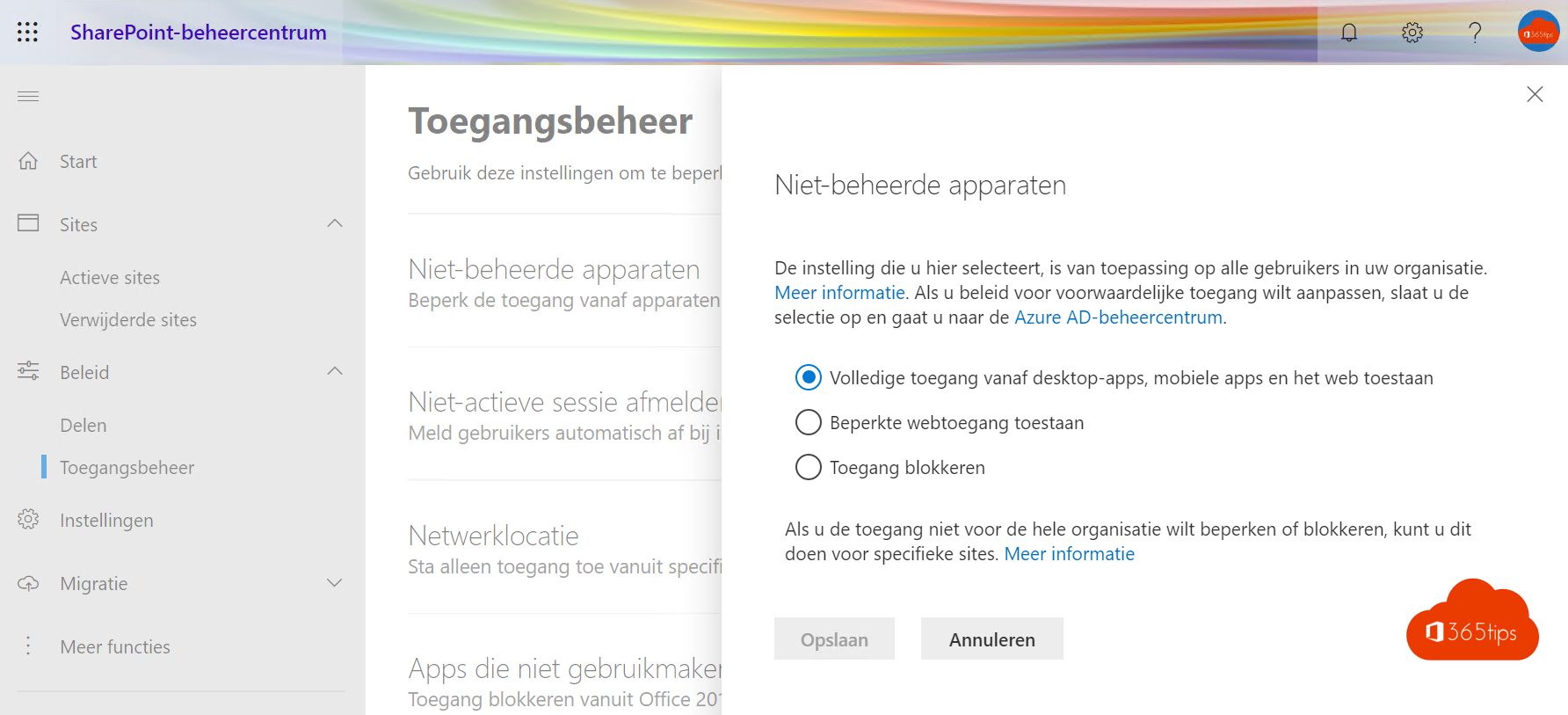
Limit access from unmanaged devices to the browser, without downloads. Read block downloads on unmanaged devices.
4. Labels and retention
- Use sensitivity labels for sites and files.
- Set retention policies so important documents don't disappear too soon and old content is cleaned up.
5. Ready for Copilot
Copilot shows everything a user has access to. So review overshared sites and files, for example with the data access governance reports in the SharePoint admin center. Also see OneDrive governance and sharing options greyed out.
Read also
Set up good governance for OneDrive for work
Block downloading Microsoft 365 files on unmanaged devices
Sharing options greyed out in Teams, SharePoint or OneDrive: how to fix it
Nederlandstalige versie: Een goede governance voor SharePoint Online inrichten