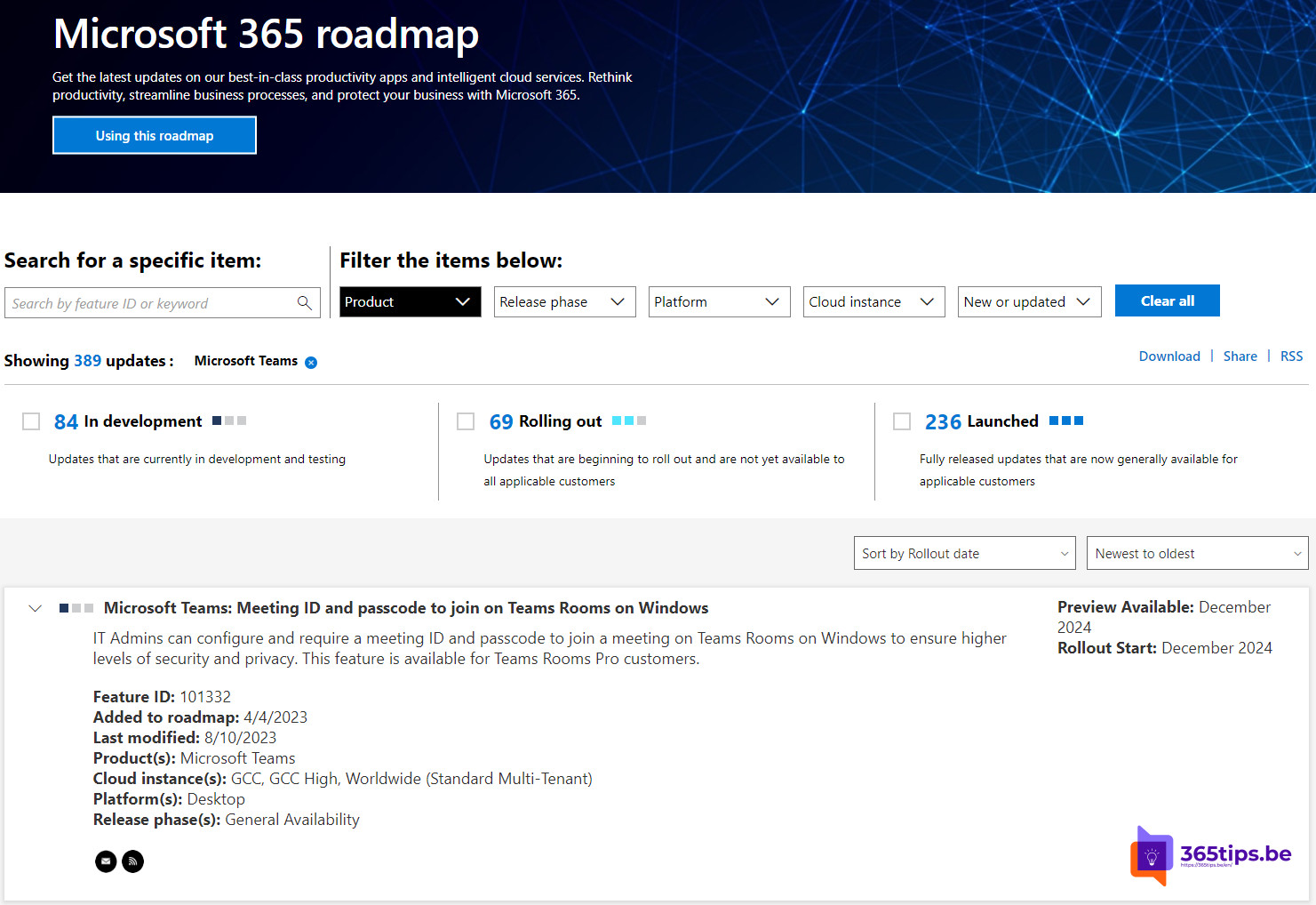
In a meeting room with Microsoft Teams Rooms and the meeting isn't on the room's calendar? Then you can join with the meeting ID and passcode from the invitation. Joining by ID and passcode was announced for Teams Rooms on Windows in 2023 and is available now. Which options you see may depend on the room's license (Pro or Basic) and software version.
How does it work?
Every Teams meeting gets a unique meeting ID and a passcode. You'll find them at the bottom of the invitation, under the join link. Knowing the ID isn't enough: you also need the code. That makes it harder to just drop into a meeting.
Join from the room
- On the room's touch console, tap Join or Join with an ID. The exact name can differ.
- Enter the meeting ID.
- Enter the passcode and confirm.
- The room joins the meeting, possibly via the lobby first.
Other ways to add a room
- Invite the room as a room in the Outlook or Teams invitation. The meeting then appears on the screen.
- Use Proximity Join from your laptop or phone to add the room.
- Cast content from your phone to the room's screen.
For admins
- Keep your Teams Rooms software up to date via the Teams Rooms Pro Management portal or the Teams admin center.
- Use lobby settings to control who gets in directly.
- Check which features come with your license before promising them to users.
Also see join a Teams meeting with ID and passcode and cast to a Teams Room.
Read also
Join a Teams meeting with a meeting ID and passcode
Cast content from your phone to a Microsoft Teams Room
Who can bypass the lobby in Microsoft Teams: every option explained
Nederlandstalige versie: Deelnemen met vergaderings-ID en toegangscode op Teams Rooms