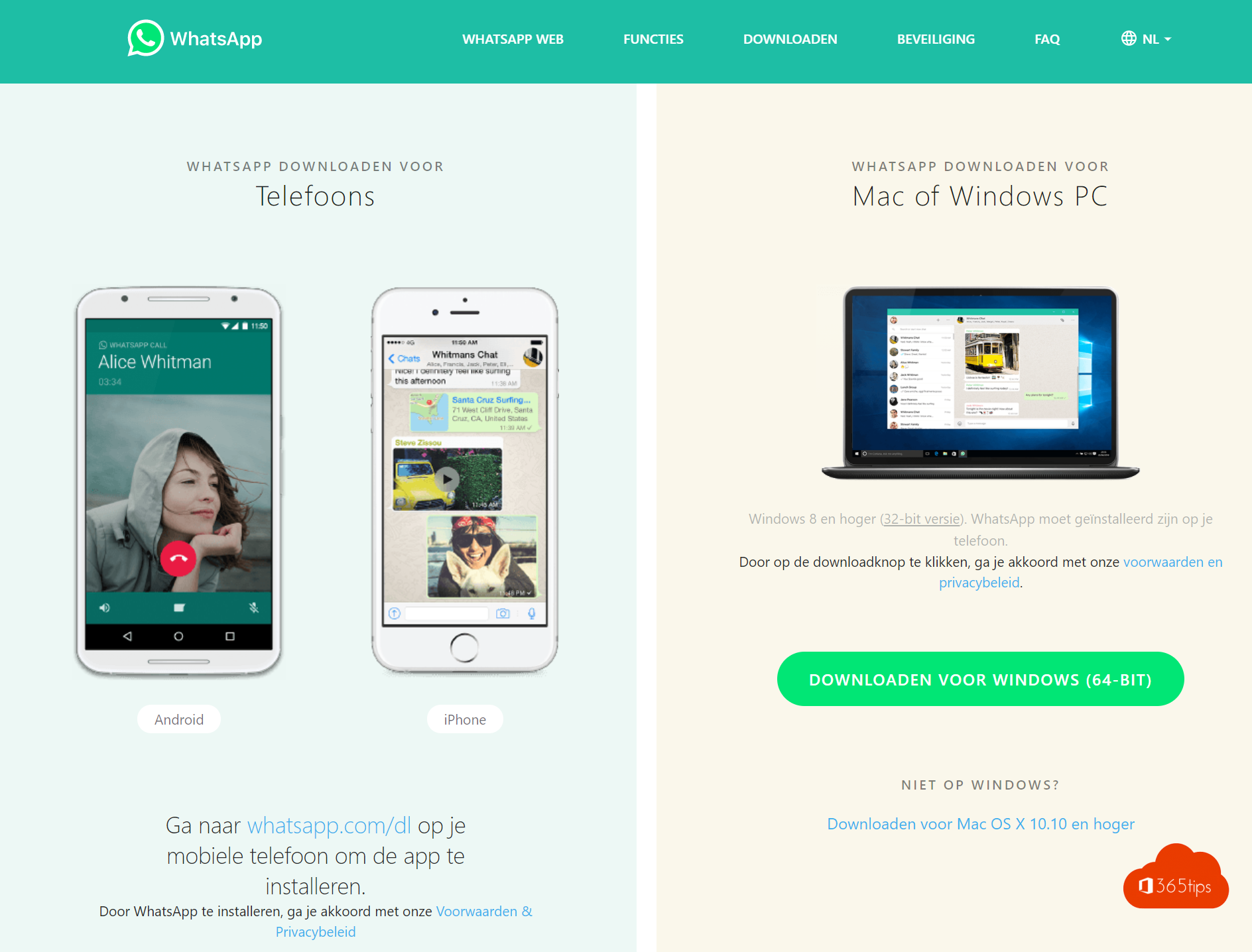
WhatsApp isn't just for your phone. With the official app for Windows (from the Microsoft Store) and Mac (from the App Store) you chat, call and share files from your computer, and your phone no longer needs to be online. Here's how to install the app, and how to choose between WhatsApp and Microsoft Teams.
Install WhatsApp
On Windows 10 or 11
- Open the Microsoft Store and search for WhatsApp. Or go to whatsapp.com/download.
- Click Install (or Download) and open the app.
On a Mac
- Open the App Store and search for WhatsApp Messenger, or download the app from whatsapp.com/download.
- Install the app and open it from the Applications folder.

Link your computer to your phone
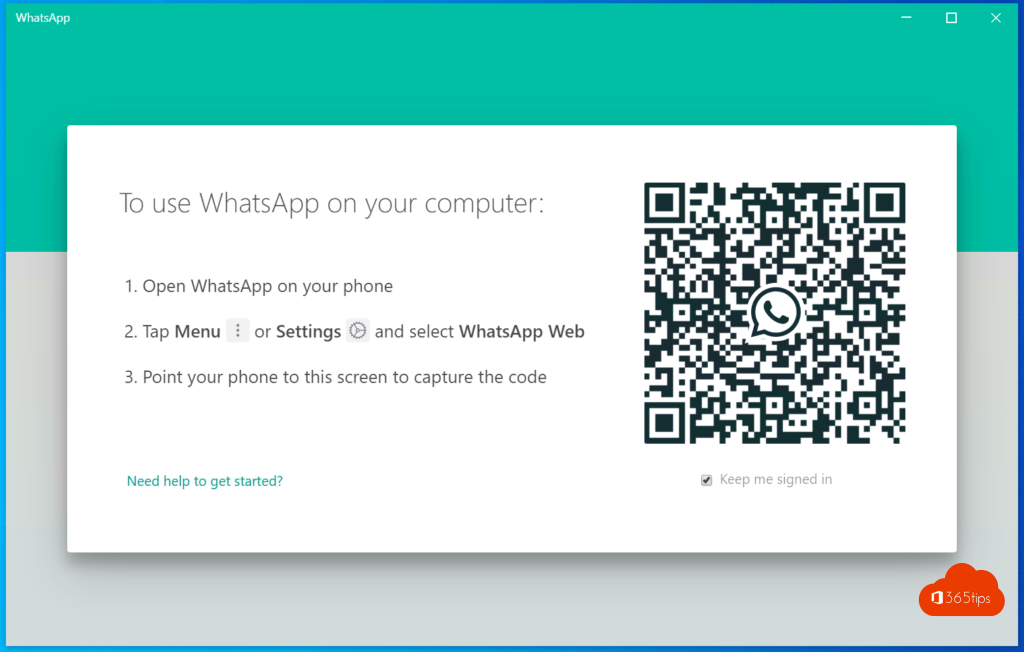
- Open WhatsApp on your computer. You'll see a QR code.
- Open WhatsApp on your phone:
- iPhone: Settings > Linked devices.
- Android: three-dots menu > Linked devices.
- Tap Link a device and scan the QR code.
Your chats appear after a few moments. You can link several computers. If scanning doesn't work, the app sometimes also offers to link with your phone number.

What can you do with the desktop app?
- Chat and share files with drag and drop.
- Make voice and video calls.
- Get notifications, even when your browser is closed.
Prefer not to install an app? Use web.whatsapp.com in your browser. More tips are in 12 tips for WhatsApp Web and the desktop app.
WhatsApp or Microsoft Teams?
WhatsApp is handy for quick messages with friends and family. For work, Microsoft Teams is often the better choice:
| Microsoft Teams | ||
|---|---|---|
| Account | Your phone number | Work account or personal Microsoft account |
| Files | Copies you send around | Co-authoring one file via OneDrive and SharePoint |
| Meetings | Group calls | Meetings with calendar, recordings and screen sharing |
| Management | Personal | Managed by your organization |
Also see Microsoft Teams vs WhatsApp compared and how to install Signal for secure messaging.
Read also
Microsoft Teams vs WhatsApp: when to use which app
WhatsApp Web and the desktop app: 12 tips and tricks
Install Signal and set it up securely on your phone and computer
Nederlandstalige versie: WhatsApp installeren op je Windows-pc of Mac (of toch Teams?)