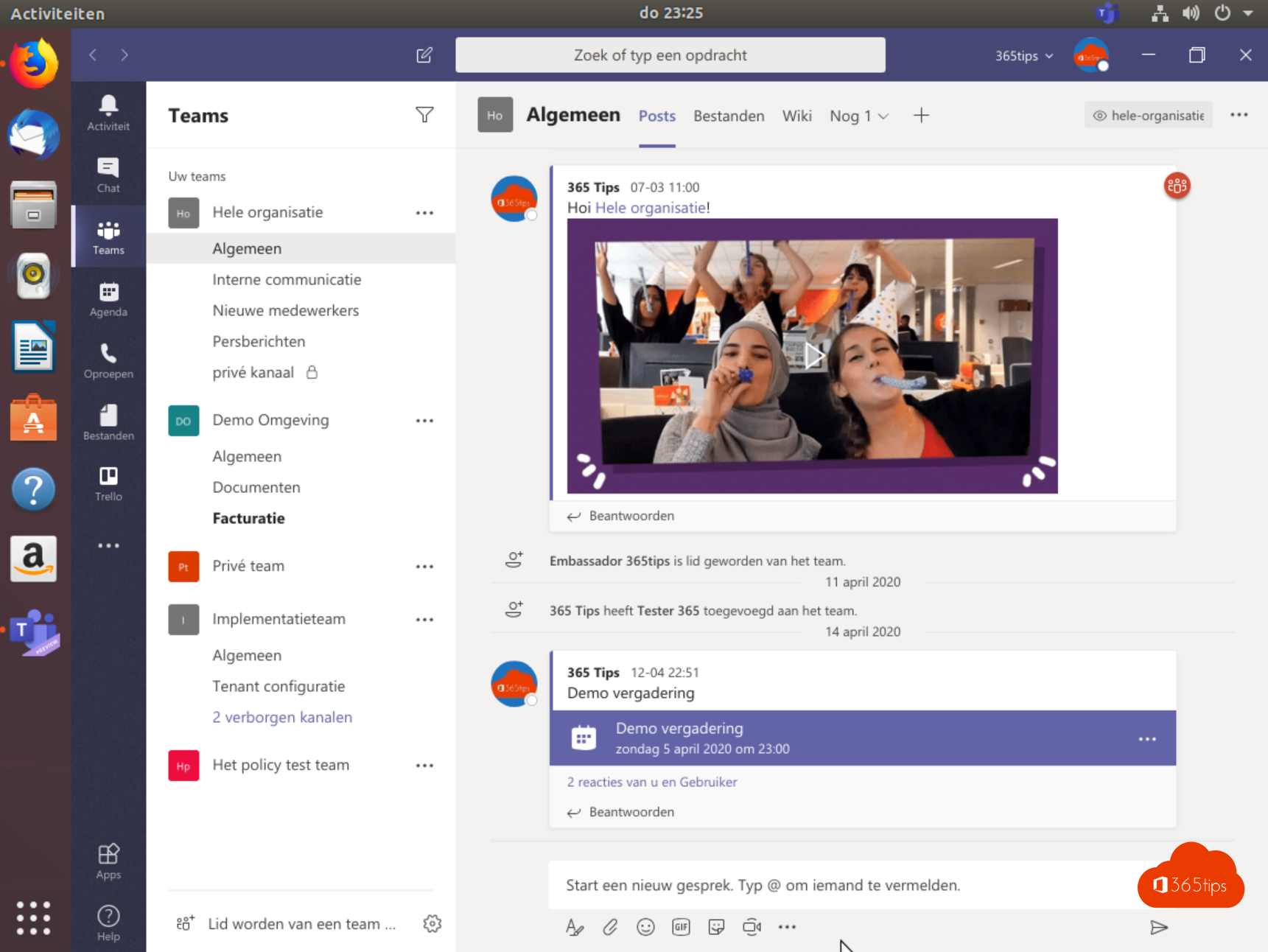
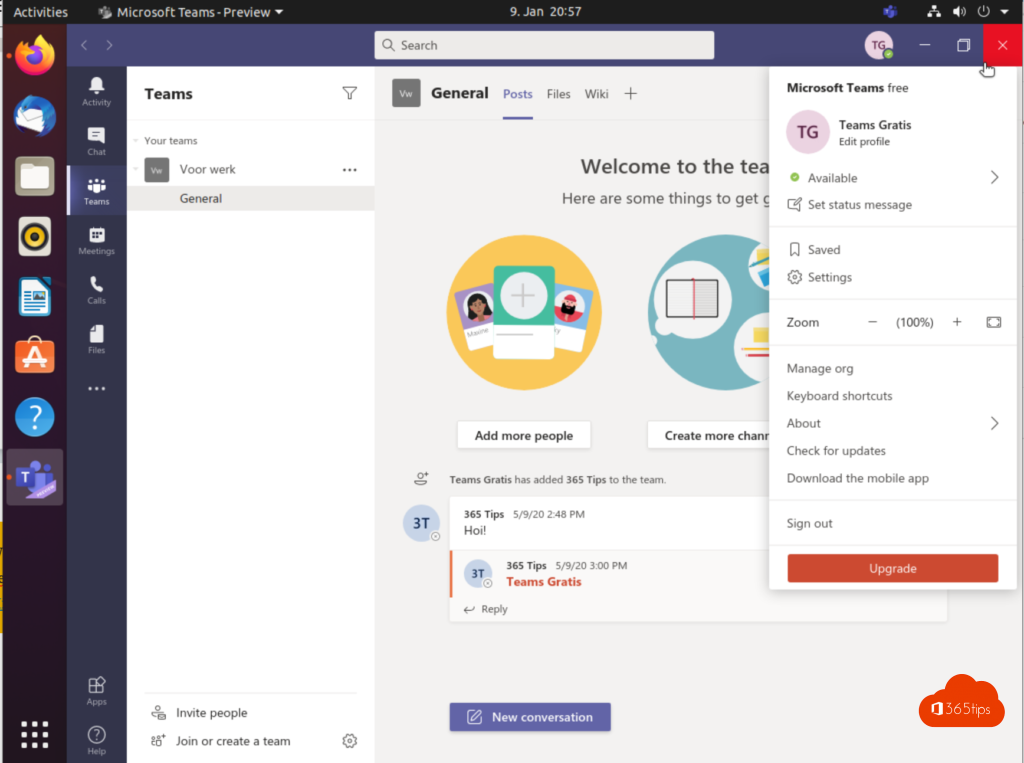
Working on Ubuntu or another Linux distribution and need Microsoft Teams? The old Teams app for Linux is gone: Microsoft retired it at the end of 2022. Today you use Teams on Linux as a web app (PWA) in Microsoft Edge or Google Chrome. It works almost like the Windows app, with notifications, its own window and an icon in your menu. This article shows how to install it, what works and what doesn't, and how to fix camera or microphone problems.
Your options on Linux
| Option | Official? | Note |
|---|---|---|
| Teams web app (PWA) in Edge or Chrome | Yes | Recommended: own window, notifications, background effects |
| Teams in a browser tab | Yes | Works, but gets lost among your other tabs |
| Old teams_*.deb app | No, retired | Don't use it: no updates, sign-in can fail |
| Community clients such as teams-for-linux | No | Open source, not from Microsoft; check that your organization allows it |
Step 1: Install Microsoft Edge
- Go to microsoft.com/edge and download the Linux version (.deb for Ubuntu and Debian, .rpm for Fedora and openSUSE).
- Open the file and select Install, or install it from a terminal:
sudo apt install ./microsoft-edge-stable_*_amd64.deb
The installation adds Microsoft's package repository, so Edge updates with sudo apt upgrade. If you prefer Google Chrome, the rest of this article works the same way.
Step 2: Install Teams as an app
- Open Edge and go to teams.microsoft.com.
- Sign in with your work or school account.
- Select the App available - Install Microsoft Teams icon in the address bar, or go to ... > Apps > Install this site as an app.
- Select Install. Teams opens in its own window and appears in your applications menu. Right-click the icon in the dock to pin it.

What works and what doesn't?
- Works: chat, channels, files, video meetings, screen sharing, background blur and custom backgrounds, live captions, notifications.
- Limited: screen sharing under Wayland asks for permission through the system dialog each time; on older systems only sharing a tab or window works.
- Not available: features that need a local installation, such as the add-in for classic Outlook.
Camera, microphone or notifications don't work
- Select the padlock in the Teams address bar and set Camera, Microphone and Notifications to Allow.
- In Ubuntu's Settings > Privacy, check that the browser has access to camera and microphone.
- If Edge or Chrome is installed as a Snap or Flatpak, permissions can be more limited. The vendor's .deb package usually works best.
- Screen sharing fails under Wayland? Pick an Xorg session on Ubuntu's login screen, or update to a recent release with PipeWire.
Read also
Disable, uninstall or block Microsoft Teams in Windows 11
Work in multiple windows with Microsoft Teams
Black screen when sharing your screen in Microsoft Teams: causes and fixes
Nederlandstalige versie: Microsoft Teams installeren en gebruiken op Ubuntu en Linux