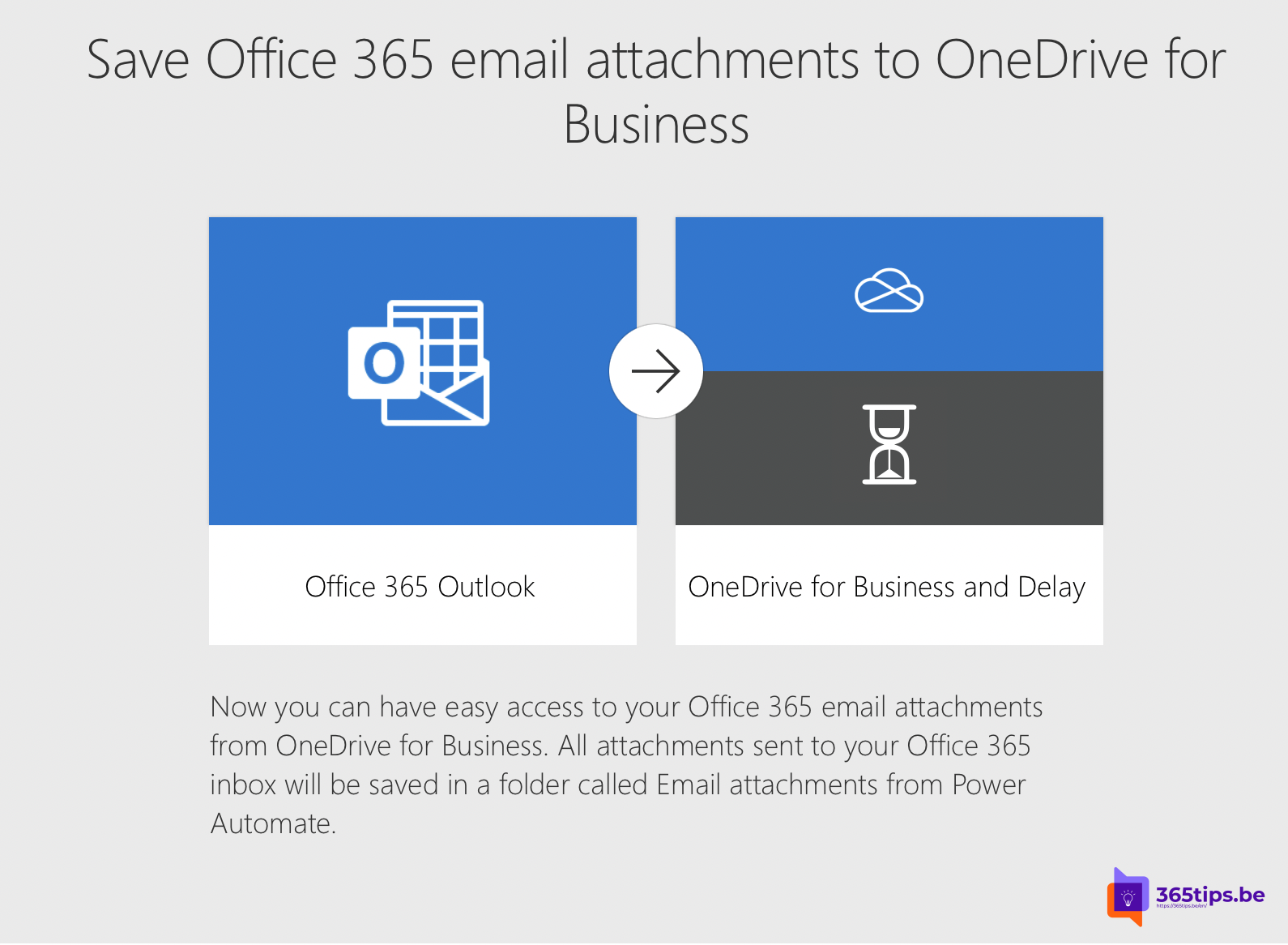
Finding attachments in a full mailbox takes time. With Power Automate, every attachment you receive is saved automatically to a folder in OneDrive. Invoices, quotes and documents end up in one place where you can search and share them, and your mailbox stays smaller. This article shows how to build the flow in a few minutes.
Quick start with a template
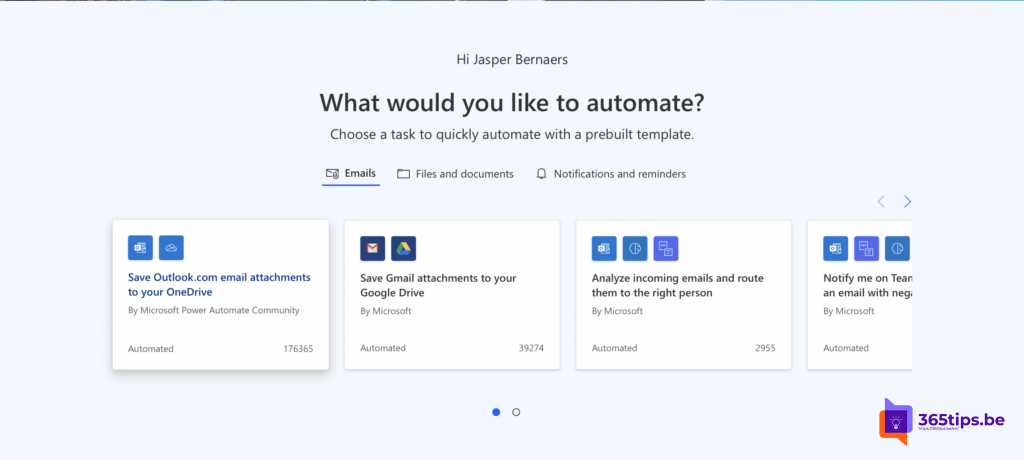
- Go to make.powerautomate.com and sign in with your work account.
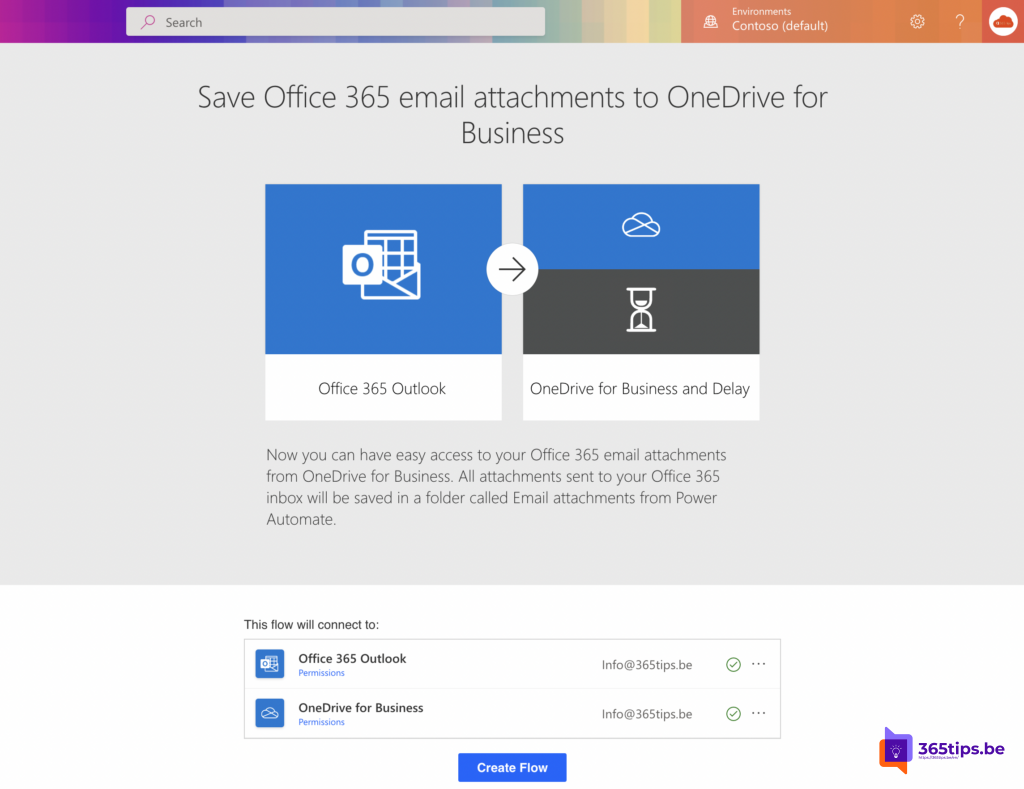
- Under Templates, search for Save Office 365 email attachments to OneDrive for Business.
- Check the connections to Office 365 Outlook and OneDrive for Business and select Continue.
- Pick the folder for the attachments, for example /Email attachments, and save the flow.
Build the flow yourself
For more control, create an automated cloud flow:
- Trigger: When a new email arrives (V3). Set Only with Attachments and Include Attachments to Yes. Optionally filter on folder, sender or subject.
- Action: Apply to each on the Attachments list.
- Inside it: Create file (OneDrive for Business). Folder path: /Email attachments, file name: Attachments Name, content: Attachments Content.
Tips to keep it tidy
- Signature logos count as attachments too. Add a condition: Attachments Is Inline is equal to false.
- Same file name? Put the date in the folder path, for example with the expression formatDateTime(utcNow(),'yyyy-MM'), or add the sender to the name.
- Create a separate flow per type, for example only emails from your accounting tool into an Invoices folder.
- Working as a team? Save attachments to the team's SharePoint library instead of your own OneDrive.

Is the flow working?
Send yourself an email with an attachment and open the flow. Under Run history you see whether each step succeeded. If something failed, select the run to see which step went wrong.
Want to build an app on top of your data next? Read how to create a Power App from a SharePoint list.
Read also
Create a Power App from a SharePoint list
How to change the OneDrive storage of a single user
Share an Outlook email to a Teams chat or channel
Nederlandstalige versie: Zo sla je e-mailbijlagen automatisch op in OneDrive