Running a hybrid Exchange environment? Then you create new Exchange Online mailboxes from your on-premises Exchange, as a remote mailbox. The user is managed in Active Directory, the mailbox itself lives in the cloud. Note that Exchange 2016 and 2019 reached end of support in October 2025: use Exchange Server Subscription Edition (SE) or just the Exchange management tools. Azure AD Connect is now called Microsoft Entra Connect Sync.
1. Requirements
- You have a hybrid Exchange configuration, set up with the Hybrid Configuration Wizard.
- In Microsoft Entra Connect Sync, the Exchange hybrid deployment option is enabled. See set up Microsoft Entra Connect.
- You have an Exchange server (SE) or the Exchange management tools with the Exchange Management Shell.
2. Create a remote mailbox
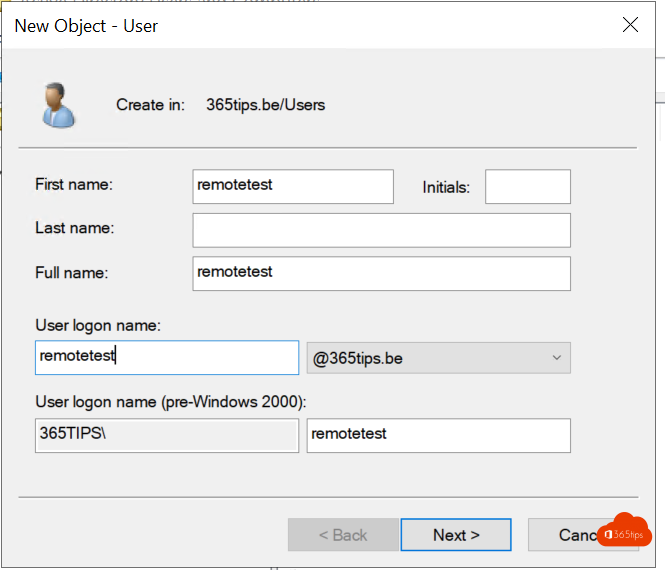
First create a user in Active Directory, or use an existing account without a mailbox.
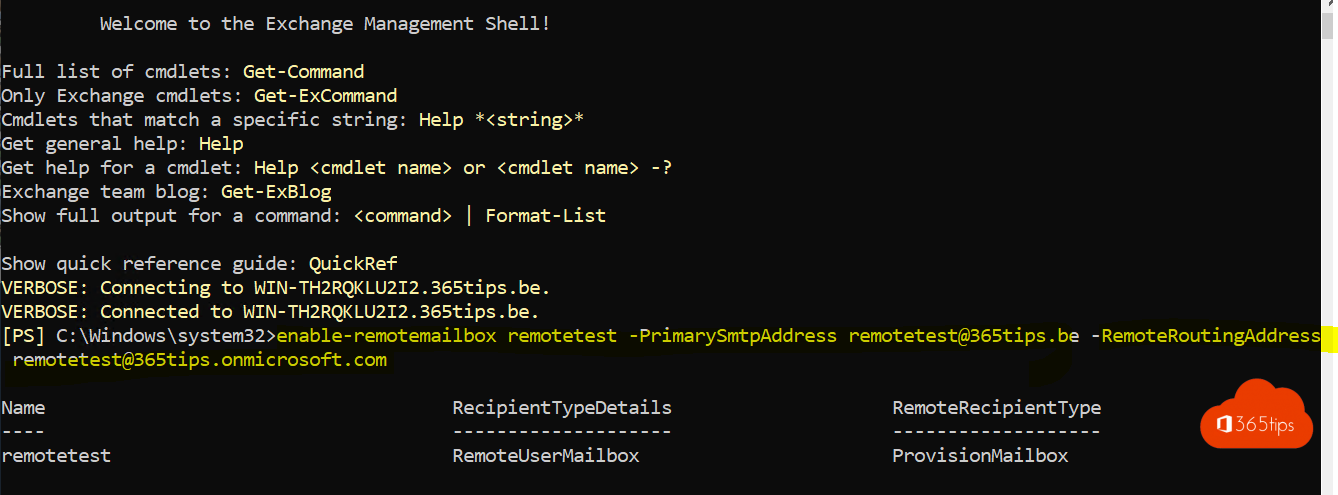
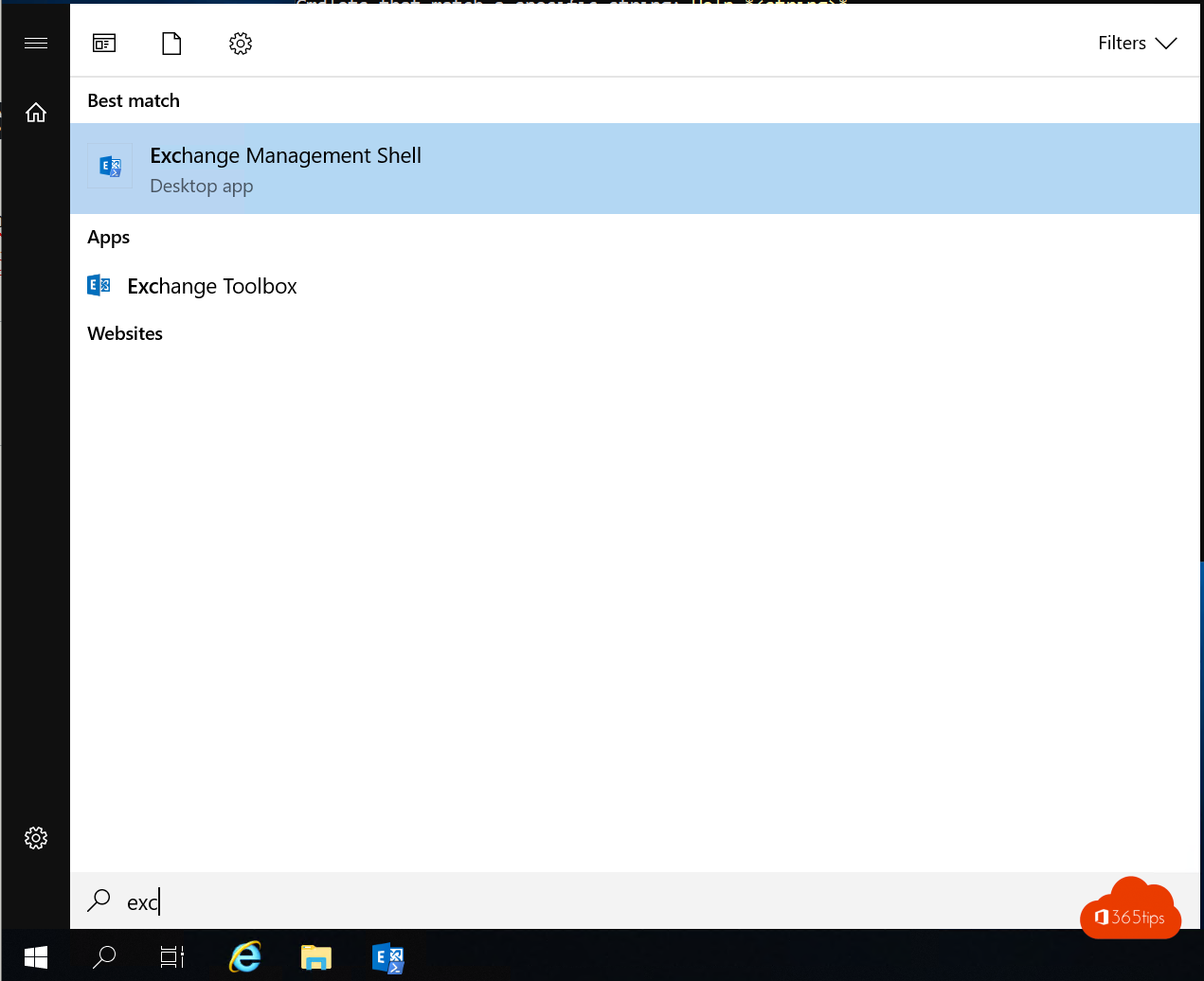
Open the Exchange Management Shell and give the user a mailbox in Exchange Online:
Enable-RemoteMailbox remotetest -PrimarySmtpAddress remotetest@365tips.be -RemoteRoutingAddress remotetest@365tips.mail.onmicrosoft.comThe routing address ends in .mail.onmicrosoft.com. The Hybrid Configuration Wizard creates that domain. If your organization has an email address policy, you can leave out -PrimarySmtpAddress.
Want to create the user and mailbox in one go? Use New-RemoteMailbox.
3. Run a sync
Wait for the next sync or start one yourself on your Entra Connect server:
Start-ADSyncSyncCycle -PolicyType Delta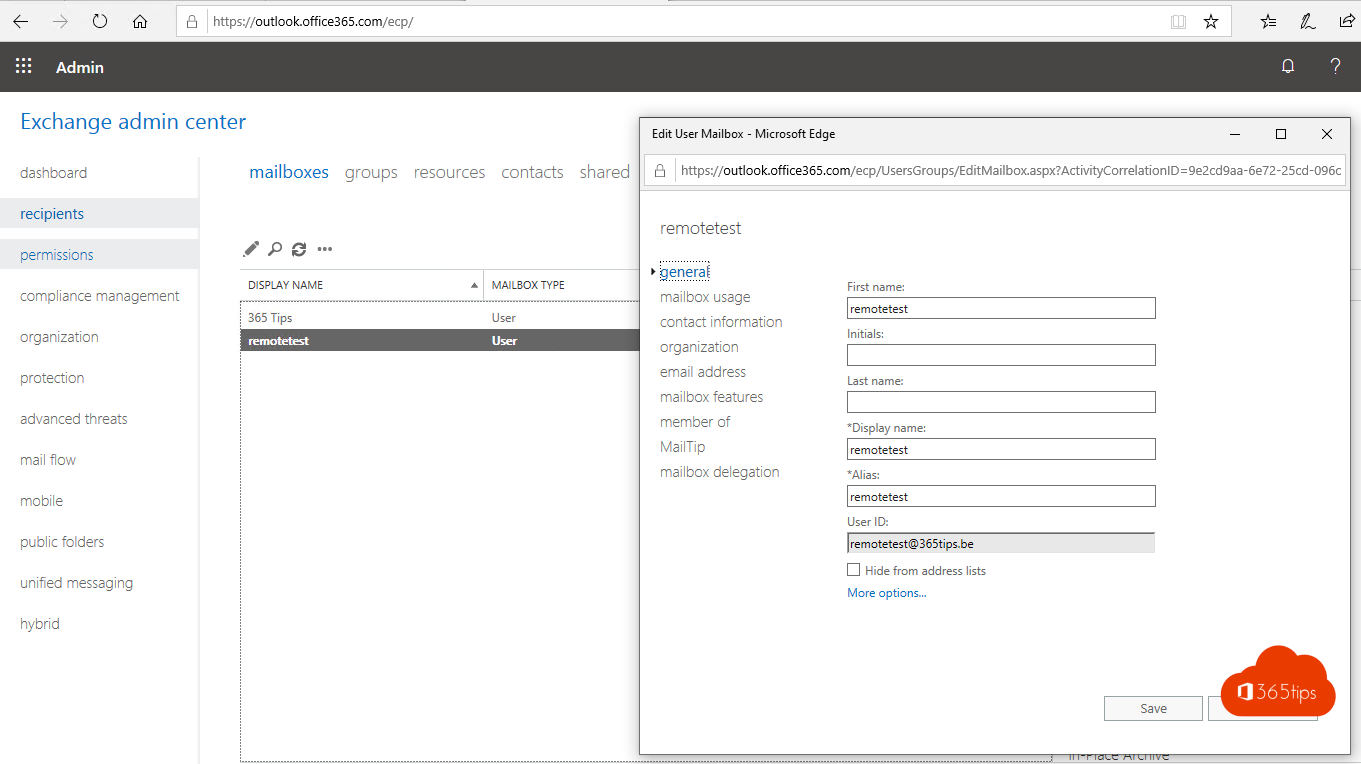
4. Assign a license
The mailbox is only created in Exchange Online once the user has a license that includes Exchange Online. Assign it manually or automatically via a group. Read how to assign licenses via groups.
5. Convert to a shared mailbox
- Open the Exchange admin center of Exchange Online (admin.exchange.microsoft.com).
- Go to Mailboxes, open the mailbox and choose Convert to shared mailbox.
- Then also change the type in your on-premises Exchange, so both sides match:
Set-RemoteMailbox remotetest -Type Shared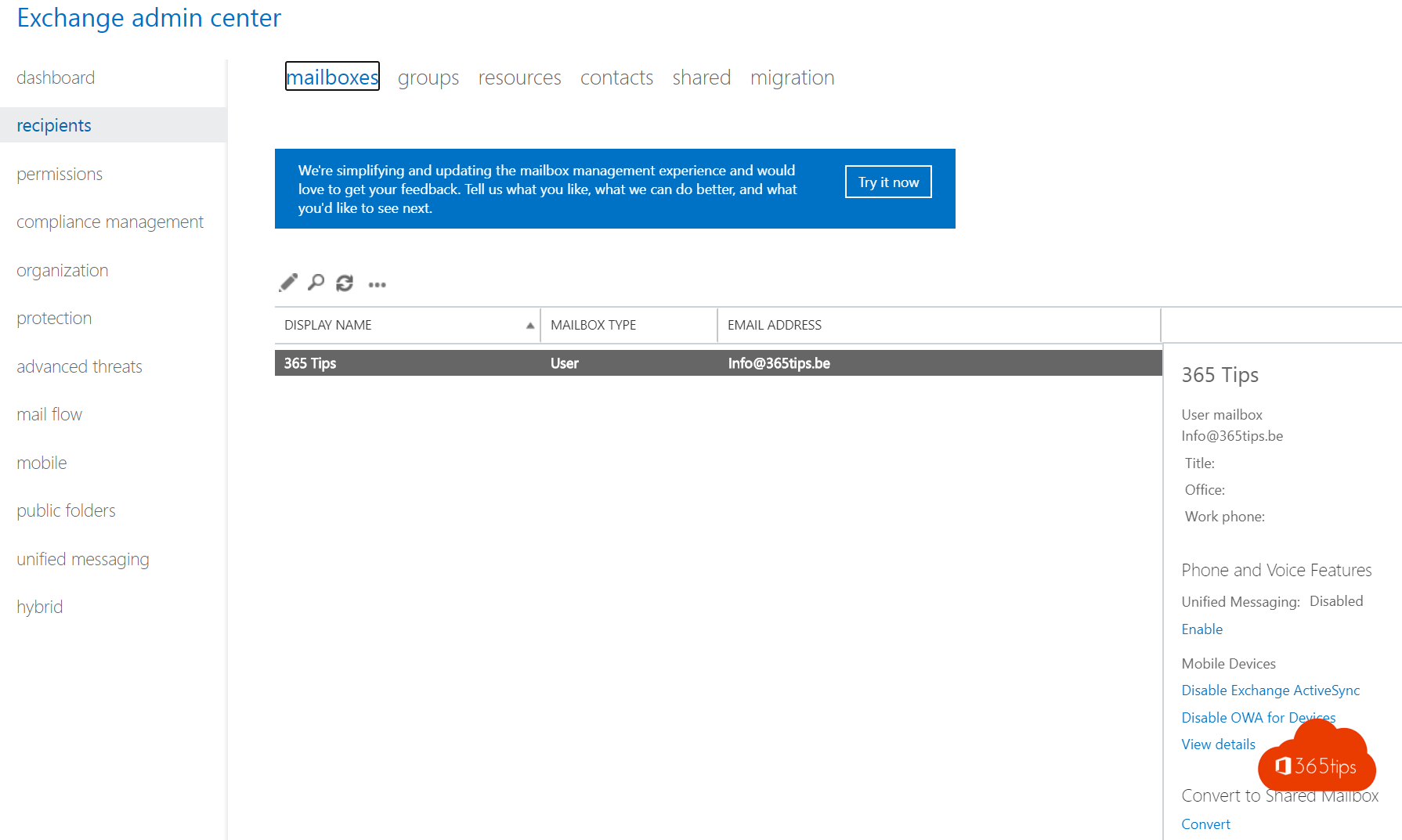
A shared mailbox usually doesn't need a license, unless you want more storage or an archive, for example.
Why a remote mailbox?
As long as you sync users from Active Directory, your on-premises environment is the source. With a remote mailbox, your on-premises Exchange knows the mailbox lives in the cloud. So you manage email addresses and properties in one place, also with scripts, and mail flow between both environments stays correct.
Also see add an email alias and migrate distribution groups with PowerShell.
Read also
Start a Microsoft Entra Connect sync manually
Install and configure Microsoft Entra Connect (Azure AD Connect)
Add an email alias in Microsoft 365, Exchange or Active Directory
Nederlandstalige versie: Een Exchange Online-mailbox maken in een hybride Exchange-omgeving