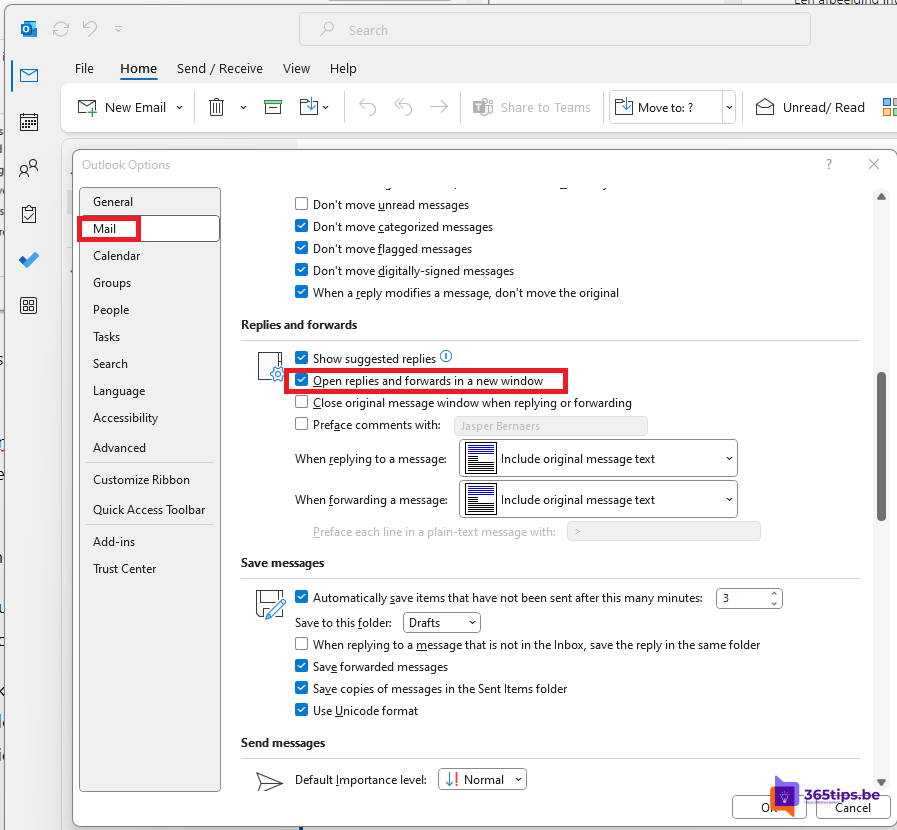
When you select Reply in Outlook, your reply opens in the reading pane by default. Fine for a quick answer, but awkward if you want to look at other emails in the meantime. You can make replies and forwards always open in a new window. This article shows how.
In classic Outlook
- Select File > Options > Mail.
- Under Replies and forwards, tick Open replies and forwards in a new window.
- Select OK.
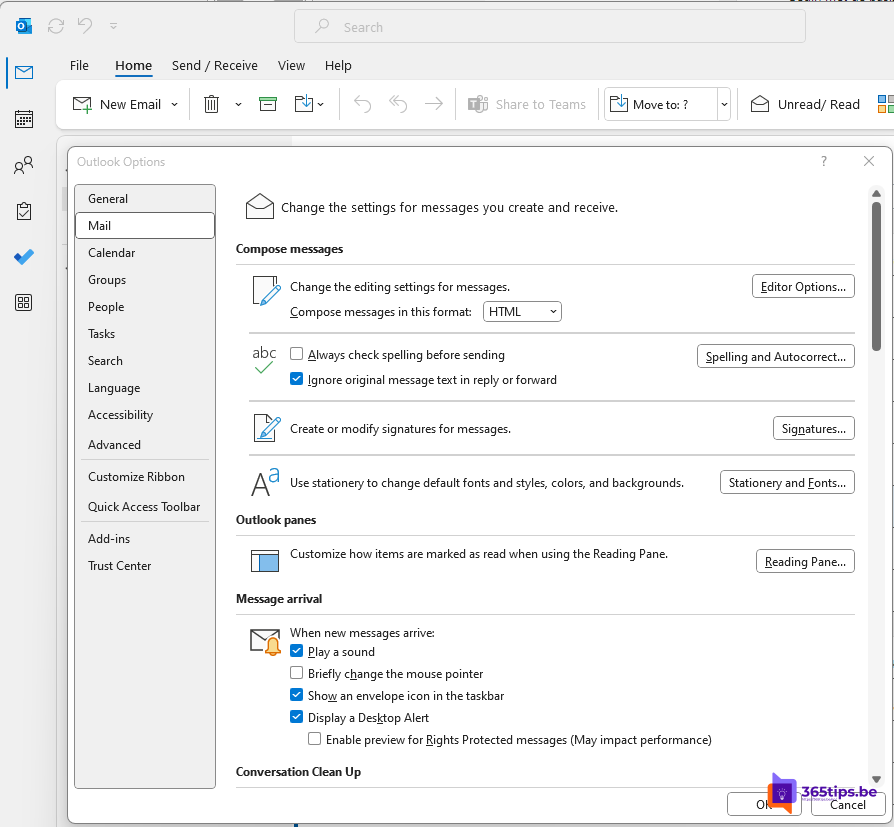
In the new Outlook and Outlook on the web
While writing a reply, select Open in new window (the arrow icon) at the top right. Your reply jumps into its own window and you can keep browsing your mailbox. If you see an option under Settings > Mail > Compose and reply to always open messages in a new window, turn it on.
Open emails in a new window too
- Double-click an email to open it in its own window.
- In the new Outlook and on the web, choose how messages open under Settings > Mail > Layout.
- Turn off the reading pane if you prefer to work entirely in windows.
Tips
- Use Alt + Tab to switch quickly between your mailbox and your reply.
- Use Snap layouts to put the reply next to the original email.
- Want a moment to reconsider before sending? Read schedule or delay an email.
Nederlandstalige versie: Antwoorden en doorgestuurde berichten openen in een nieuw venster in Outlook
Related articles
▸Set an automatic reply (Out of Office) in OutlookSet an out-of-office reply in the new Outlook, on the web, in classic Outlook or on your phone. Separate…
▸Schedule, delay or undo sending an email in OutlookSchedule an email for later, undo send or delay all messages automatically in the new Outlook, Outlook on the…
▸Set up or change your email signature in OutlookCreate or change your email signature in the new Outlook, on the web, in classic Outlook and on mobile…
▸How to set out of office on a shared mailbox in Microsoft 365Set an automatic reply (out of office) on a shared mailbox in Microsoft 365: via the admin center, the…
▸Add a shared mailbox in Outlook for iPhone and AndroidAdd a shared mailbox such as info@ in the Outlook app on iPhone or Android, and reply from the shared address.