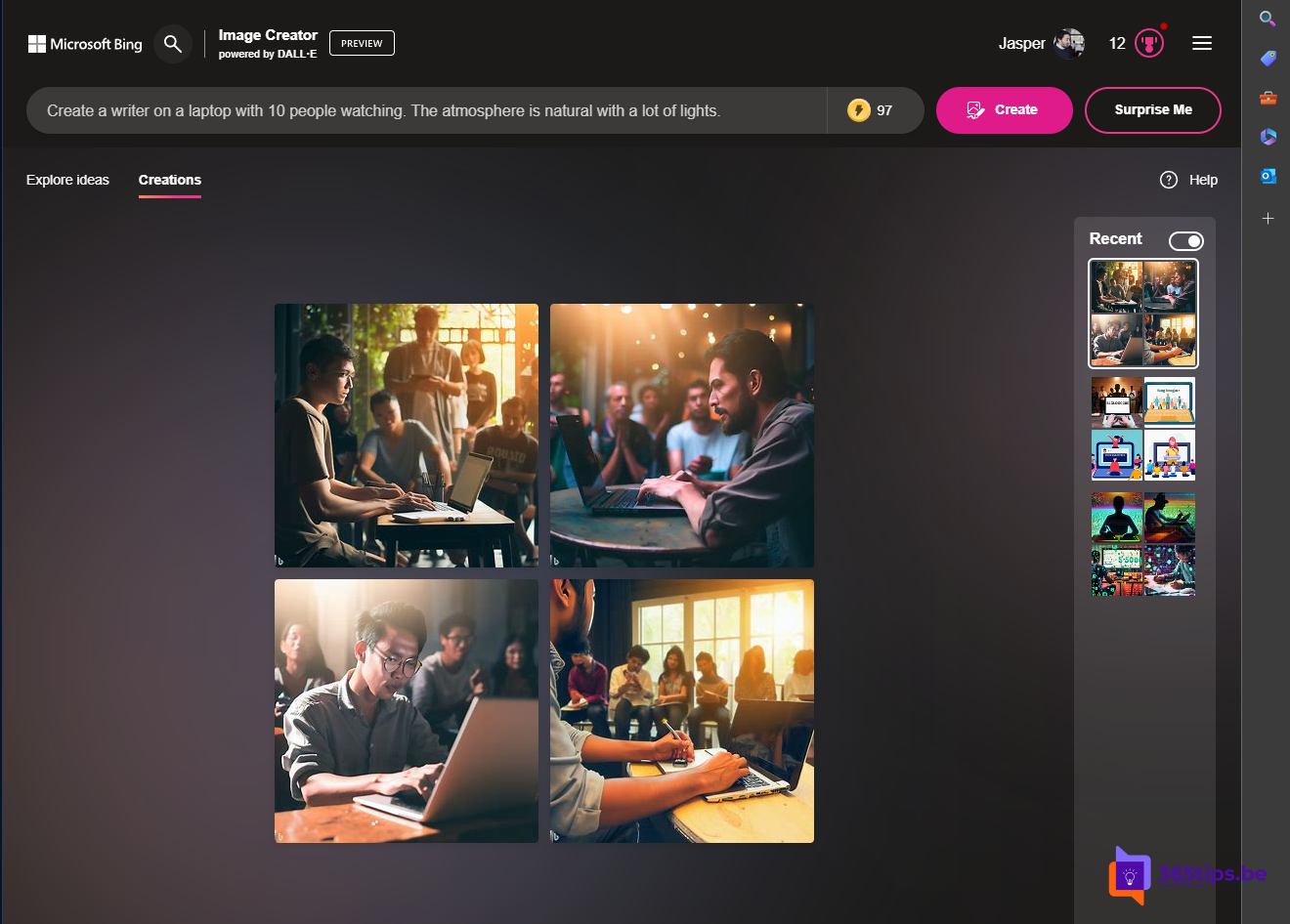
Create an image by simply describing what you want to see: you can do that for free with Microsoft's AI image generator. It used to be called Bing Image Creator; today you'll mostly find the same feature in Microsoft Copilot and Microsoft Designer. Here's how to get started and get better results.
Bing Chat is now Microsoft Copilot. You can create images in the Copilot app, in Microsoft Designer and still via Bing Image Creator; names and the underlying AI model may change. Daily limits apply, which Microsoft can adjust.
Where to create an image
- Microsoft Copilot (app or copilot.microsoft.com): type Create an image of... in the chat.
- Microsoft Designer (designer.microsoft.com): choose to create an image and finish it right away.
- Bing Image Creator (bing.com/create): the original web page, where still available in your region.
You need a free Microsoft account. With a work account, your organization may block this or offer other tools.
How to create an image
- Open Copilot or Designer and sign in.
- Describe what you want to see: the subject, setting, style and mood.
- For example: Create a photo of a writer at a laptop with 10 people watching. The atmosphere is natural, with lots of light.
- Review the results, adjust your description and try again.
- Download the image or finish it in Designer.

Tips for better images
- Name a style: photo, watercolor, 3D, cartoon, pixel art.
- Give details about lighting, colors and camera angle.
- Stick to one clear subject per image.
- Text in images isn't always perfect; add text later in Designer instead.
Good to know
- Microsoft blocks some topics, such as violence or images of real famous people.
- AI-generated images may carry an invisible label or watermark showing they were made with AI.
- Read the terms of use if you want to use the images commercially.
Also see getting started with Microsoft Designer and what is generative AI.
Read also
Get started with Microsoft Designer: create designs with AI
Upload and edit photos with Microsoft Designer
What is generative AI and what can you do with it?
Nederlandstalige versie: Afbeeldingen maken met woorden in Microsoft Copilot en Designer