
Looking for an original Christmas card? We made these Christmas cards featuring famous world cities with AI. Use them as a digital greeting card, in a Teams chat or as a festive background. Below you'll learn how to create a card like this yourself with Copilot or ChatGPT. The cards were made in 2023 with DALL-E; today you create images like these with the image generator in Microsoft Copilot or ChatGPT.
The Christmas cards


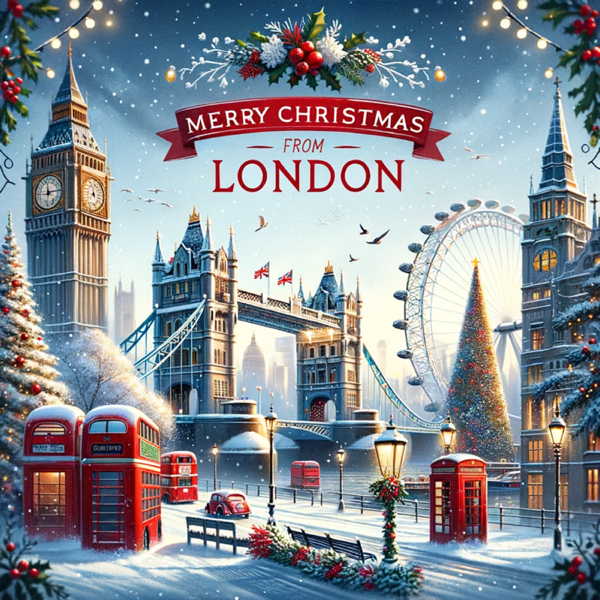

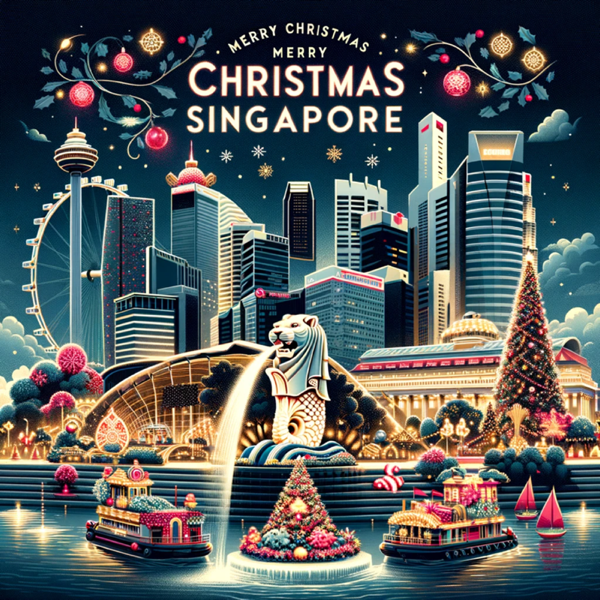





Create your own Christmas card with AI
- Open Microsoft Copilot (copilot.microsoft.com or the Copilot app) or ChatGPT.
- Describe the card as concretely as possible, for example: "A festive Christmas card with the skyline of Brussels in the snow, warm lights, the text 'Merry Christmas' at the top."
- Ask for changes: different colors, a landscape format for Teams (16:9) or a portrait format for a card.
- Check the text on the image: AI still often misspells words. If needed, add the text afterwards in Designer or PowerPoint.
Use them in Teams or Outlook
- Paste the image in a chat or channel post.
- Set a landscape version as your background in your last meeting before the holidays.
- Add it to an email in Outlook. Keep the file small so your mail arrives quickly.
Using AI images at work? Follow your organization's rules for AI tools, and preferably use Copilot with your work account. Also see birthday backgrounds for Teams and LEGO-style images with AI.
Read also
Set a custom background in Microsoft Teams
Create LEGO-style images with AI: tips and 20 prompts
Turn on brightness correction and soft focus in Microsoft Teams
Nederlandstalige versie: Kerstkaarten van over heel de wereld, gemaakt met AI