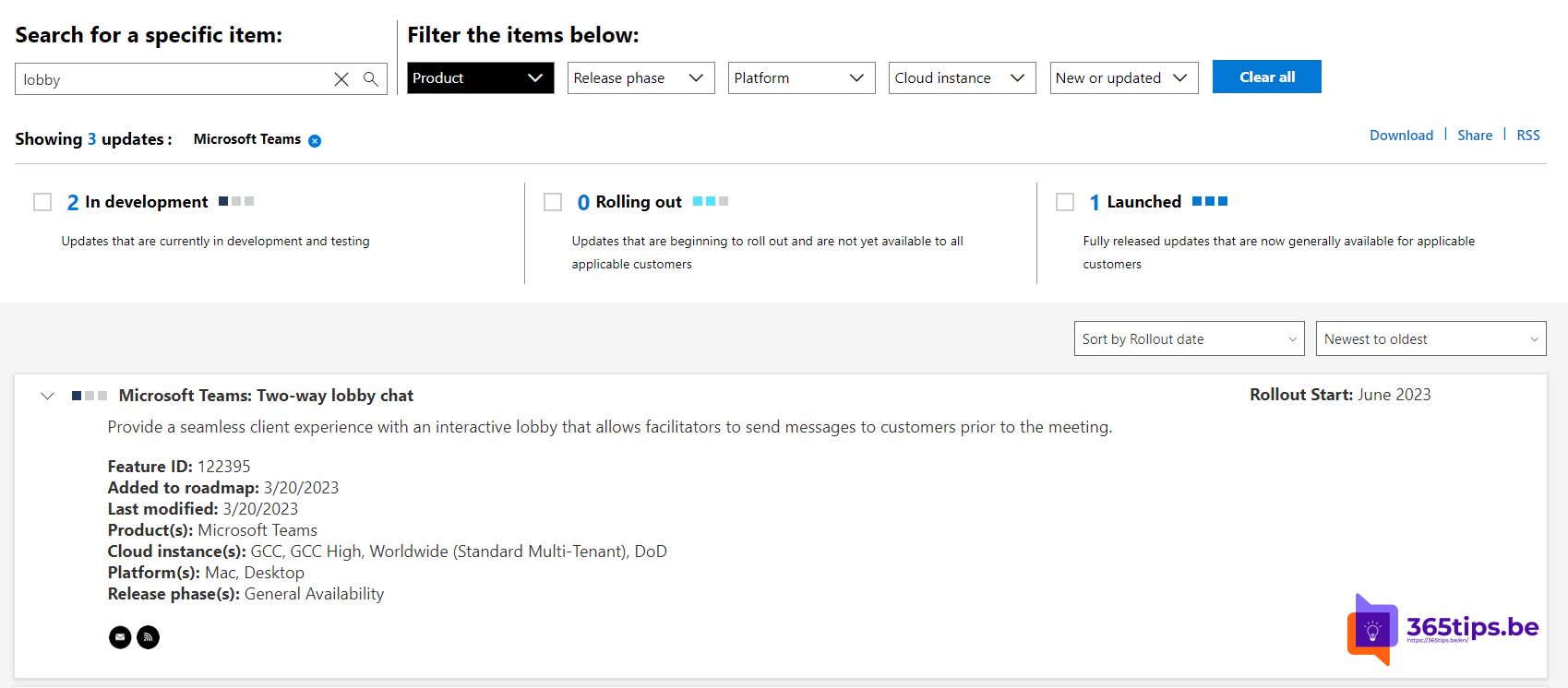
When a client or guest is waiting in the lobby of your Teams meeting, you sometimes want to let them know something: "We'll start in five minutes" or "You'll be admitted shortly". With lobby chat, people in the lobby and participants in the meeting can chat with each other before they're admitted. It was announced in 2023 and is now available in the new Teams; whether it works depends on the meeting's chat setting and your organization's policy.
What is lobby chat?
- Anyone waiting in the lobby can open the meeting chat and send messages.
- Participants in the meeting see those messages and can reply.
- It works both ways, hence the name two-way lobby chat.

When is it useful?
- The previous meeting runs late and you want to tell the person waiting it'll take a little longer.
- An external guest reports a problem with their microphone.
- In a job interview or client meeting: you want to welcome someone before letting them in.
Set it up as organizer
- Open the meeting in your Teams calendar and choose Meeting options.
- Set meeting chat to On. If you choose In-meeting only or Off, people in the lobby can't chat.
- Check Who can bypass the lobby? to see who ends up in the lobby. Read Teams lobby settings.
Your admin can control which chat options are available through the meeting policy.
Tips
- Don't share confidential information in the chat while strangers are in the lobby. They can read along.
- Have someone with a co-organizer role keep an eye on the lobby, so you can focus on the content.
- Want to turn chat off completely? See disable chat in a meeting.
Also see join a Teams meeting as an external guest.
Nederlandstalige versie: Lobbychat in Microsoft Teams: chatten voor je binnengelaten wordt
Related articles
▸Turn waiting in the lobby on or off in Microsoft TeamsChoose in meeting options who can bypass the lobby of your Teams meeting, and set the default in the meeting…
▸Who can bypass the lobby in Microsoft Teams: every option explainedLet only invited people join your Teams meeting directly. Every Who can bypass the lobby option, per meeting…
▸Join a Teams meeting without a Microsoft accountJoin a Teams meeting from your browser without the app or an account, use a meeting ID, and see what admins…
▸Meeting roles in Microsoft Teams: organizer, presenter and attendeeWhat can an organizer, co-organizer, presenter or attendee do in Teams? Set roles in advance, change them…
▸Join a Microsoft Teams meeting as an external participantJoin another organization's Teams meeting without an account or installation: in the browser, on your phone…