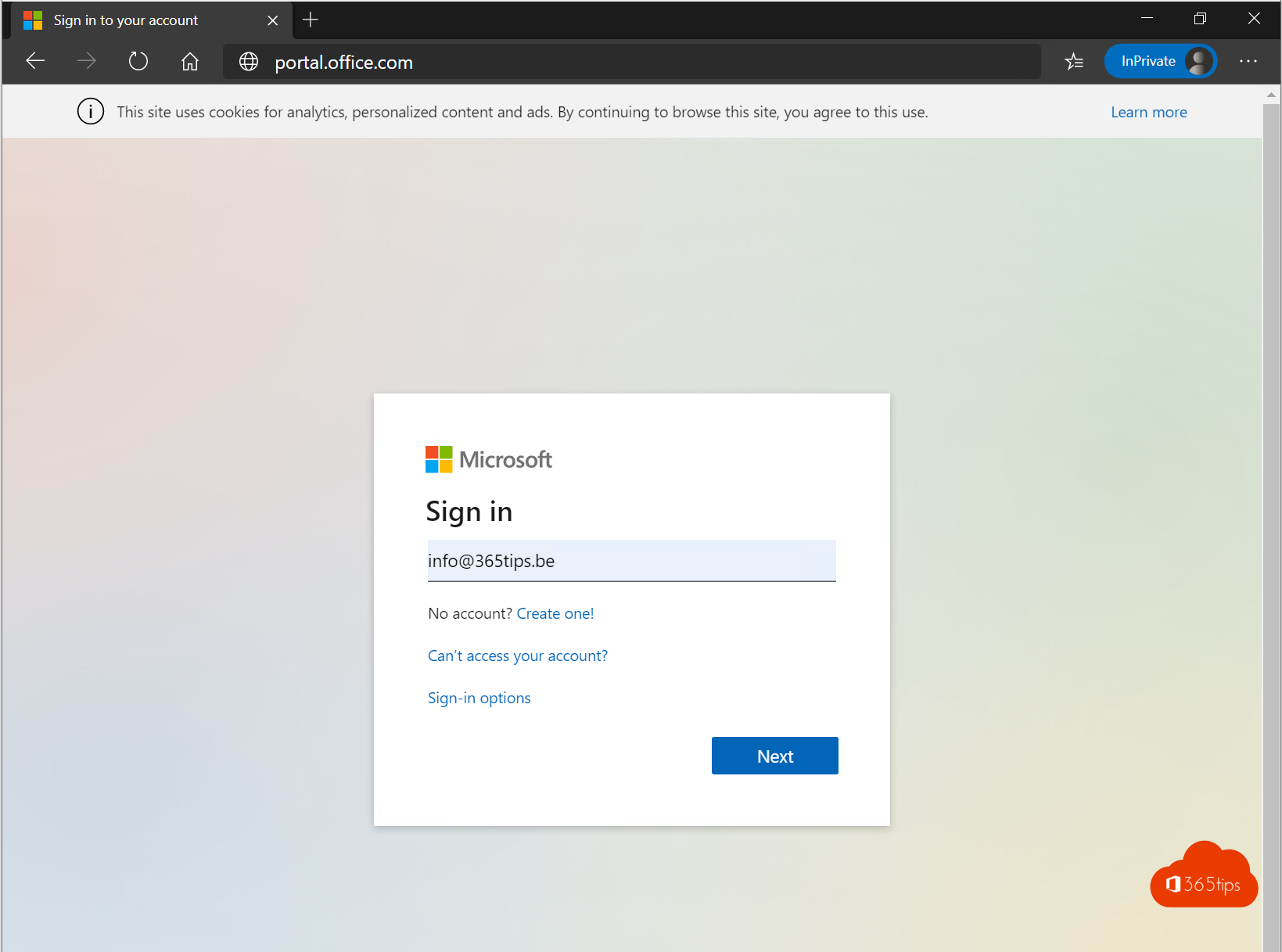
Where do you sign in to Microsoft 365, the admin center or Azure? There are many addresses, and it isn't always clear which one you need. Here are the main ones, with tips for when signing in doesn't work.
For users
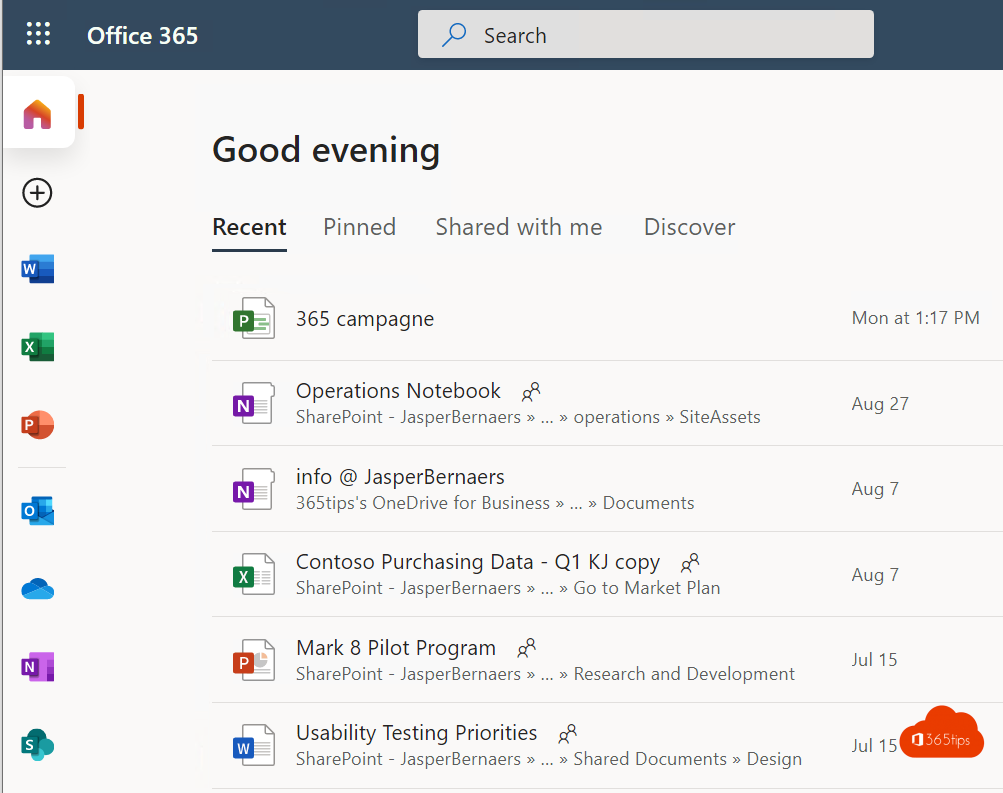
- microsoft365.com: start page with Word, Excel, PowerPoint, OneDrive and your recent files.
- outlook.office.com: your email and calendar on the web.
- teams.microsoft.com: Teams in the browser.
- myaccount.microsoft.com: your account, password, devices and organizations.
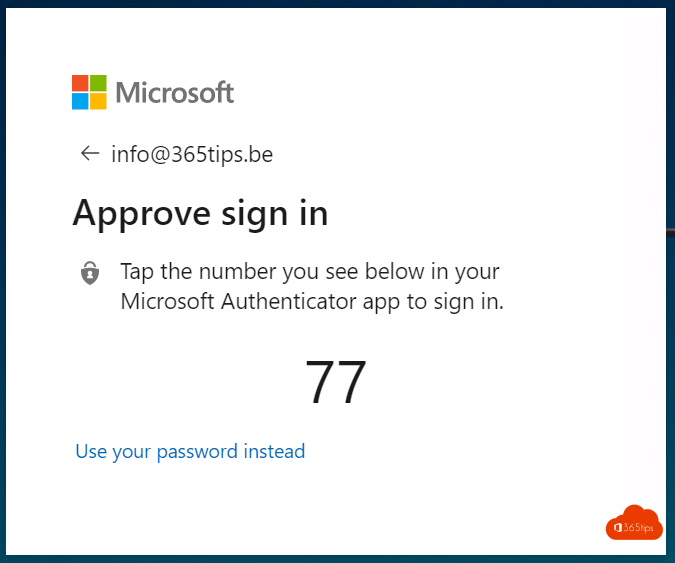
- mysignins.microsoft.com/security-info: manage your MFA methods.
For admins
- admin.microsoft.com: the Microsoft 365 admin center.
- entra.microsoft.com: Microsoft Entra (users, groups, Conditional Access).
- portal.azure.com: the Azure portal.
- intune.microsoft.com: Intune for devices.
- admin.teams.microsoft.com, admin.exchange.microsoft.com, security.microsoft.com and purview.microsoft.com.
For a full list, see all Microsoft admin portals.

Can't sign in?
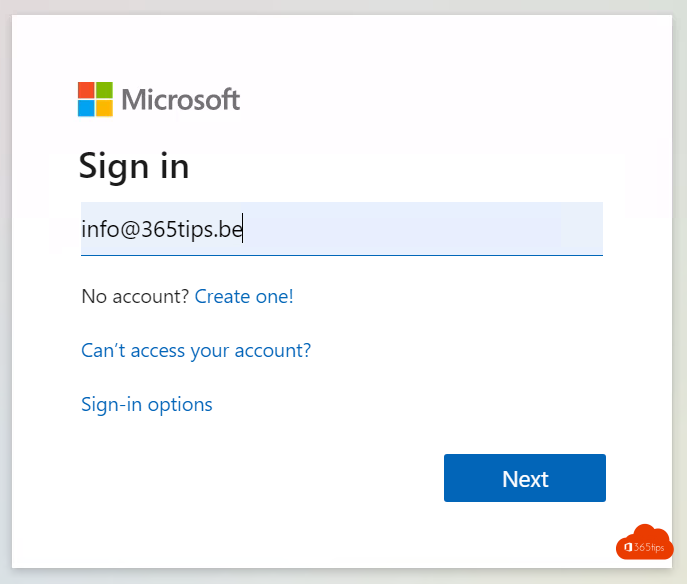
- Use your full work address as username, not just your name.
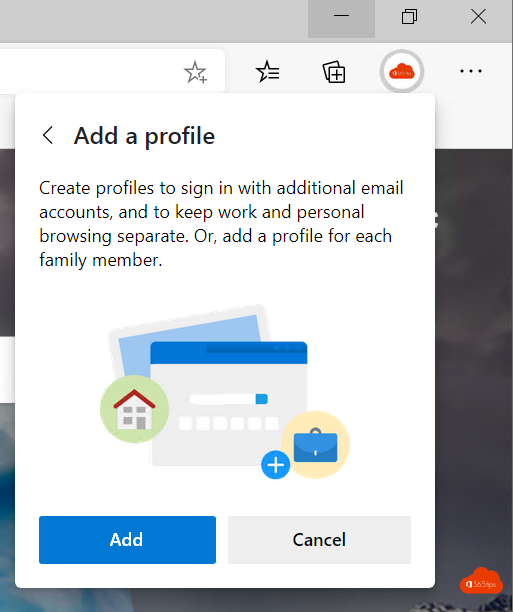
- Signed in with another account? Open an InPrivate window or use another browser profile.
- Forgot your password? Select Forgot password if your organization allows self-service, or ask your IT department. See self-service password reset.
- No more codes from your MFA app, for example after a new phone? Ask your admin to reset your MFA methods.
Also see what is MFA? and disable the Stay signed in prompt.
Read also
All Microsoft 365 admin portals in one list: the right URLs in 2026
What is Multi-Factor Authentication (MFA)?
Enable Self-Service Password Reset (SSPR) in Microsoft Entra ID
Nederlandstalige versie: Inloggen bij Microsoft 365, het beheercentrum of Azure
More in English
▸Disable the "Stay signed in?" prompt in Microsoft 365Hide the Stay signed in prompt (KMSI) at Microsoft 365 sign-in for all users with company branding in…
▸Change or reset your password in Microsoft 365Change your password in My Account, reset a forgotten password yourself or reset a user's password as an…
▸Check where and when your Microsoft account was signed inReview your recent sign-ins with location and device in Microsoft 365 or your Microsoft account, and what to…
▸Create a free Microsoft account or Outlook.com addressCreate a free Microsoft account with a new Outlook.com address or your own email, and secure it right away…