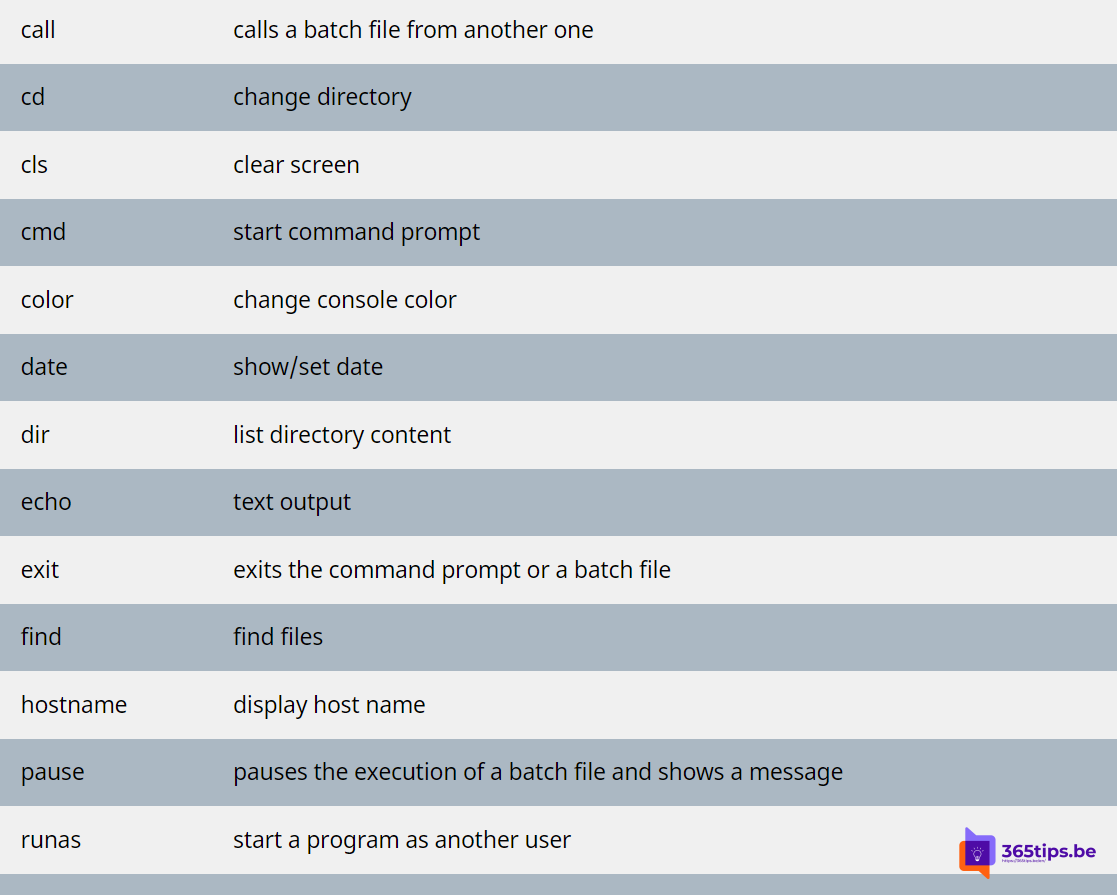
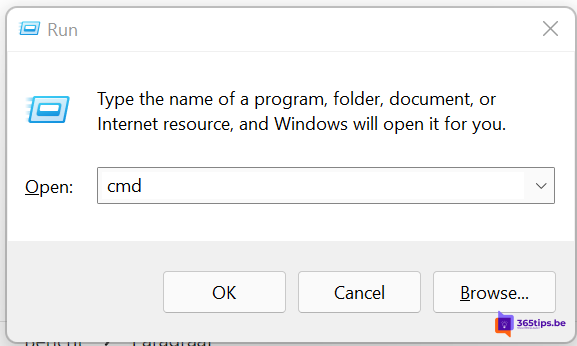
The Command Prompt (CMD) looks old-fashioned, but it is still handy for quick troubleshooting. Here are the CMD commands you need most often, with a short explanation. Type cmd in the Start menu to begin. Some commands only work as administrator.
Network
ipconfigshows your IP address and gateway.ipconfig /allgives all details.ipconfig /flushdnsclears the DNS cache, useful when a website won't load after a change.ping 8.8.8.8tests whether you have internet.tracert google.comshows the route to a server.nslookup domain.comlooks up DNS records.netstat -anoshows open connections with their process ID.
System and repair
systeminfoshows the Windows version, install date and memory.sfc /scannowchecks and repairs Windows system files.DISM /Online /Cleanup-Image /RestoreHealthrepairs the Windows image when sfc can't fix the errors.chkdsk C: /fchecks the disk for errors (often after a restart).tasklistandtaskkill /IM name.exe /Flist and stop processes.shutdown /r /t 0restarts immediately;shutdown /s /t 0shuts down.
Management and domain
gpupdate /forceapplies Group Policy right away.gpresult /rshows which policies are active.whoamishows which account you are signed in with.dsregcmd /statusshows whether the PC is joined to Entra ID or a domain.winget upgrade --allupdates installed apps. See winget in Windows.
Files and folders
cd,dir,mkdirandcopyto navigate and copy.robocopy source target /Ereliably copies large folders, including subfolders.clsclears the screen.
Type /? after a command to see all its options. For managing Microsoft 365, PowerShell is the better choice: see check your PowerShell version and install PowerShell 7.
Read also
Run Command Prompt as administrator in Windows 11 and 10: 6 ways
Install and update software with winget on Windows
How to check your PowerShell version in Windows
Nederlandstalige versie: De meestgebruikte CMD-commando's voor Windows
More in English
▸Install, update and use PowerShell 7 on WindowsInstall PowerShell 7 side by side with Windows PowerShell 5.1 using winget, MSI or the Store. LTS vs stable…
▸The most useful keyboard shortcuts for Windows 11The handiest Windows 11 shortcuts: Start menu, File Explorer, Snap layouts, virtual desktops, Snipping Tool,…
▸Open Task Manager and stop or start services in Windows 11Open Task Manager in Windows 11, end frozen apps, restart File Explorer and stop or start services such as…
▸How to edit the hosts file in Windows 11 and Windows 10Where is the hosts file in Windows 11 and 10 and how do you edit it? With Notepad as administrator,…