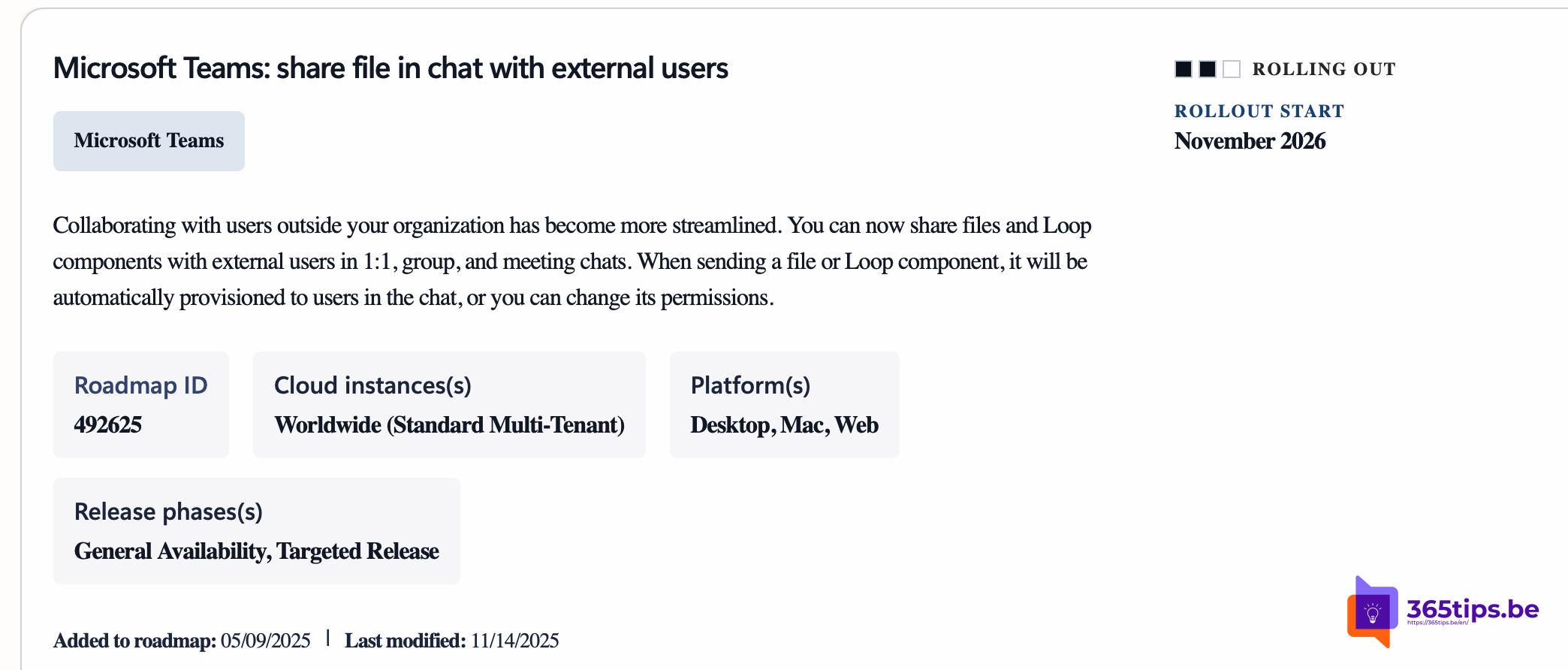
Collaborating with people outside your organization sometimes felt like working with the handbrake on in Teams. To share a file or a live list with a customer or supplier, you often fell back on email or a shared channel. Microsoft now makes it possible to share files and Loop components directly with external participants in chats.
Microsoft is rolling out sharing files and Loop components with external users in 1:1 chats, group chats and meeting chats, with a timeline around November 2026. It only works in chats where it's supported and when your admin allows external sharing, so you may not see it yet.
What changes?
- Automatic access: drop a file or Loop component into the chat and Teams sets the permissions so external participants can open it.
- You stay in control: before you send, you can adjust the permissions, for example view only instead of edit. It works like sharing a OneDrive file.
- Across chat types: 1:1 chats, group chats and meeting chats, where supported.
Why is this useful?
Loop components in particular make the difference. During a meeting with a supplier you fill in an agenda together or update a task list. No more emailing Word documents back and forth, just one live version everyone can work in right away.
For admins
- Check the external sharing settings in the SharePoint admin center. Sharing with external users must be allowed at tenant level.
- Also check that Loop components are enabled for your organization.
- Sensitivity labels and data loss prevention policies still apply to shared files.
- Follow the Message center in the Microsoft 365 admin center for the exact timeline in your tenant.
Tips for users
- Share only what the external person really needs.
- Use View only if the other person doesn't need to make changes.
- An external participant can't open something? Your or their organization's policy probably doesn't allow it.
Also see use Loop components in Teams and get started with Microsoft Loop.
Nederlandstalige versie: Loop-componenten en bestanden delen met externen in Teams-chats