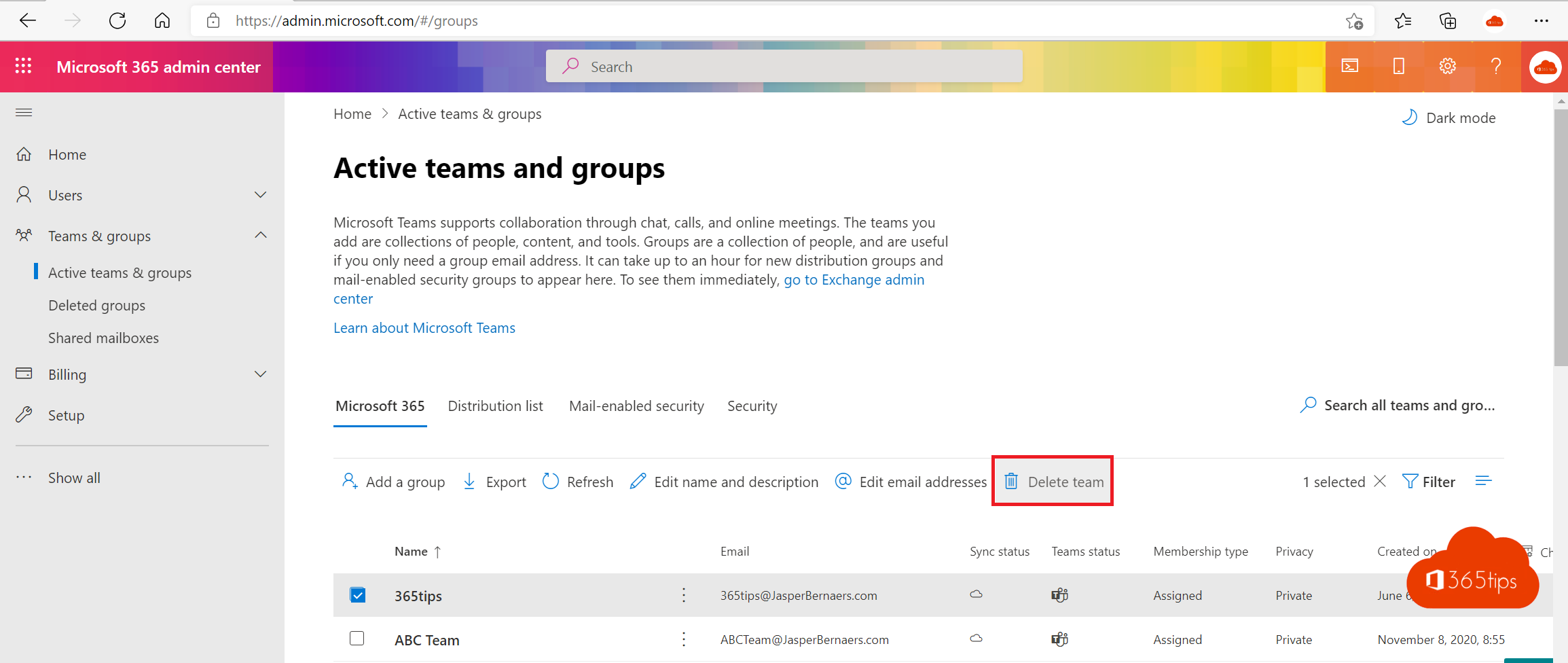
You usually delete an old distribution list or Microsoft 365 group in the admin center. If you need to clean up many at once, or want it in a script, PowerShell is faster. Here's how, and how to undo a mistake.
Connect
Connect-ExchangeOnlineRead install the Exchange Online module.
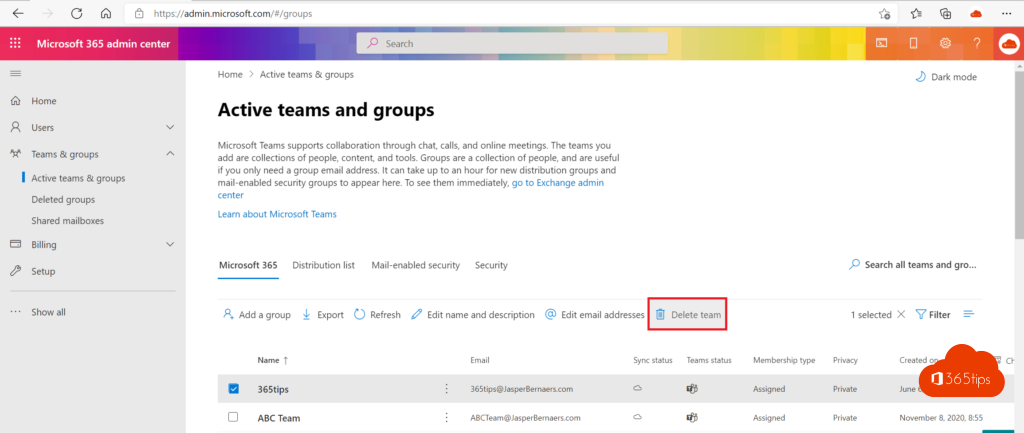
Delete a Microsoft 365 group
Get-UnifiedGroup -Identity "Project team X" | Select DisplayName, PrimarySmtpAddress
Remove-UnifiedGroup -Identity "Project team X"
Careful: this also deletes the group's team in Teams, its SharePoint site, mailbox and plan.
Delete a distribution group
Remove-DistributionGroup -Identity "sales@yourdomain.com"Type Y to confirm, or add -Confirm:$false in a script.

With Microsoft Graph
Connect-MgGraph -Scopes "Group.ReadWrite.All"
Get-MgGroup -Filter "displayName eq 'Project team X'" | Select Id, DisplayName
Remove-MgGroup -GroupId <Id>
Deleted too soon?
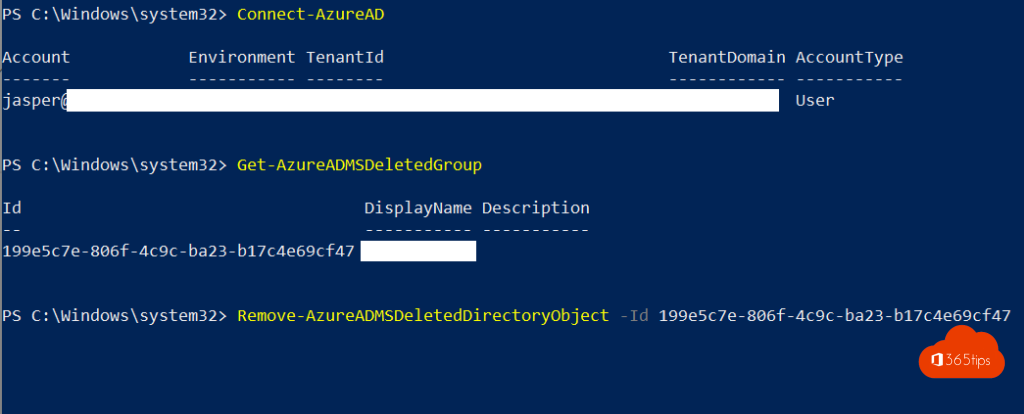
- A Microsoft 365 group can be restored for 30 days via the admin center > Teams & groups > Deleted groups, or with
Restore-MgDirectoryDeletedItem. - A distribution group can't be restored. So note its members beforehand with
Get-DistributionGroupMember.
Also see PowerShell for Microsoft 365 and create a distribution list.
Read also
PowerShell for Microsoft 365: a guide for beginners
How to create a distribution list in Microsoft 365 and use it in Teams
Install the Exchange Online PowerShell module (ExchangeOnlineManagement)
Nederlandstalige versie: Een Microsoft 365-groep of distributiegroep verwijderen met PowerShell