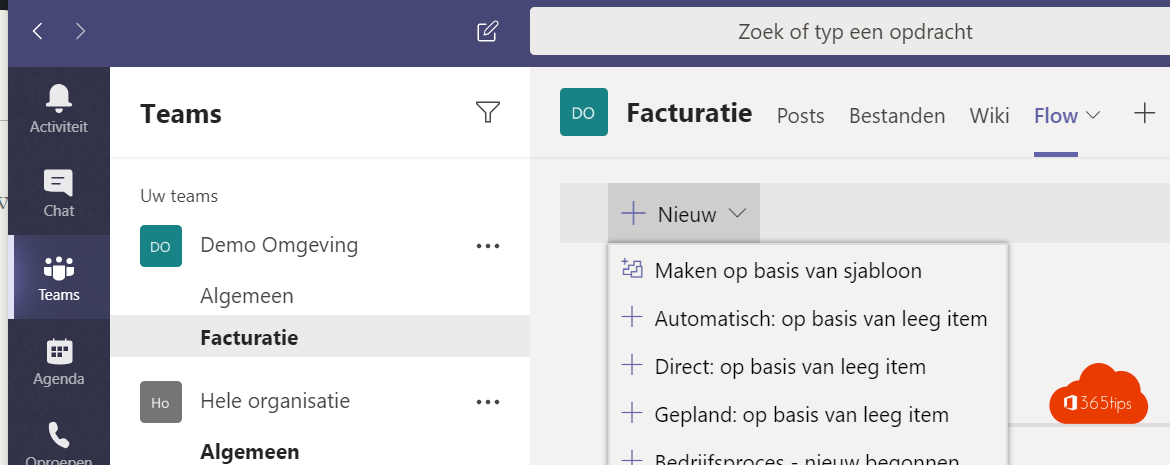
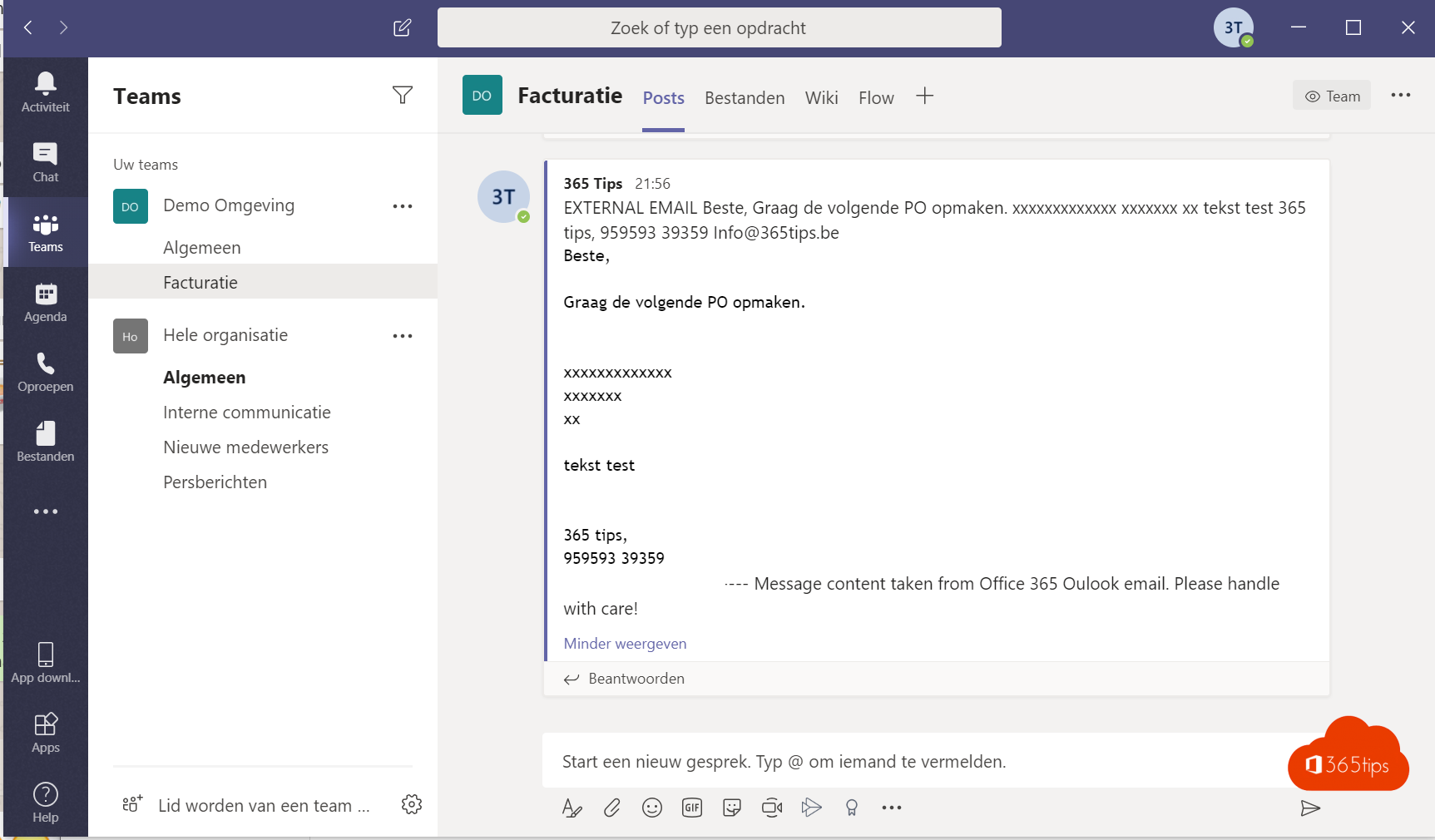
Does a shared mailbox, such as billing@ or info@, receive a lot of email? Then it helps to show new emails automatically in a Teams channel. Your team sees right away what comes in, can discuss it and agree on who picks it up. With Power Automate you set this up in a few minutes. You can also build the flow from inside Teams with the Workflows app.
What you need
- Access to the shared mailbox (full access).
- A team and channel where the messages should go.
- A license that includes Power Automate, which most Microsoft 365 plans do.
Build the flow
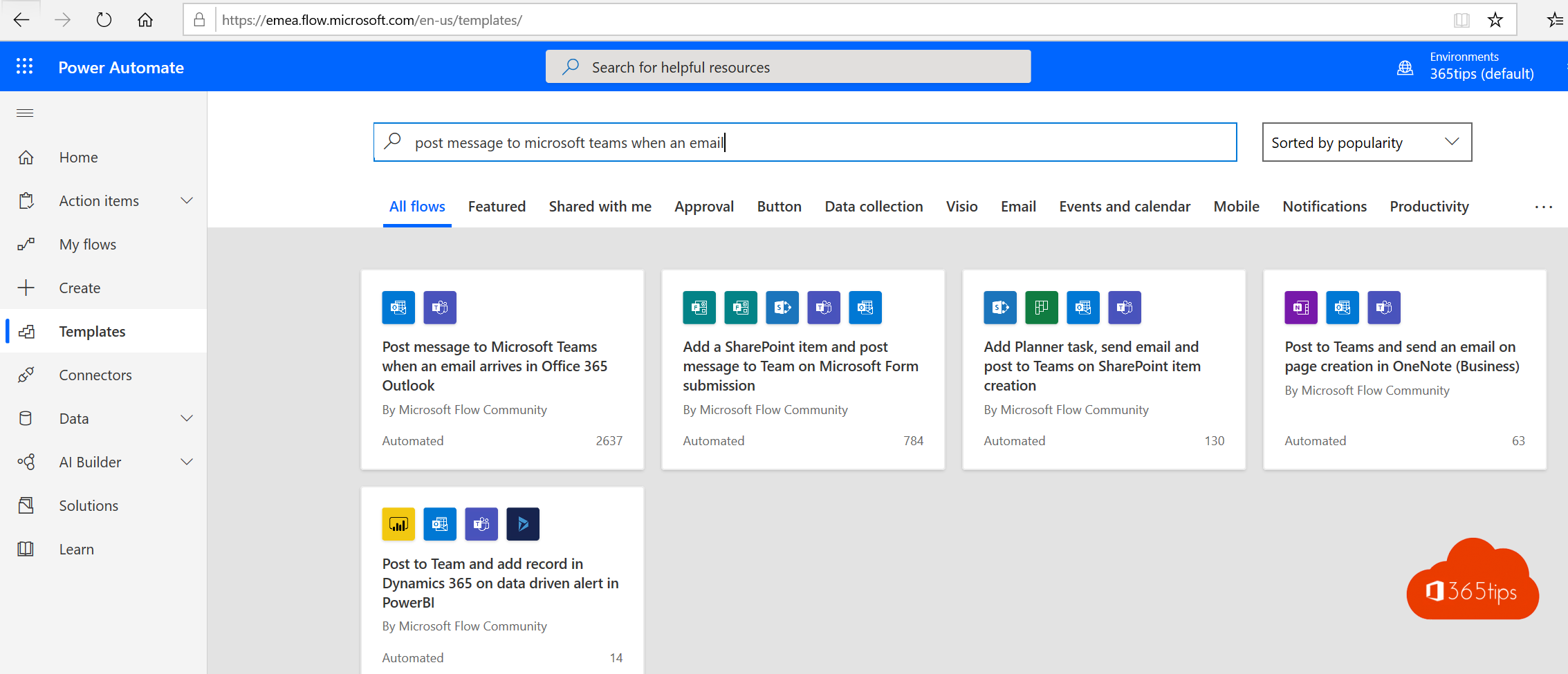
- Go to make.powerautomate.com and choose Create > Automated cloud flow.
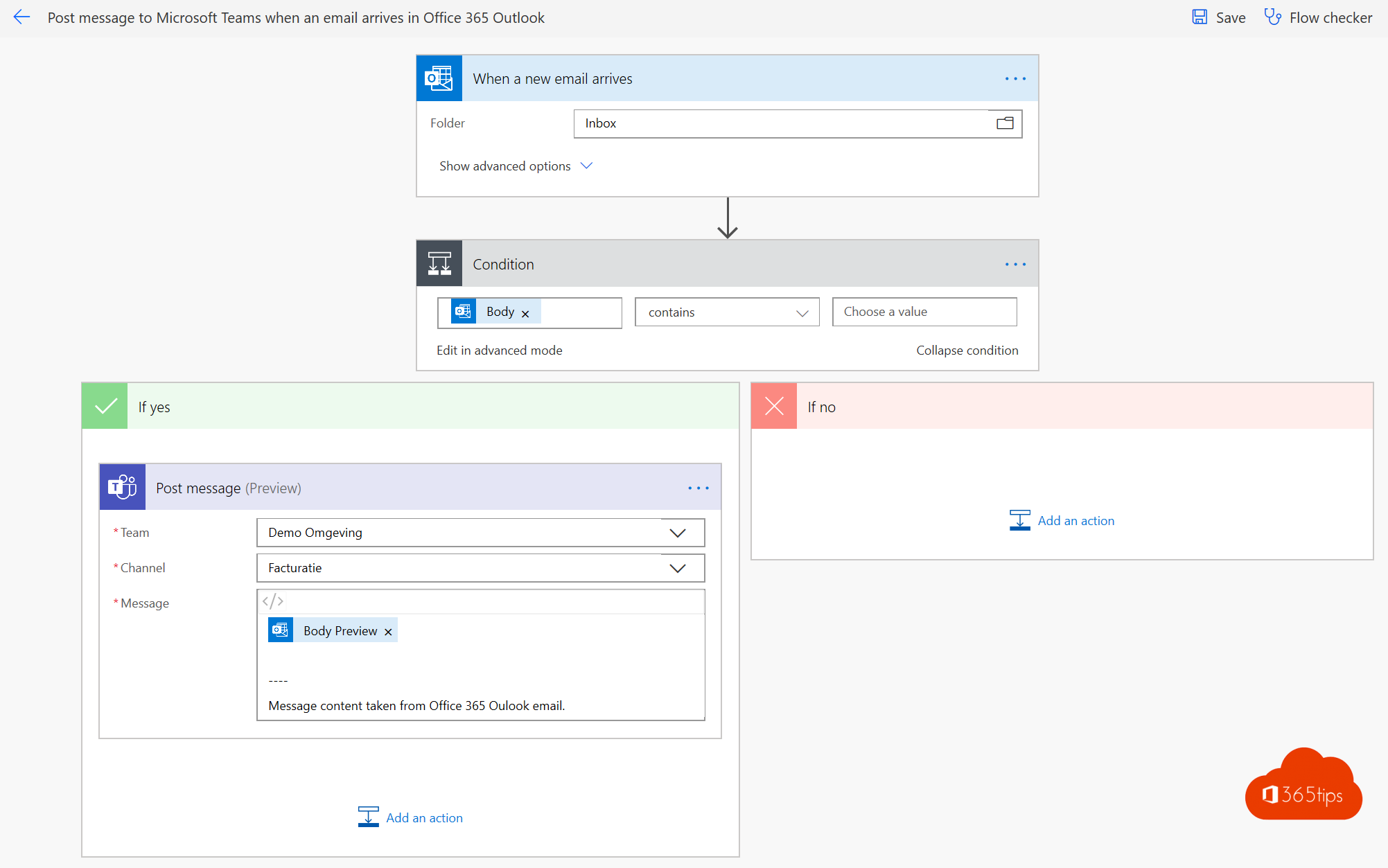
- As the trigger, choose When a new email arrives in a shared mailbox (V2) from Office 365 Outlook. The exact name may vary slightly.
- Enter the shared mailbox address and choose the folder, usually Inbox.
- Add a step: Post message in a chat or channel (Microsoft Teams).
- Under Post as choose the Flow bot or yourself, under Post in choose Channel, and select the team and channel.
The message content
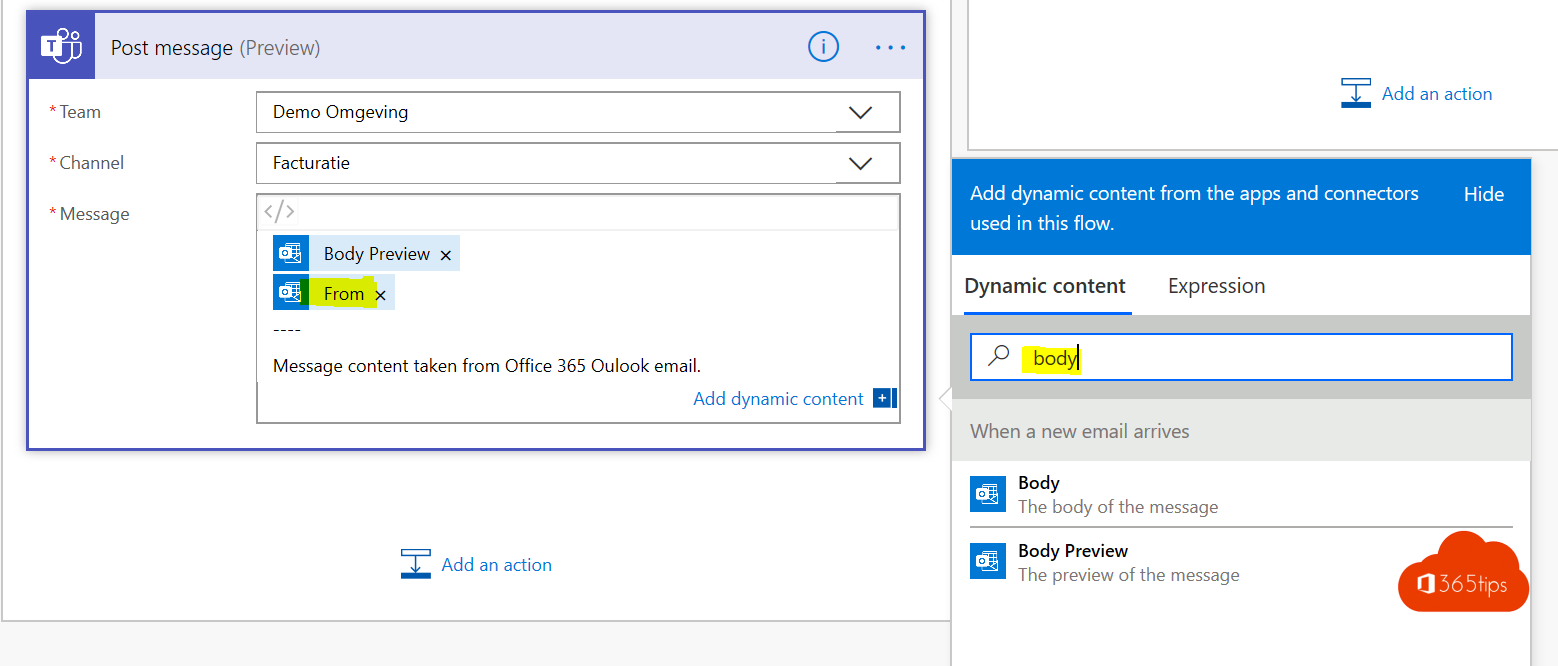
In the Message field, add dynamic content from the email, for example:
- From: who sent the email.
- Subject: what it's about.
- Body or Body preview: the content.
Add a short line in front, such as "New email in billing@", so everyone knows where it came from. Save the flow.
Test it
Send a test email to the shared mailbox. After a few seconds to a few minutes the message appears in the channel. Not working? Check the flow's run history in Power Automate.
Take it further
- Filter on subject or sender so only relevant emails reach Teams.
- Automatically create a Planner task for each email.
- No flow needed for the basics: forward emails to the channel's email address.
Also see what is Power Automate and forward emails to a Teams channel.
Read also
What is Microsoft Power Automate and how do you start?
Forward emails automatically to a Teams channel
Set up Full Access, Send As and Send on Behalf in Exchange Online
Nederlandstalige versie: Mails uit een gedeelde mailbox afhandelen in Teams met Power Automate