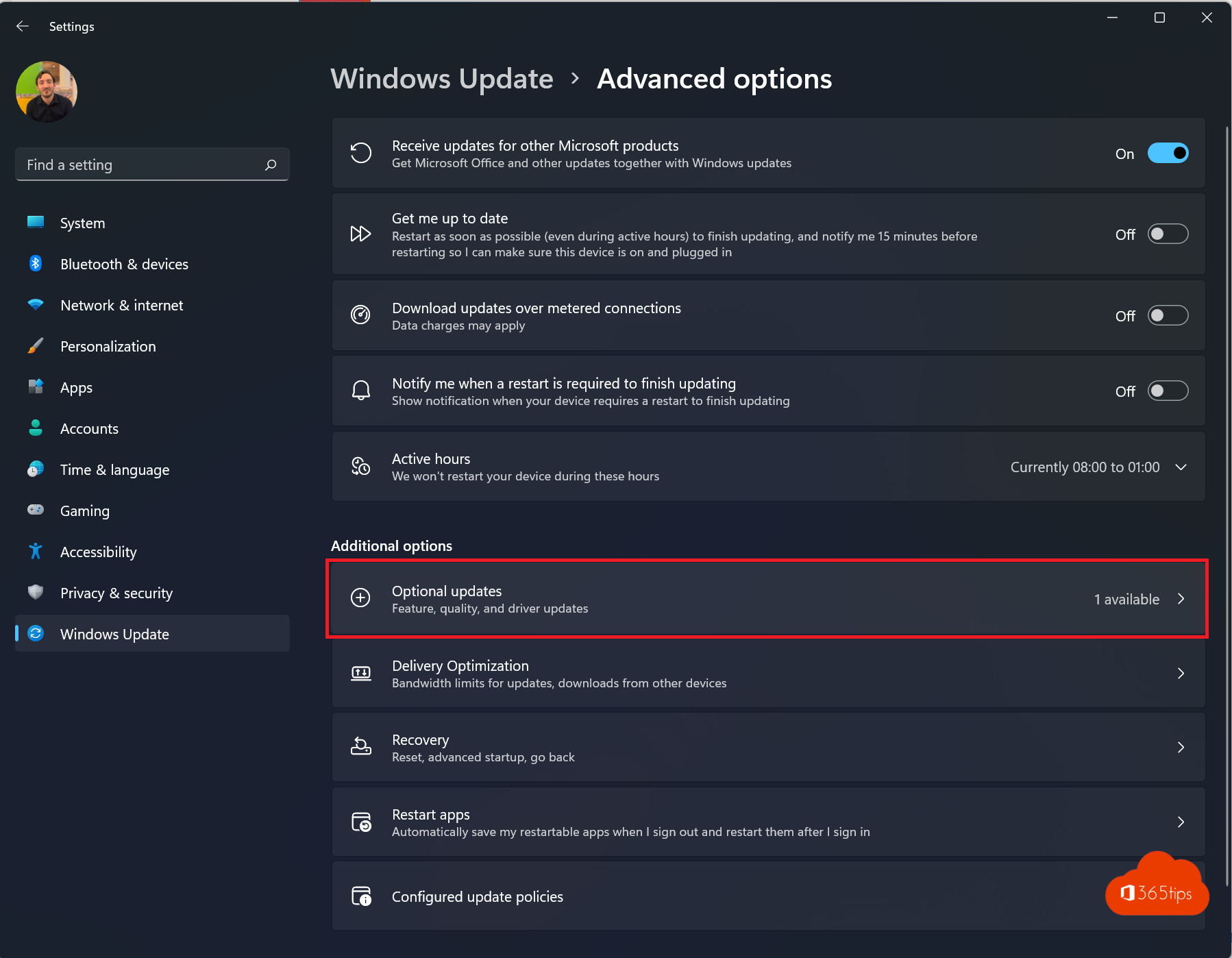
By default Windows Update only updates Windows itself. Other Microsoft software, such as older Office versions, .NET, SQL Server components or Visual C++ libraries, gets no updates unless you turn on Receive updates for other Microsoft products. And under Optional updates you find drivers and preview updates that Windows doesn't install on its own. This article shows how to use both and what to install or skip.
Turn on updates for other Microsoft products
- Open Settings > Windows Update > Advanced options.
- Turn on Receive updates for other Microsoft products.
From then on Windows Update also installs security updates for, among others:
- .NET and Visual C++ runtime libraries;
- older Office versions installed with an MSI installer;
- SQL Server components and other Microsoft programs.
Note: Microsoft 365 apps (Word, Excel, Outlook from a subscription) update themselves through their own mechanism, separate from this setting.

Optional updates
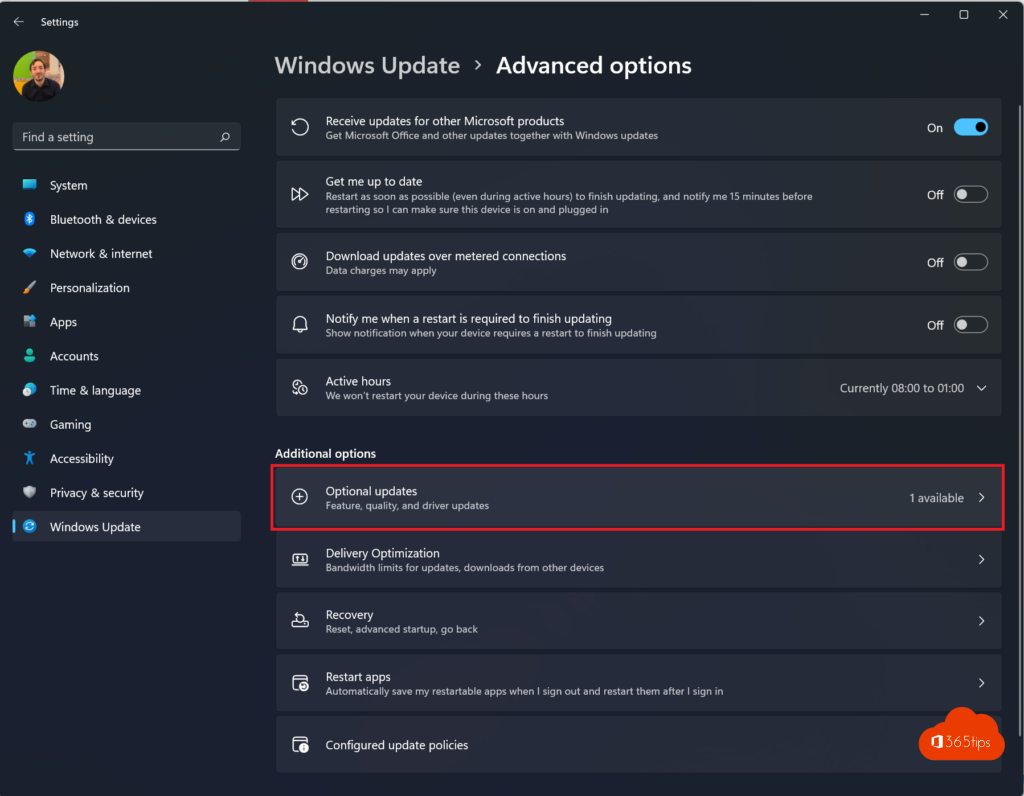
Under Windows Update > Advanced options > Optional updates you find:
| Kind | Install? |
|---|---|
| Driver updates | Only if a device isn't working properly; otherwise leave them |
| Non-security (preview) updates | Improvements that land in the regular update a month later; only to fix a specific problem |
| Firmware updates | Preferably through the manufacturer or its support tool |
Check what you want and select Download and install. More on drivers in update drivers with Windows Update.
Get the latest updates first
The main Windows Update page has the toggle Get the latest updates as soon as they're available. It gives you new features and non-security improvements earlier. You get security updates either way. On a work PC, leave that toggle to your IT department.
In businesses
On managed PCs, IT decides what gets installed, usually through Intune or Windows Update for Business. The setting for other Microsoft products may then be greyed out. See how IT handles it in manage Windows updates with Intune.
Tips
- Restart your PC at least once a week: many updates only take effect after a restart.
- Something broke after an update? Remove it under Windows Update > Update history > Uninstall updates.
- Want to postpone updates for a while? See pause updates in Windows 11.
Read also
How to update drivers in Windows 11 and 10
How to pause or delay Windows 11 updates and prevent restarts
Keep all Windows PCs up to date with Microsoft Intune
Nederlandstalige versie: Updates voor andere Microsoft-producten en optionele updates in Windows 11