ChatGPT and Microsoft Copilot write a first draft of an email, article or message in seconds. That gets you from a blank page to a text you only need to finish. Here's how to do it well.
Important: ChatGPT doesn't learn live from your conversations to write in your style, unless you provide examples or settings yourself.
What can you use it for?
- A first draft of an email, a newsletter or a blog post.
- Rewriting a text: shorter, more formal, simpler or in another language.
- Coming up with ideas and a structure with headings.
- Preparing a reply to a tricky message.
How to write a text
- Give context: who is the reader, what's the goal, which tone?
- Give the content: the key points it must include.
- Ask for a format: length, greeting, bullet points or not.
- Refine: make it shorter, less formal, put the call to action at the top.
- Read and finish it yourself: check facts, names and figures.
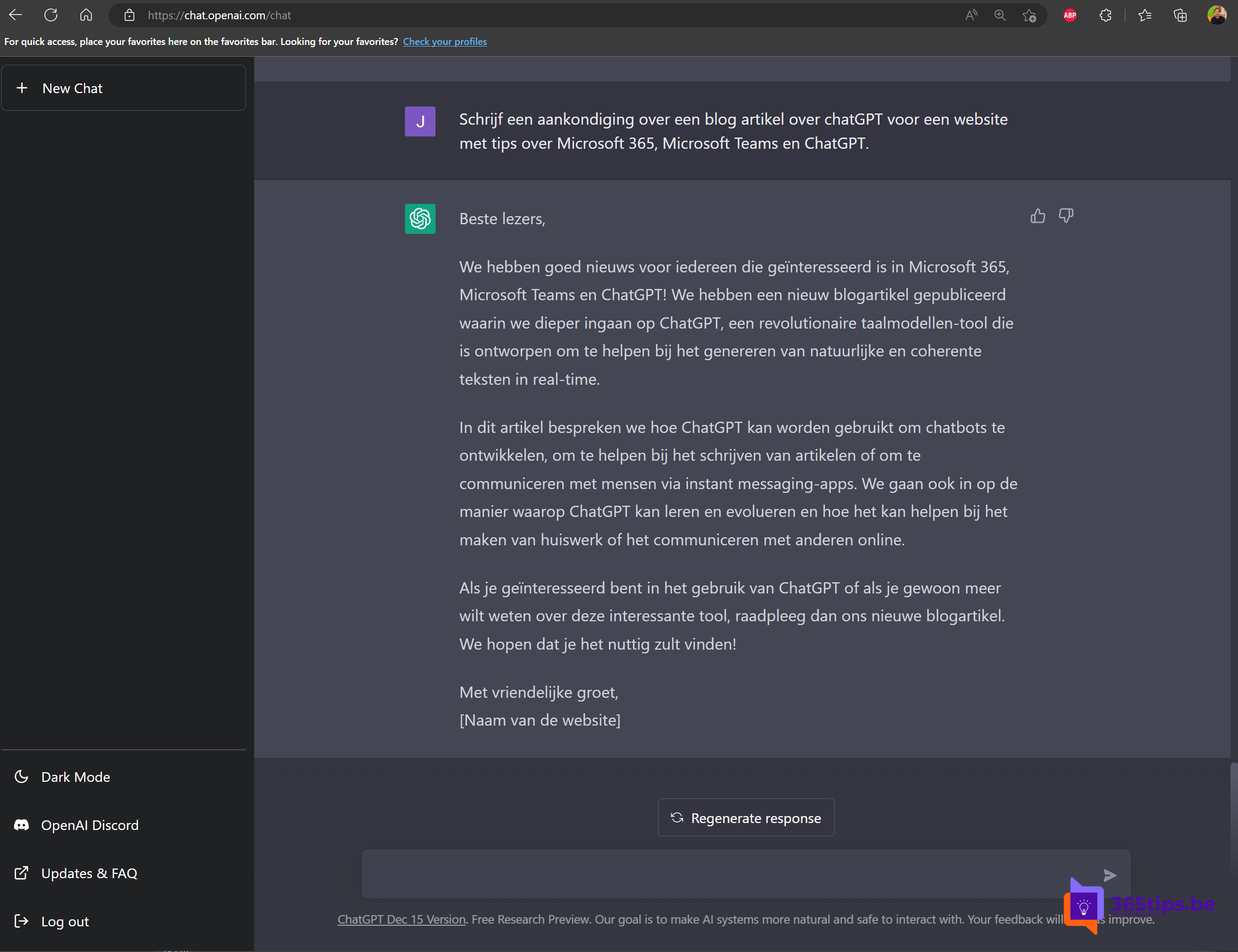
Example: Write an announcement for our website about a new blog post with tips on Microsoft 365 and Teams. Audience: IT admins. Tone: friendly and professional. 120 words max.
Writing in your style
Paste one or two examples of your own texts and ask: Write in the same style as these examples. In ChatGPT you can also set custom instructions, such as your role and preferred tone.
At work: Copilot
With a work or school account, preferably use Microsoft 365 Copilot Chat or Copilot in Word and Outlook. They work with your organization's protection. In Outlook, Copilot can draft an email or coach your tone; in Word you can create a first draft based on another file, if your organization has a Copilot license.
What to watch out for
- Don't paste confidential data into a public chatbot.
- AI can invent facts: check everything before you publish.
- Be open when a text was largely written by AI, especially at school or in official communication.
Also see useful prompts for ChatGPT and Copilot and Copilot Chat with your work account.
Read also
15 useful prompts for ChatGPT and Microsoft Copilot
Get started with Microsoft 365 Copilot Chat (formerly Bing Chat Enterprise)
What is generative AI and what can you do with it?
Nederlandstalige versie: Sneller teksten schrijven met ChatGPT of Microsoft Copilot