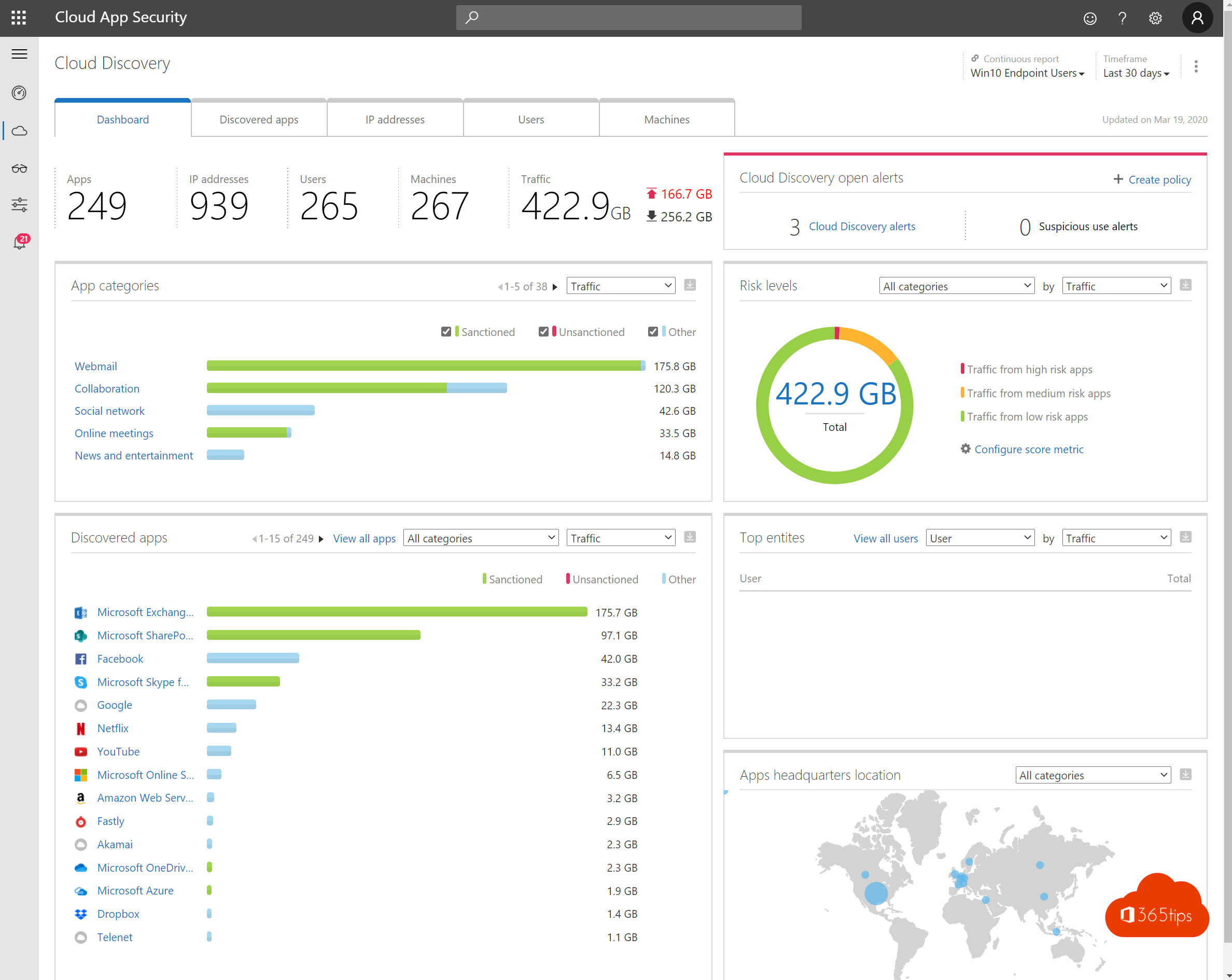
Remote work has become normal for many organizations. People work on other networks, sometimes on their own devices, and out of sight of IT. These are the ten most important security measures for working safely from home with Microsoft 365.
The top 10
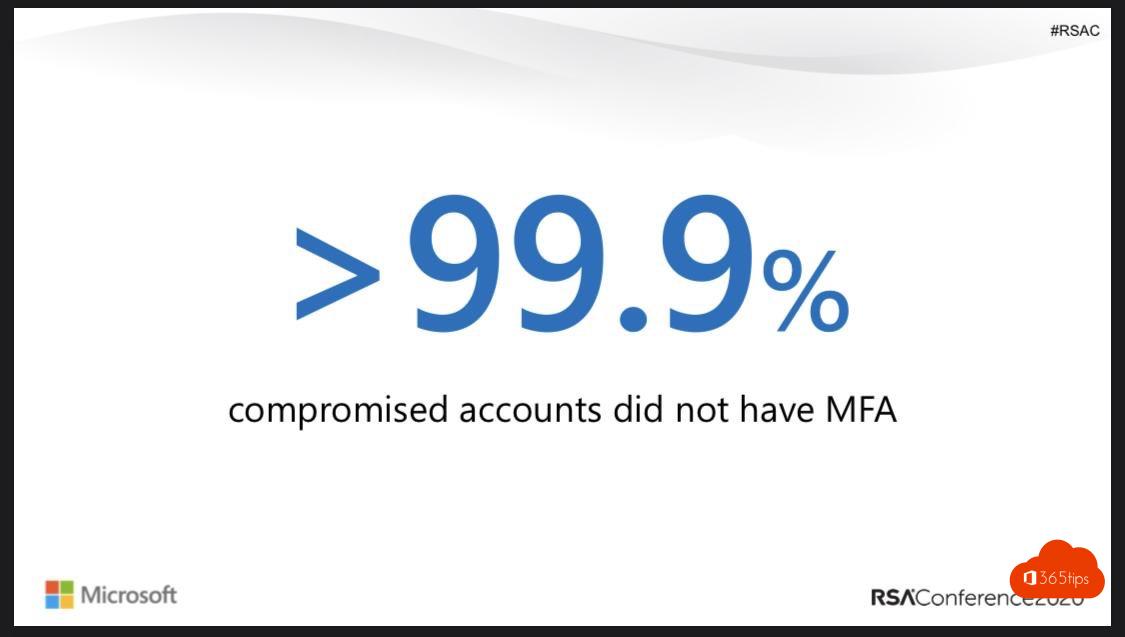
- MFA for everyone, preferably with Microsoft Authenticator or passkeys. Read what is MFA?
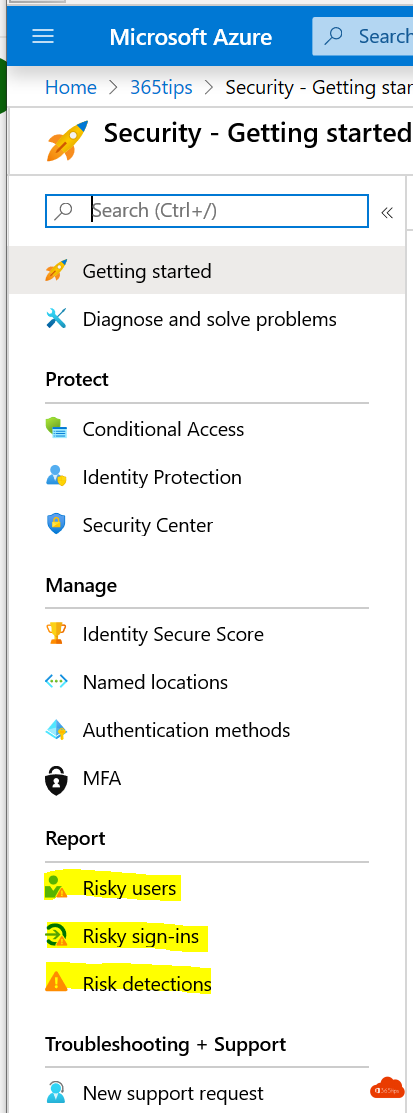
- Conditional Access: only allow access from managed or compliant devices, and block legacy sign-in protocols.
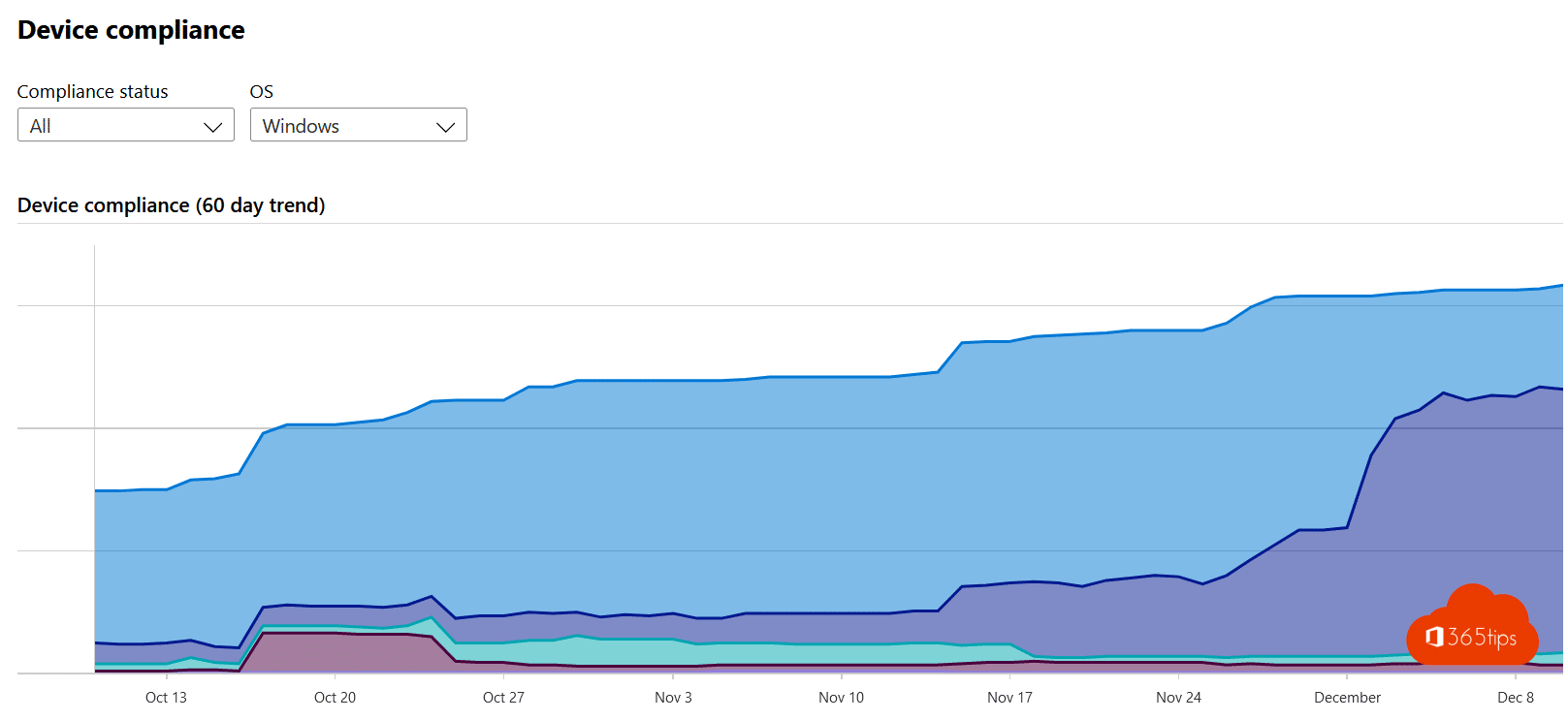
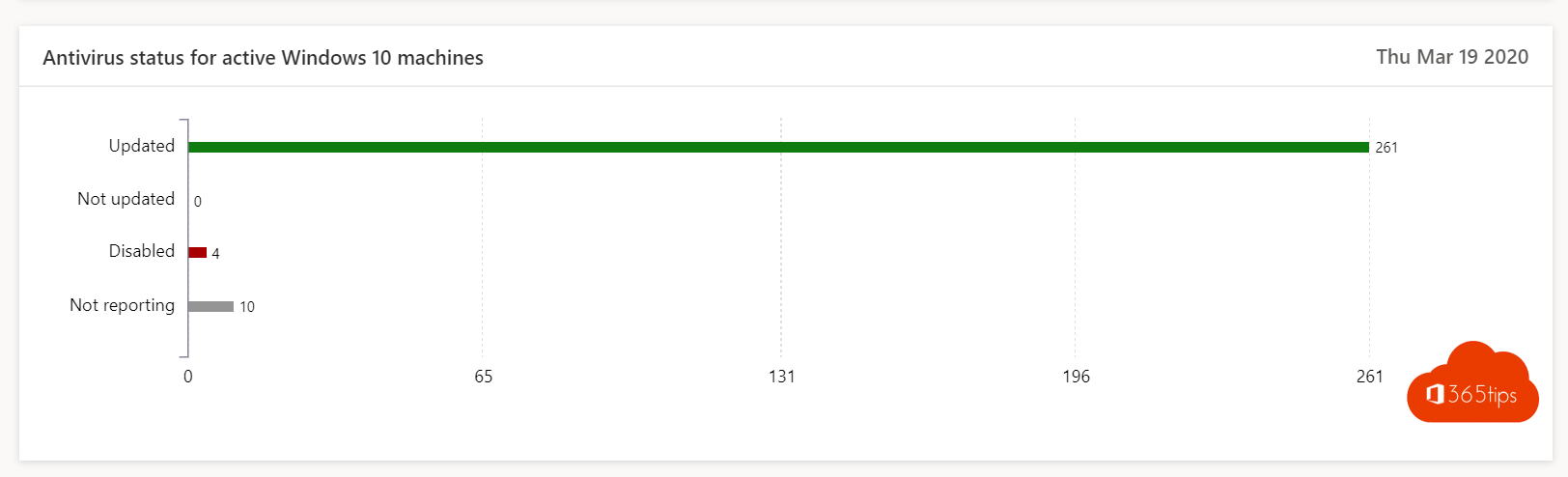
- Managed devices with Intune: require updates, encryption and antivirus. Read Intune basic setup.
- Automatic updates for Windows, Office and browsers.
- Encrypt laptops with BitLocker.
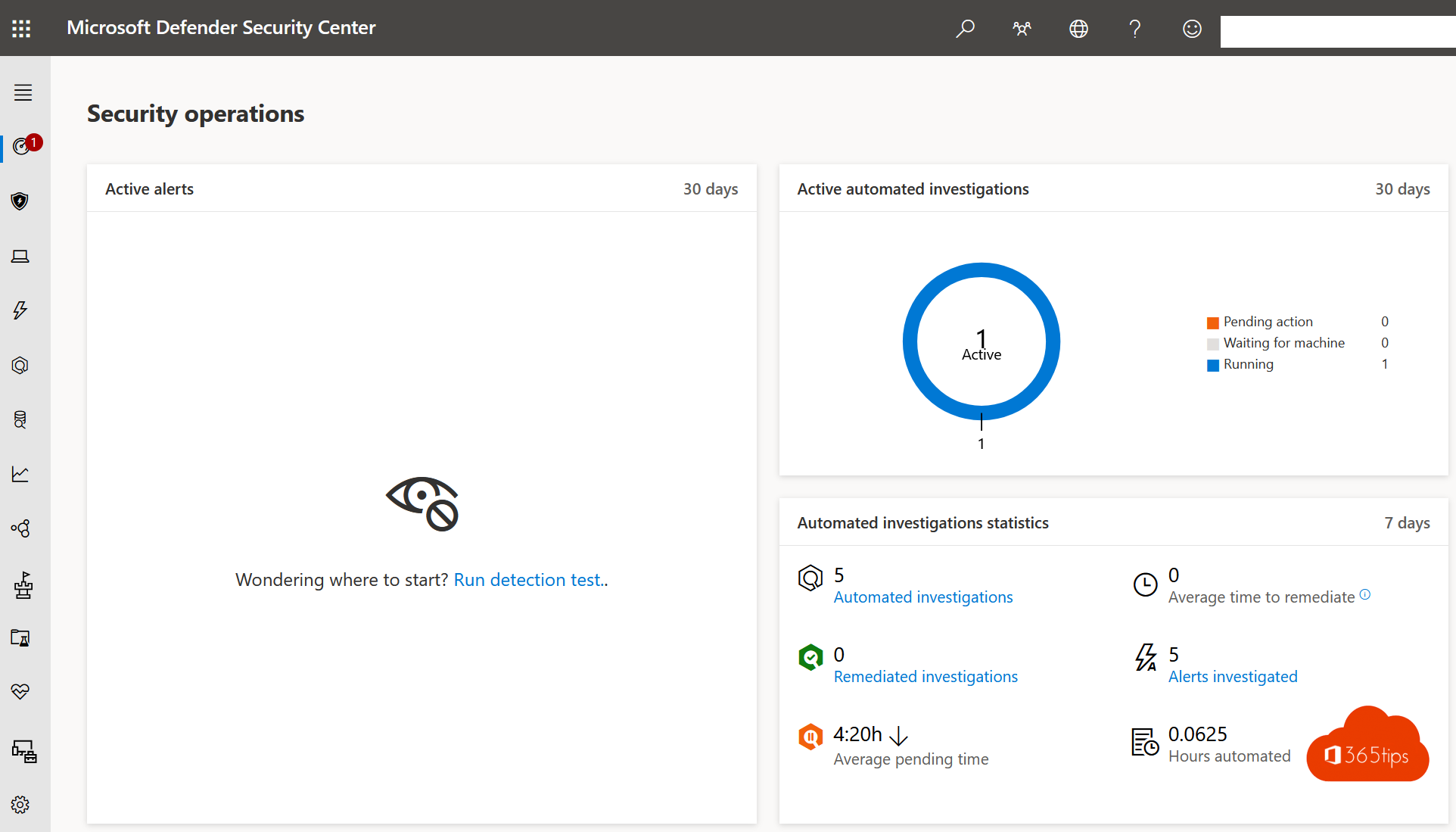
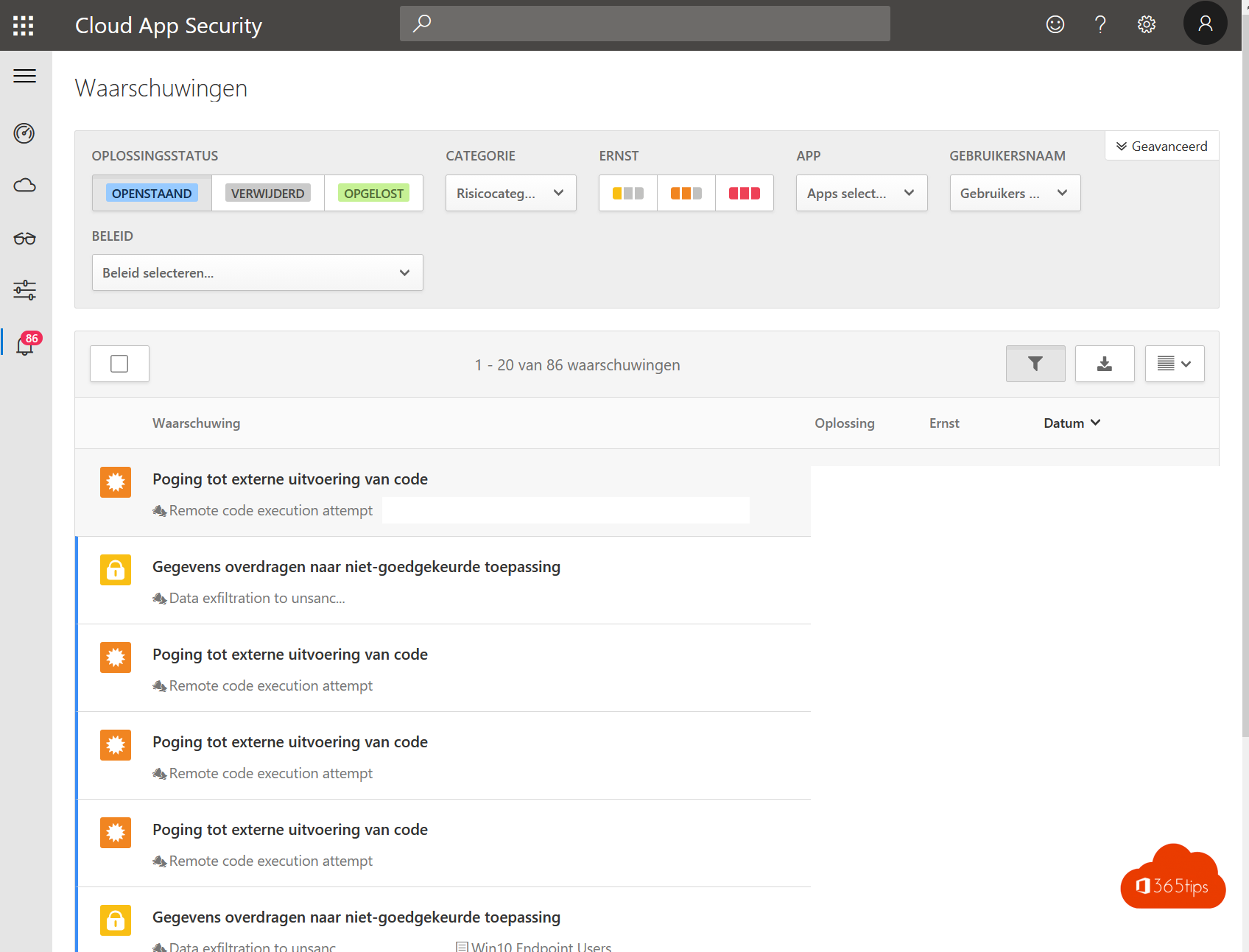
- Microsoft Defender for Endpoint and for Office 365, against malware and phishing.
- Files in OneDrive and SharePoint instead of on a USB stick or home drive, with PC folder backup.
- Limit access on personal devices: browser only, no downloads. Read block downloads on unmanaged devices.
- Awareness: train staff with phishing simulations.
- Least privilege for admins, with separate admin accounts and Privileged Identity Management.
Tips for employees
- Secure your home Wi-Fi with a strong password and keep the router updated.
- Lock your screen with Windows + L when you walk away.
- Don't click links in emails without thinking, and report suspicious messages.
- Don't use personal apps to share work files.
Measure it
Use Microsoft Secure Score to see how your organization scores and which measures are still open.
Read also
What is Multi-Factor Authentication (MFA)?
Improve your security with Microsoft Secure Score
Block downloading Microsoft 365 files on unmanaged devices
Nederlandstalige versie: De tien belangrijkste beveiligingsmaatregelen voor thuiswerken
More in English
▸The basic settings to start using Microsoft IntuneGet Microsoft Intune ready: licences, automatic enrolment, enrolment restrictions, compliance policies and…
▸Turn on BitLocker in Windows 11 and keep your recovery key safeEncrypt your drive with BitLocker in Windows 11. Device encryption in Home, storing and finding the recovery…
▸Run a phishing simulation with Attack simulation trainingTest who clicks a realistic phishing email and give users instant training with Attack simulation training in…
▸Security defaults in Microsoft Entra ID: what they do and how to enable themWhat security defaults in Microsoft Entra ID (formerly Azure AD) do, who they are for, how to turn them on or…