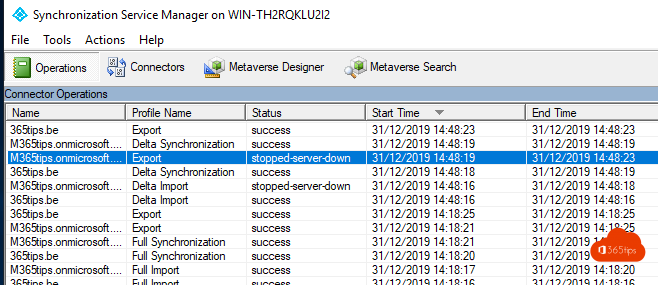
Your organisation no longer needs on-premises Active Directory and works entirely in the cloud. Then you can turn off directory synchronization: all synced users and groups become cloud objects that you manage in Microsoft 365 and Entra ID. This article shows how, and what to watch for.
Before you start
- Any devices still hybrid joined, or apps relying on AD? Sort those out first. Read Entra join or hybrid join.
- Using pass-through authentication or federation? Switch to password hash synchronization first so users keep their current password.
- Exchange hybrid? Plan the end of your on-premises Exchange management too.
Turn off synchronization
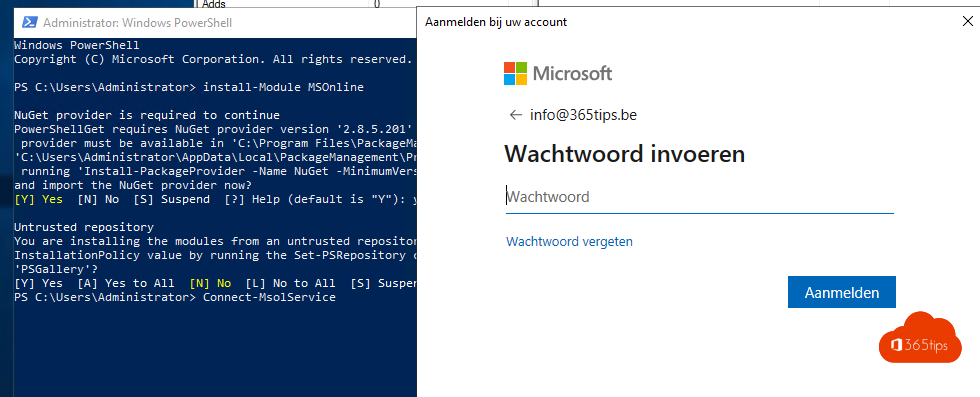
- Install the Microsoft.Graph.Beta.Identity.DirectoryManagement module.
- Connect: Connect-MgGraph -Scopes "Organization.ReadWrite.All"
- Get the ID: $orgId = (Get-MgOrganization).Id
- Disable: Update-MgBetaOrganization -OrganizationId $orgId -BodyParameter @{onPremisesSyncEnabled = $false}
The conversion can take up to 72 hours. Check with Get-MgOrganization | Select OnPremisesSyncEnabled.
Afterwards
- Users show On-premises sync enabled: No and are editable in Microsoft 365.
- Uninstall Entra Connect from the server via Apps > Installed apps.
- Users keep their password, if password hash sync was active.
- Update details like department and phone in the admin center or Entra ID from now on.
Sync again later?
It's possible, but you'd need to re-link the AD objects (hard match). So decide carefully before taking the step. Related: install Entra Connect and Windows Autopilot.
Read also
Install and configure Microsoft Entra Connect (Azure AD Connect)
Start a Microsoft Entra Connect sync manually
Entra joined, hybrid joined or registered: which should you choose?
Nederlandstalige versie: Entra Connect uitschakelen en alle objecten in de cloud beheren