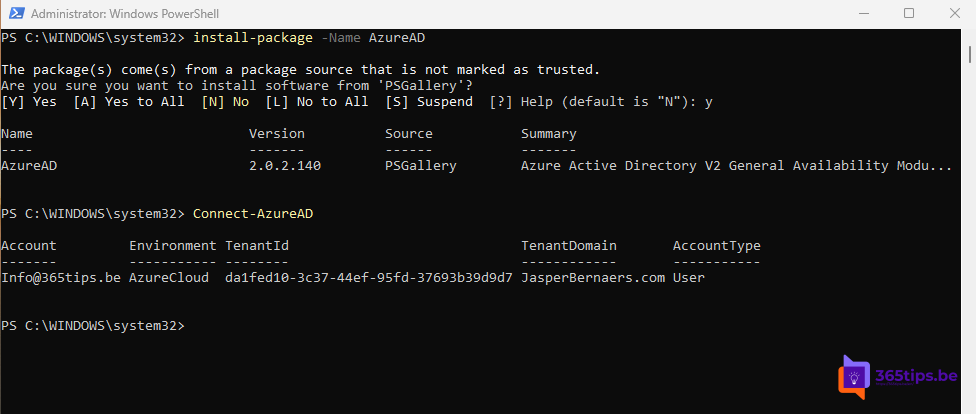
Want to manage users, groups or settings in Microsoft Entra ID with PowerShell? You used to install the AzureAD or AzureADPreview module for that. Those modules are retired. This article shows what to use now and how to convert your old scripts.
Which module do you use now?
| Before | Now |
|---|---|
| AzureAD | Microsoft.Graph |
| AzureADPreview | Microsoft.Graph.Beta (for features still in preview) |
| MSOnline | Microsoft.Graph |
Microsoft also offers the Microsoft.Entra module. It uses Graph behind the scenes, but with cmdlets closer to the old AzureAD style. Handy if you have a lot of old scripts.
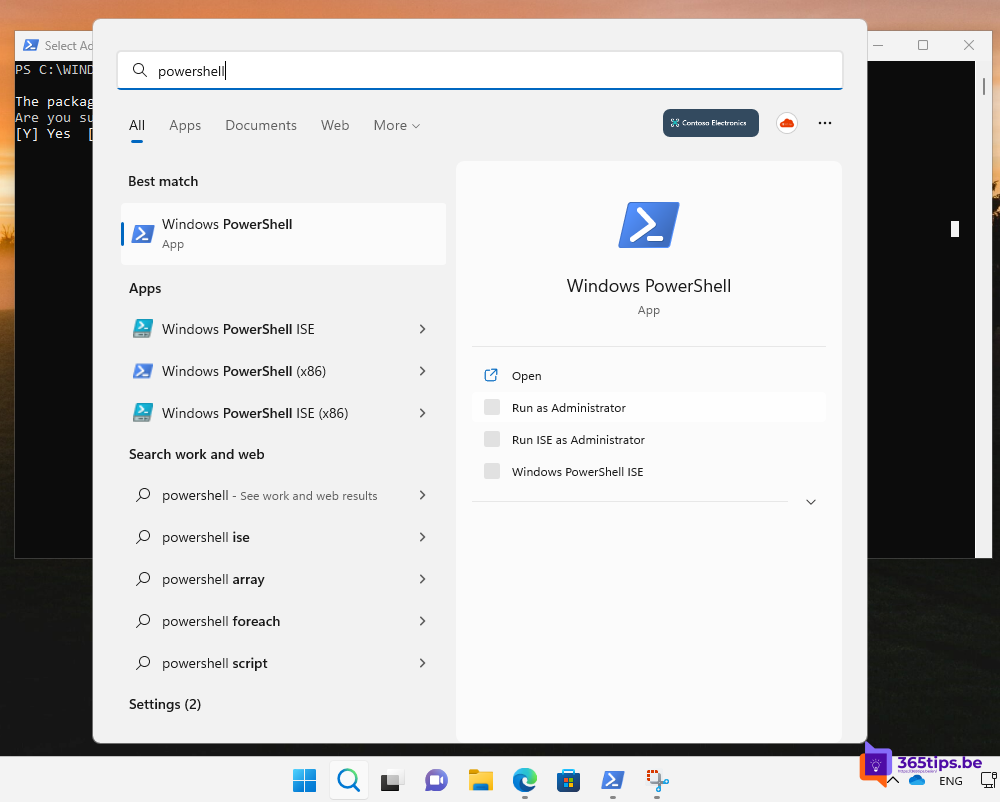
1. Install Microsoft Graph PowerShell
Open PowerShell 7 (recommended) or Windows PowerShell and run:
Install-Module Microsoft.Graph -Scope CurrentUser
# Optional: preview features
Install-Module Microsoft.Graph.Beta -Scope CurrentUser
Still have the old modules installed? Remove them with Uninstall-Module AzureAD, Uninstall-Module AzureADPreview and Uninstall-Module MSOnline.

2. Connect
With Graph you only request the permissions (scopes) you need:
Connect-MgGraph -Scopes "User.ReadWrite.All","Group.ReadWrite.All"
Get-MgContext
You sign in with MFA in a browser window. An admin must approve the consent the first time.
3. Examples
List users:
Get-MgUser -All | Select-Object DisplayName, UserPrincipalNameChange a user's UPN (previously Set-MsolUserPrincipalName):
Update-MgUser -UserId "info@contoso.onmicrosoft.com" -UserPrincipalName "info@contoso.com"Find a group:
Get-MgGroup -Filter "displayName eq 'Sales'"
4. Convert old scripts
- Look up the Graph alternative for each old cmdlet in Microsoft's mapping table (search for "AzureAD to Microsoft Graph PowerShell cmdlet map").
- With the Microsoft.Entra module,
Enable-EntraAzureADAliaslets many old cmdlet names keep working. Test this thoroughly. - For unattended scripts, use an app registration with a certificate or a managed identity instead of a user account.
Exchange Online
For Exchange you still use the separate ExchangeOnlineManagement module, with MFA support.
Also see PowerShell for Microsoft 365 beginners and install PowerShell 7.
Read also
PowerShell for Microsoft 365: a guide for beginners
Install, update and use PowerShell 7 on Windows
Install the Exchange Online PowerShell module (ExchangeOnlineManagement)
Nederlandstalige versie: De AzureAD-module is met pensioen: overstappen naar Microsoft Graph PowerShell