The error code 0x0 0x0 is a generic Windows error. It doesn't say exactly what's wrong, but usually points to damaged system files, an update problem or an app that hangs. These steps usually fix it.
Simple steps first
- Restart your PC.
- Install all updates via Settings > Windows Update.
- Update or reinstall the app that shows the error.

Repair Windows
Open Command Prompt as administrator and run:
sfc /scannow
DISM /Online /Cleanup-Image /RestoreHealth
Then restart your PC.
Still getting the error?
- Disk Cleanup or Settings > System > Storage > Temporary files to free up space.
- Clean boot: start Windows with only Microsoft services (via msconfig) to see whether another app is the cause.
- Update drivers, especially for the graphics card. Read update drivers.
- Restore point: roll Windows back to before the error started. See restore points.
Last resort
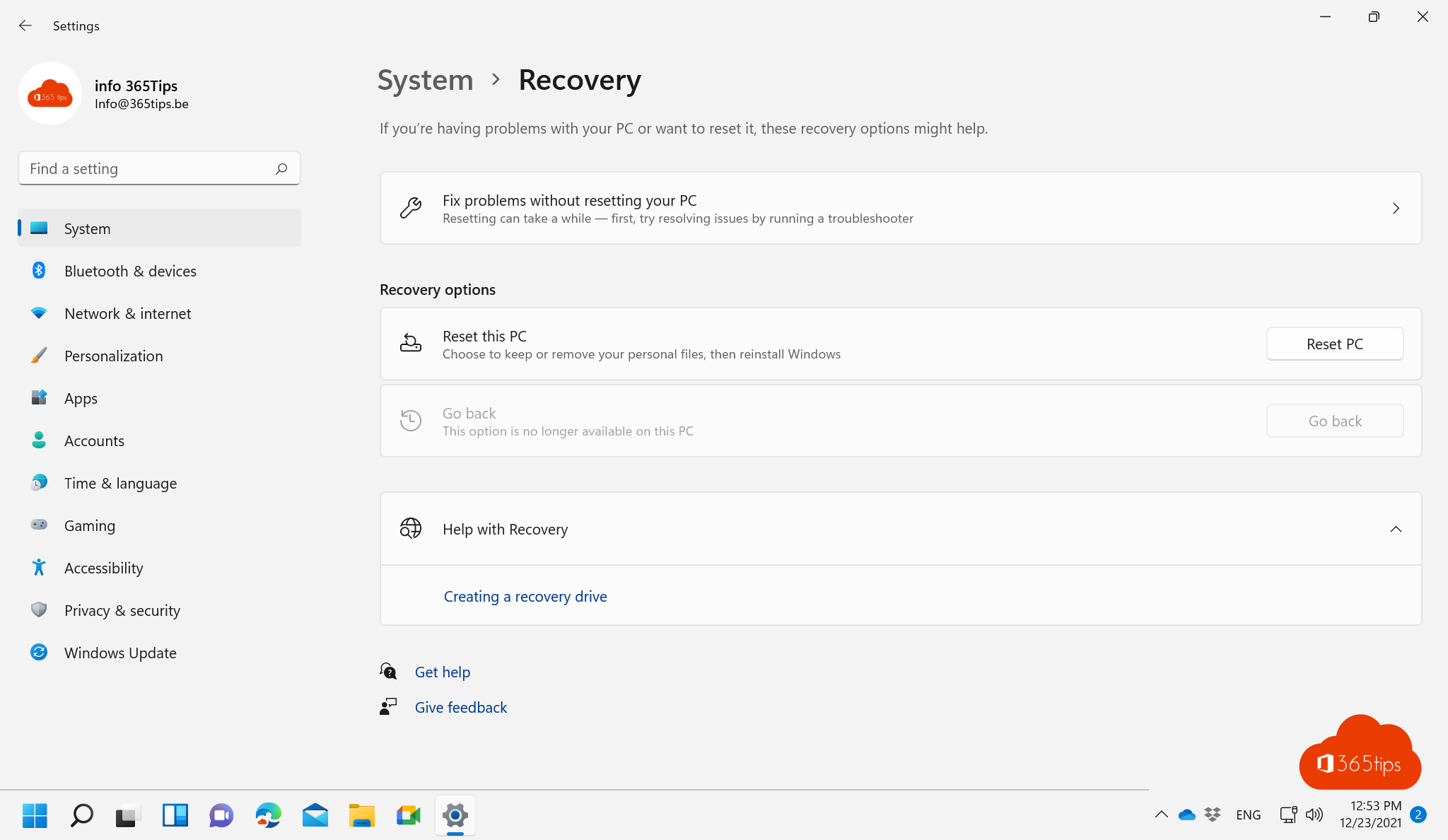
If nothing helps, back up and reset Windows with the option to keep your files. Also see fix the DRIVER_PNP_WATCHDOG blue screen.
Read also
Fix the DRIVER_PNP_WATCHDOG blue screen in Windows 11
How to update drivers in Windows 11 and 10
Enable, create and use system restore points in Windows 11
Nederlandstalige versie: De foutcode 0x0 0x0 oplossen op een Windows-pc
More in English
▸The most useful CMD commands for WindowsAn overview of handy Command Prompt commands: network, system repair, Group Policy, processes and files, each…
▸Run Command Prompt as administrator in Windows 11 and 10: 6 waysOpen Command Prompt, PowerShell or Windows Terminal as administrator in Windows 11 and 10: via Start,…
▸Reset a Windows 11 PC to factory settingsReset your Windows 11 PC to factory settings, with or without your files, via cloud download or local…
▸Speed up a slow Windows 11 computer: 10 tipsSpeed up a slow Windows 11 PC: disable startup apps, free up space, set power mode, reduce visual effects,…