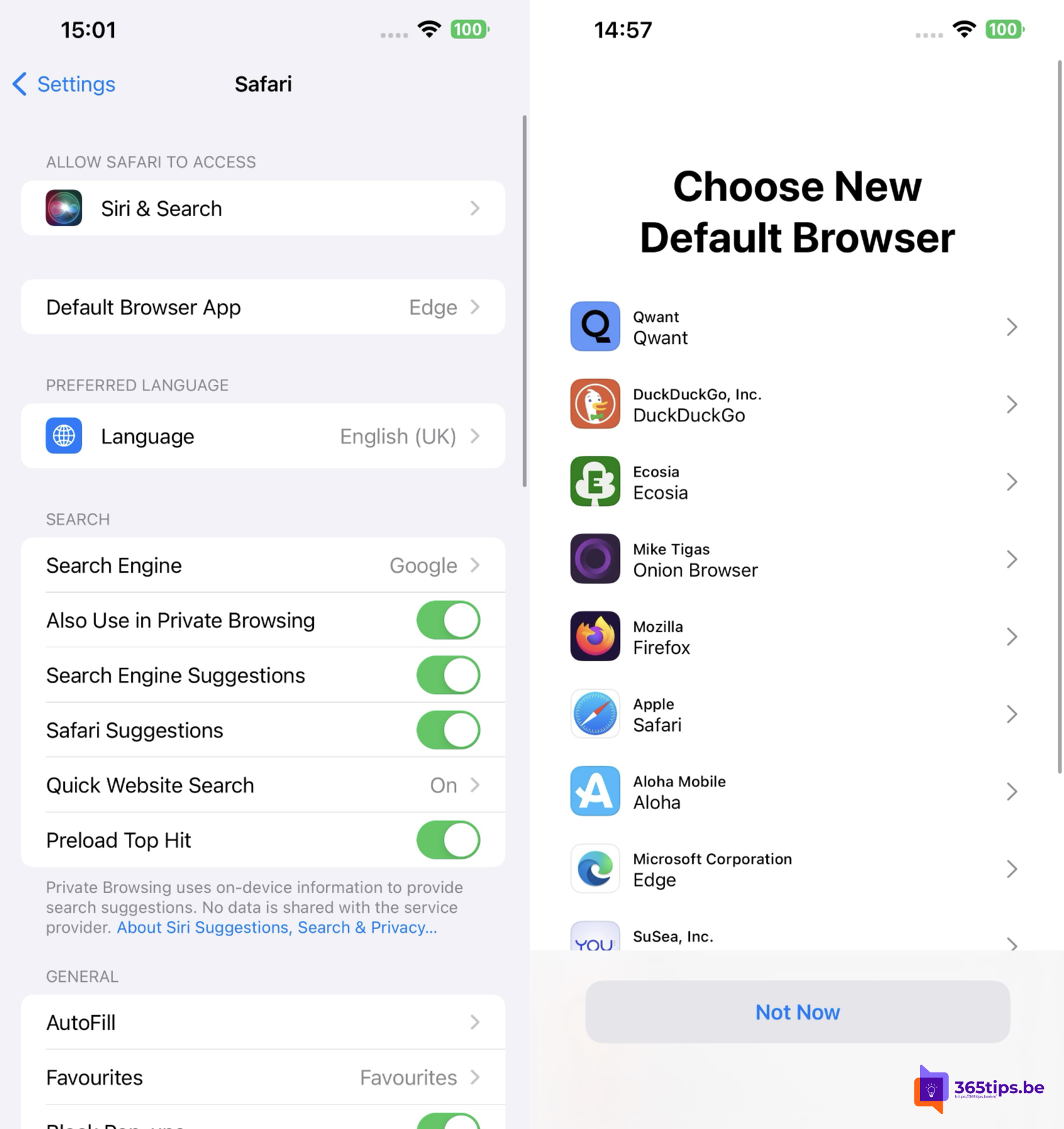
Prefer Microsoft Edge, Firefox or Chrome over Safari on your iPhone or iPad? Then set that browser as your default. Links in emails, messages and other apps then open straight in your favorite browser. In Europe, Apple went a step further starting with iOS 17.4.
What changed in the EU?
- Own browser engines: every iPhone browser used to be required to use Safari's WebKit engine. In the EU, developers may now use a different engine, such as Blink (Chrome, Edge) or Gecko (Firefox). Whether a browser actually does so is up to its maker.
- Choice screen: users in the EU got a screen listing browsers to pick one as the default.
Outside the EU these rules don't apply in the same way.
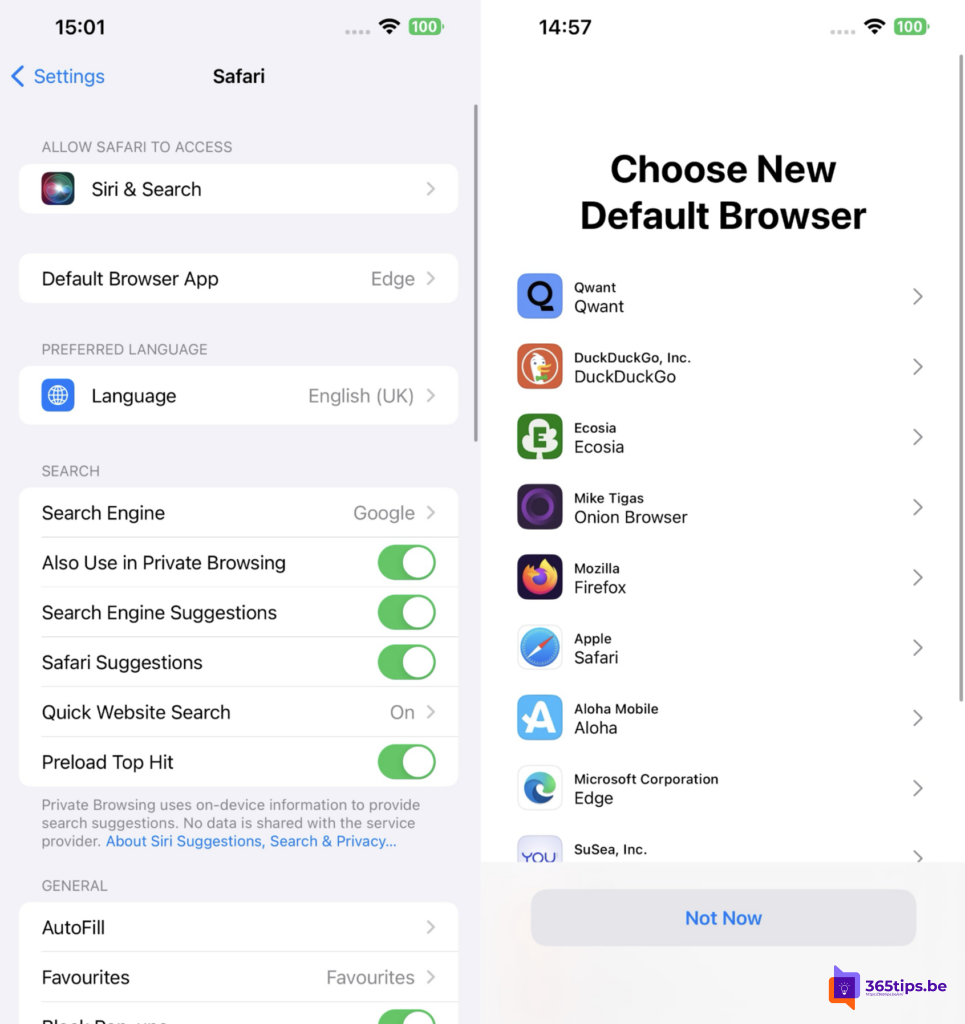
Set Edge as your default browser
- Install Microsoft Edge from the App Store.
- Open Settings on your iPhone or iPad.
- In recent iOS versions go to Apps > Default Apps > Browser App. In older versions scroll to Edge and tap Default Browser App.
- Choose Edge.
You set another browser the same way. A browser that isn't installed can't be selected.
Why Edge on your iPhone?
- Sync of favorites, passwords and history with Edge on Windows and Mac.
- Profiles: switch easily between your work and personal account.
- Work account: organizations can protect Edge with Intune policies so work data stays safe.
- Copilot is built in for questions or page summaries.
Also see sync passwords and favorites in Edge and Microsoft Edge for Mac.
Read also
Sync passwords, favorites and settings in Microsoft Edge
Download and install Microsoft Edge on macOS
Enhanced security mode in Microsoft Edge
Nederlandstalige versie: Edge of een andere browser als standaard instellen op iPhone en iPad
More in English
▸Get started with Microsoft Teams on iPhone and iPadInstall Teams on your iPhone or iPad, sign in and learn the navigation, meetings and notification…
▸Take a screenshot or screen recording on a Mac, iPhone or iPadEvery shortcut for screenshots and screen recordings on a Mac, iPhone and iPad, and where the files are…
▸Find the IP address of your iPhone, iPad or MacFind your iPhone, iPad or Mac's local IP address in settings or Terminal, and how it differs from your public…
▸Create an Apple Account on iPhone, Mac, Windows or AndroidCreate an Apple Account (formerly Apple ID) on your iPhone, Mac, Windows PC or Android, and use your iCloud…