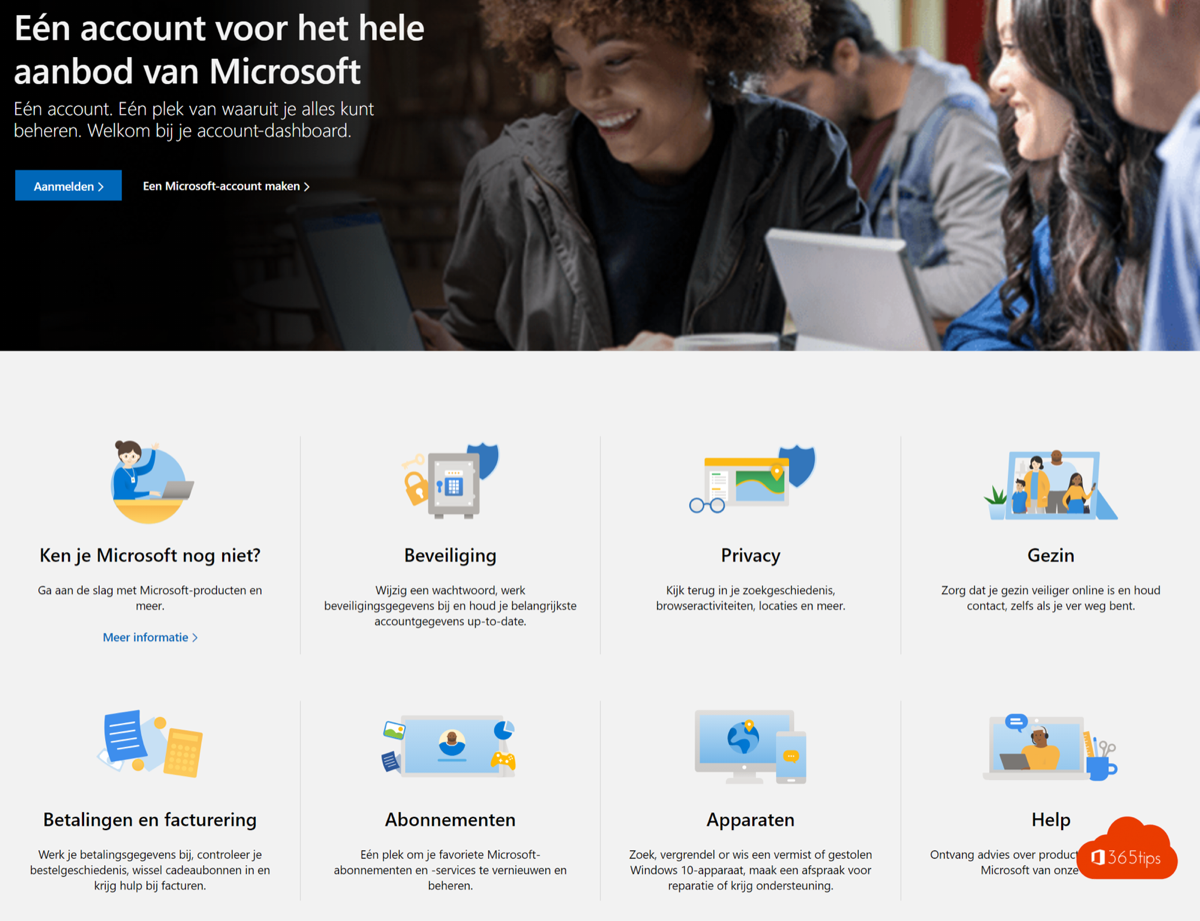
A free Microsoft account signs you in to Outlook.com, OneDrive, Teams (free), Xbox and Windows. You can take a new Outlook.com email address or use your existing one. This article shows how to create an account and secure it properly straight away.
Create an account
- Go to account.microsoft.com and select Create account. Or go to outlook.com > Create free account.
- Choose a new email address (@outlook.com or @hotmail.com), or select Use your existing email address.
- Pick a strong password.
- Enter your name, country and date of birth.
- Confirm with the code you receive by email or text, and complete the check that you're not a robot.
Secure it straight away
- Go to account.microsoft.com > Security.
- Turn on two-step verification with the Microsoft Authenticator app.
- Add a passkey (Windows Hello, Face ID or Touch ID), so you no longer need a password.
- Add a recovery email or phone number so you can get back in if you forget your password.
What can you do with it?
- Outlook.com: free email and calendar.
- OneDrive: 5 GB of free storage.
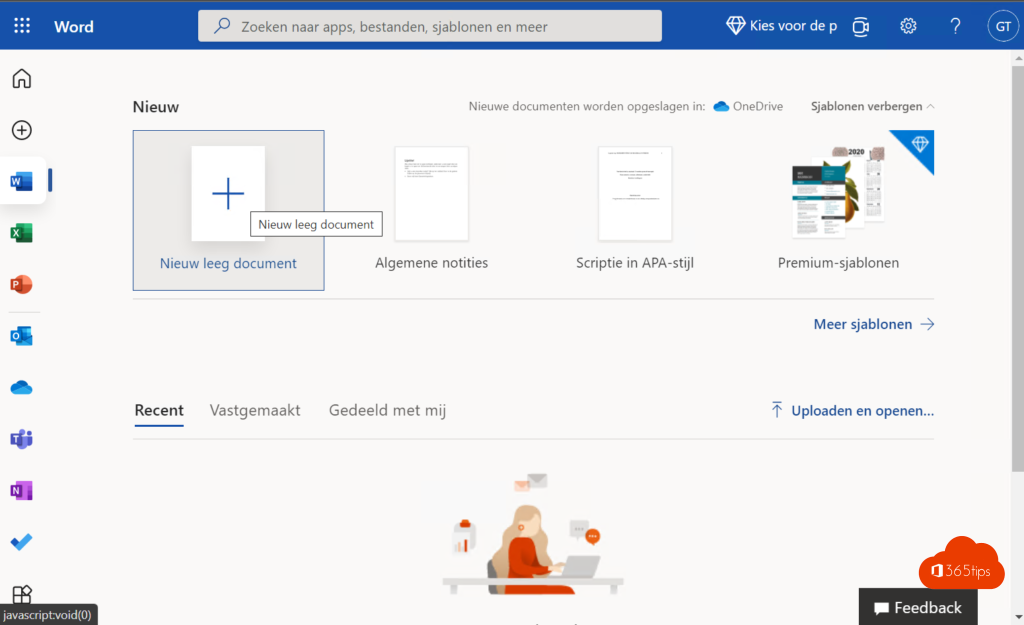
- Word, Excel and PowerPoint on the web, for free.
- Microsoft Teams (free) for chat and video calls with family and friends. Read create a free Teams account.
- Sign in to Windows, so your settings and BitLocker key are backed up.
Work account or personal account?
A Microsoft account is personal. Your work or school account comes from your organisation. Don't mix them up: keep work files out of your personal OneDrive. Related: remove a device from your Microsoft account.
Read also
How to create a free Microsoft Teams account
How to remove a device from your Microsoft account or Microsoft 365 account
Have I Been Pwned: check whether your email is in a data breach
Nederlandstalige versie: Een gratis Microsoft-account of Outlook.com-adres aanmaken
More in English
▸How to create a free Microsoft Teams accountCreate a free Microsoft Teams account, see what the free version can do (60 minutes, 100 participants, 5 GB)…
▸Check where and when your Microsoft account was signed inReview your recent sign-ins with location and device in Microsoft 365 or your Microsoft account, and what to…
▸Install the Microsoft 365 apps (Office) on your Windows PCInstall Word, Excel, PowerPoint, Outlook and Teams on your PC with your work or school account. Device limits…
▸Skype has been retired: switch to Microsoft Teams (free)Skype stopped working on 5 May 2025. Switch to Microsoft Teams (free) with the same account, see what…