
Want your work email, calendar and contacts on your phone? With the free Outlook app for iPhone and Android you set up your Microsoft 365 mailbox in minutes. Many organisations also require that app instead of the built-in mail app. This article shows how to set up Outlook.
Set up Outlook
- Install Microsoft Outlook from the App Store or Google Play.
- Open the app and tap Add account. Outlook often suggests your work account if you're already signed in to another Microsoft app.
- Type your work address and tap Continue.
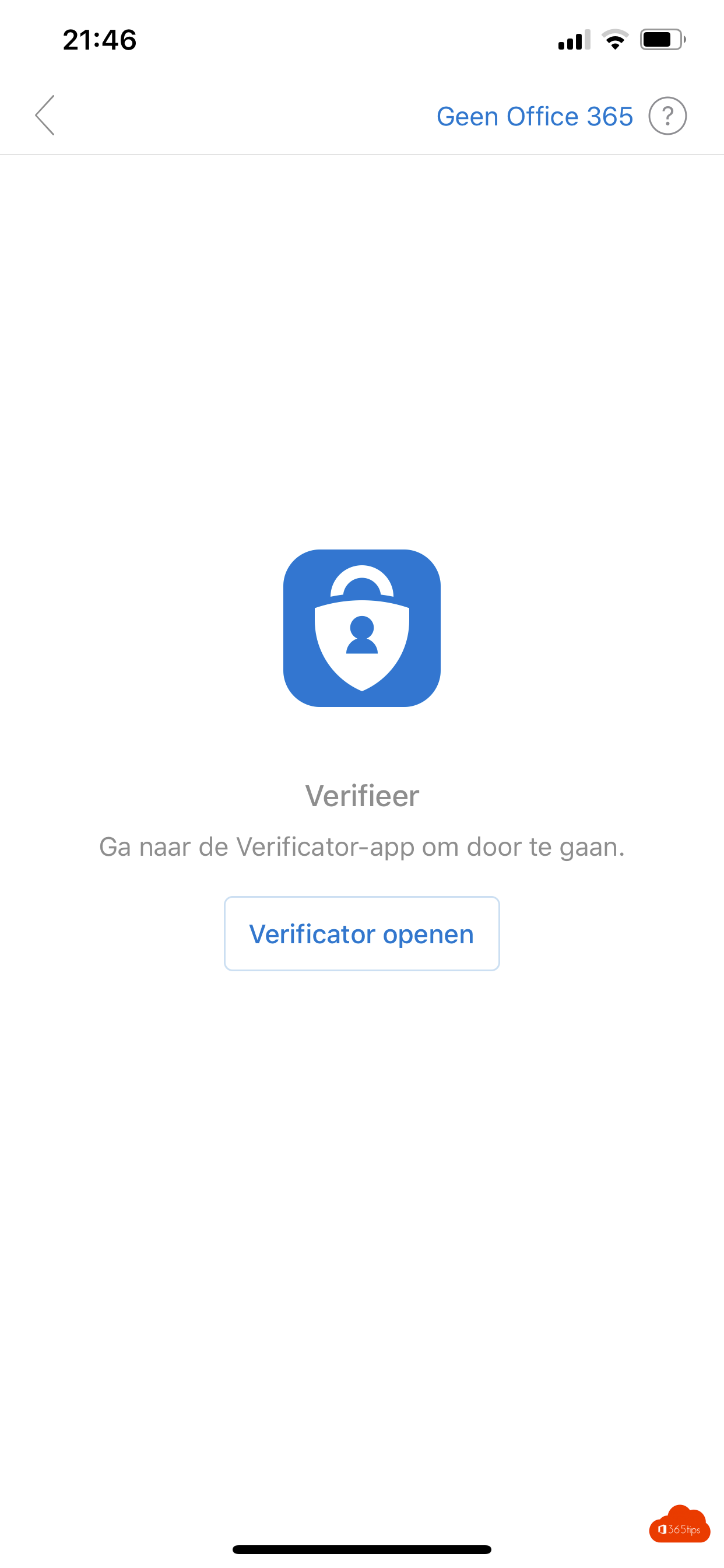
- Sign in with your password and confirm with the Authenticator app.
- Allow notifications so you see new email.
Your organisation's app protection
If your organisation uses Intune, Outlook may ask for an app PIN, or for the Authenticator or Company Portal app to be installed. That keeps work data protected, even on your own device. Copying to other apps may be restricted.
Handy settings
- Turn Focused Inbox on or off. Read turn off Focused Inbox.
- Change your signature under Settings > Signature.
- Set automatic replies on your account. Read set an out-of-office reply.
- Add colleagues' or shared calendars on the calendar tab.
- Add a shared mailbox. Read add a shared mailbox.
Not working?
- Check that you have a licence with Exchange Online.
- Update the app to the latest version.
- Remove the account from the app and add it again.
For admins: read block ActiveSync and allow only Outlook.
Nederlandstalige versie: Je werkmail instellen in de Outlook-app op iPhone of Android
Related articles
▸Add a shared mailbox in Outlook for iPhone and AndroidAdd a shared mailbox such as info@ in the Outlook app on iPhone or Android, and reply from the shared address.
▸Turn off Focused Inbox in Outlook, per user or for everyoneTurn off Focused Inbox in the new Outlook, on the web, in classic Outlook and on mobile. Or disable it for…
▸Block Exchange ActiveSync and allow only the Outlook appBlock Exchange ActiveSync for one user, all mailboxes or through Conditional Access, so only the managed…
▸Set up or change your email signature in OutlookCreate or change your email signature in the new Outlook, on the web, in classic Outlook and on mobile…
▸Turn on desktop notifications in Outlook on the webTurn on desktop notifications in Outlook on the web for email and calendar, check browser permissions and…