This article once explained how to update to Windows 10 version 21H1. Things are very different now: Windows 10 version 22H2 was the last release, and support for Windows 10 ended on October 14, 2025. After that, security updates only came through the paid or time-limited Extended Security Updates (ESU) program. Moving to Windows 11 is the best choice.
What does end of support mean?
- Your PC keeps working, but without security updates it becomes increasingly vulnerable.
- New apps and hardware don't always support Windows 10 anymore.
- Businesses can still buy ESU licenses for a limited time. Check Microsoft for current terms and duration.
Check your version first
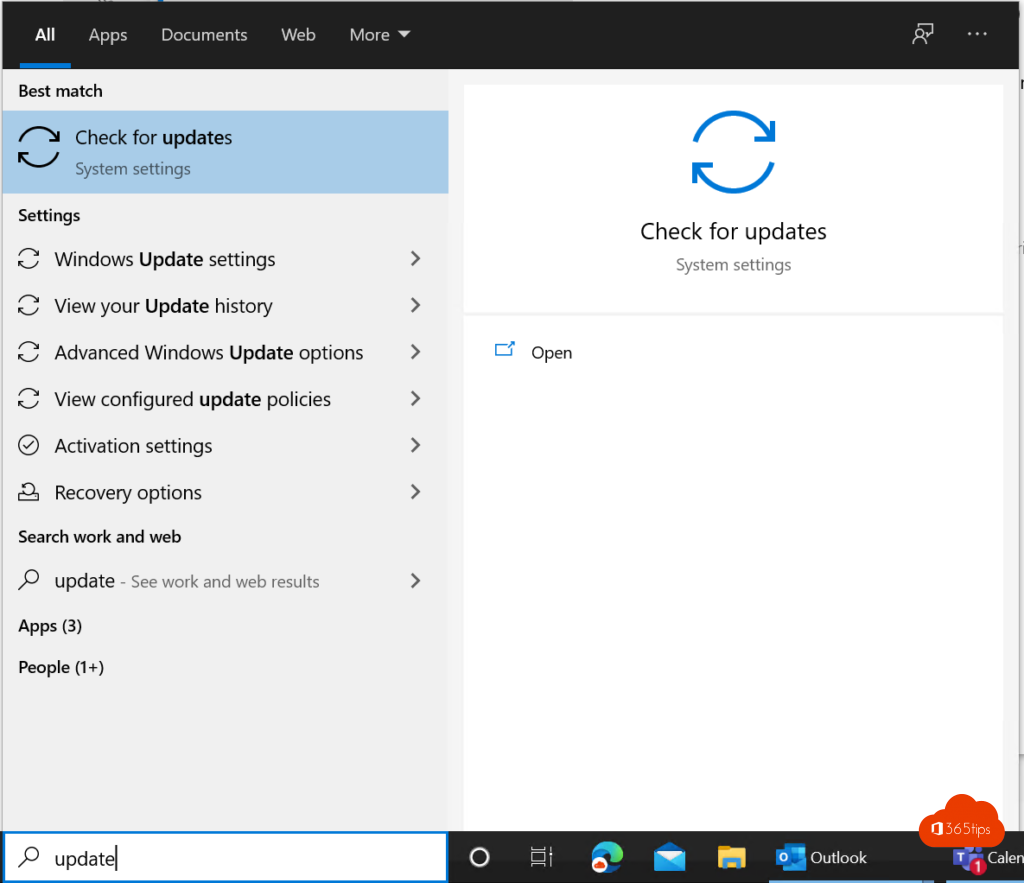
Press Windows + R, type winver and press Enter. On Windows 10, make sure you're at least on 22H2 via Settings > Update & Security > Windows Update.
Move to Windows 11
- Use the PC Health Check app to see whether your PC can run Windows 11.
- If it can, the upgrade often appears in Windows Update. You can also use the Windows 11 Installation Assistant.
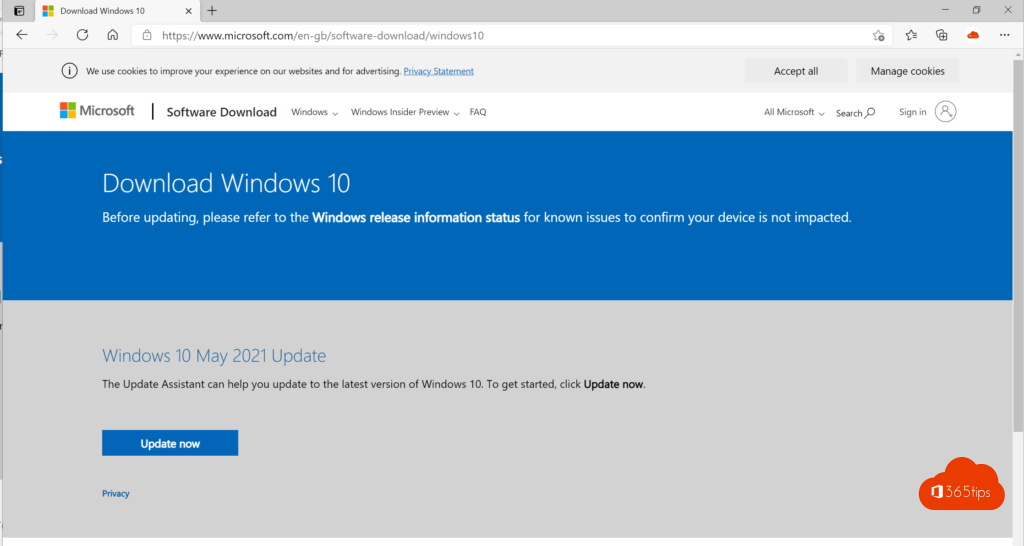
- For a clean install, create a USB drive or ISO file with Microsoft's media creation tool.

PC not compatible?
- Check whether you can turn on TPM and Secure Boot in the BIOS or UEFI. Sometimes they're simply off.
- Consider a new PC or, for businesses, a virtual desktop such as Windows 365.
For businesses
Managing many PCs? Plan the upgrade with Microsoft Intune and update rings so you move over in a controlled, phased way.
Also see upgrade with the Windows 11 Installation Assistant and download and install Windows 11.
Read also
Upgrade from Windows 10 to Windows 11 with the Installation Assistant
Download and install Windows 11: all official methods
Keep all Windows PCs up to date with Microsoft Intune
Nederlandstalige versie: Windows 10 is niet meer ondersteund: bijwerken en overstappen