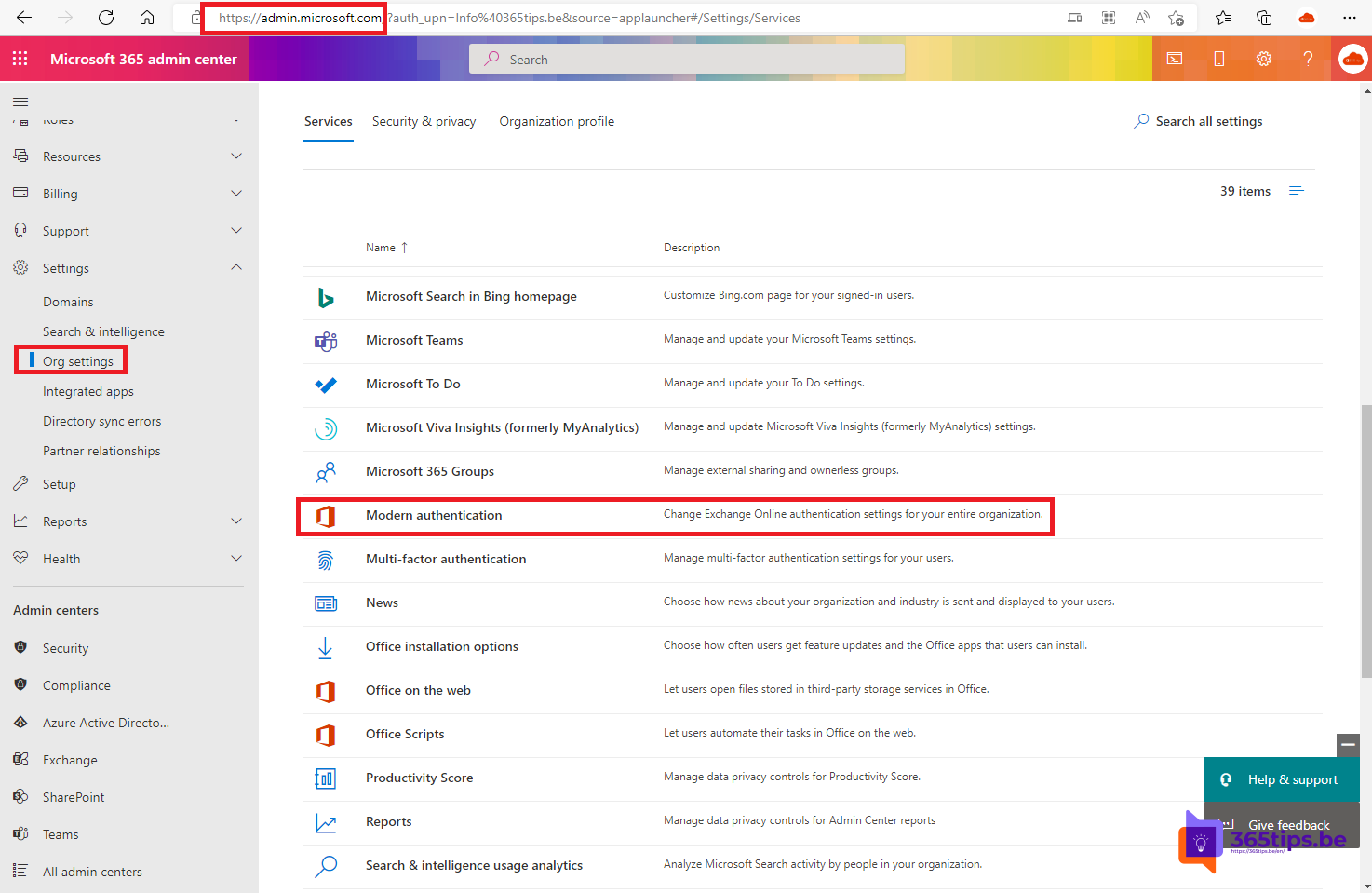
Basic authentication means an app signs in with just a username and password. That's unsafe: attackers can guess or reuse passwords, and multifactor authentication (MFA) doesn't work with it. Microsoft therefore turned off basic authentication in Exchange Online starting in October 2022, and that is permanent: you can't turn it back on. Only modern authentication (OAuth 2.0) still works.
Basic vs. modern authentication
- Basic authentication: username and password are sent with every connection. No MFA, no Conditional Access.
- Modern authentication: you sign in via a Microsoft sign-in screen and the app gets a token. MFA, Conditional Access and passwordless sign-in all work.
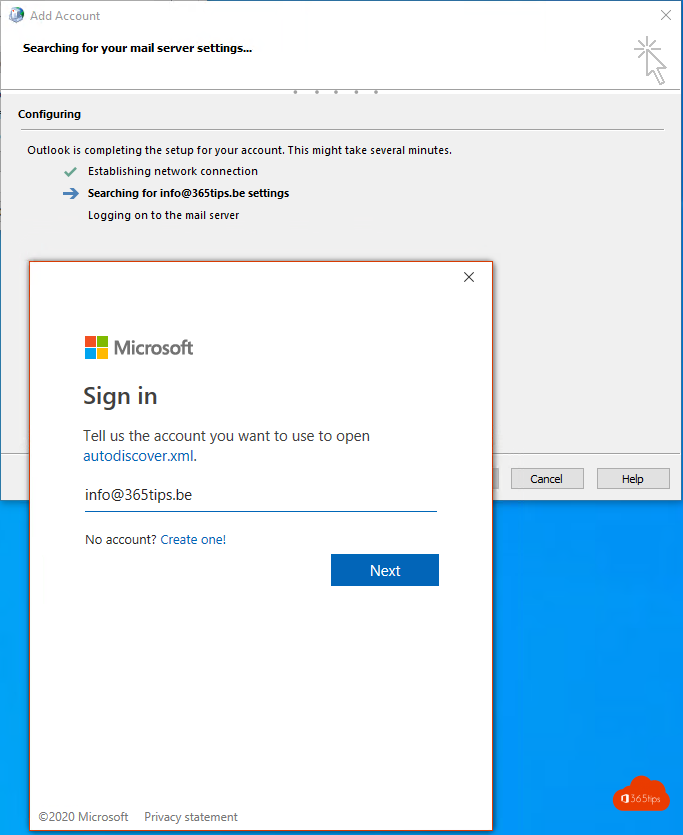
What no longer works?
- Connections via EWS, Exchange ActiveSync, IMAP, POP and remote PowerShell with only a username and password.
- Old mail clients and old Outlook versions without modern authentication.
- Built-in mail apps on older smartphones that don't support OAuth.
- Scripts and apps that still sign in with a password.
Use Outlook for Windows, Mac, iOS or Android instead, or another mail app with modern authentication.
Printers, scanners and apps that send mail
Devices that send mail via SMTP AUTH are a separate case. Microsoft is phasing out basic authentication for SMTP AUTH too; check the current status in the message center. If a device can't do OAuth, look at an alternative such as SMTP relay via a connector in Exchange Online, or ask the vendor for a firmware update.
Find out who still uses legacy authentication
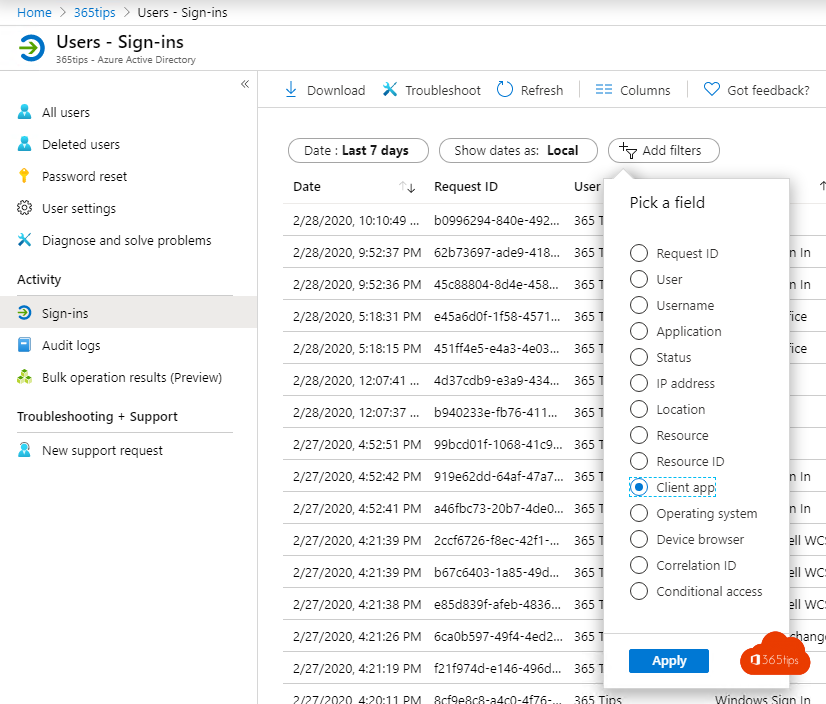
- Open the Microsoft Entra admin center (entra.microsoft.com).
- Go to Monitoring & health > Sign-in logs.
- Add a filter on Client app and select the legacy clients (everything except Browser and Mobile Apps and Desktop clients).
You now see which users and apps still try to sign in with legacy authentication. Exchange Online rejects those attempts.
Further secure your tenant
- Turn on MFA for all users, via security defaults or Conditional Access.
- Block legacy authentication for other services too with a Conditional Access policy.
- Track your Secure Score in the Microsoft Defender portal.
Also see enable MFA in Microsoft 365 and legacy authentication in sign-in logs.
Read also
Enable multi-factor authentication (MFA) in Microsoft 365
Find legacy authentication with sign-in logs and Log Analytics
App passwords in Microsoft 365: create, delete and replace them
Nederlandstalige versie: Basisverificatie in Exchange Online is definitief uitgeschakeld