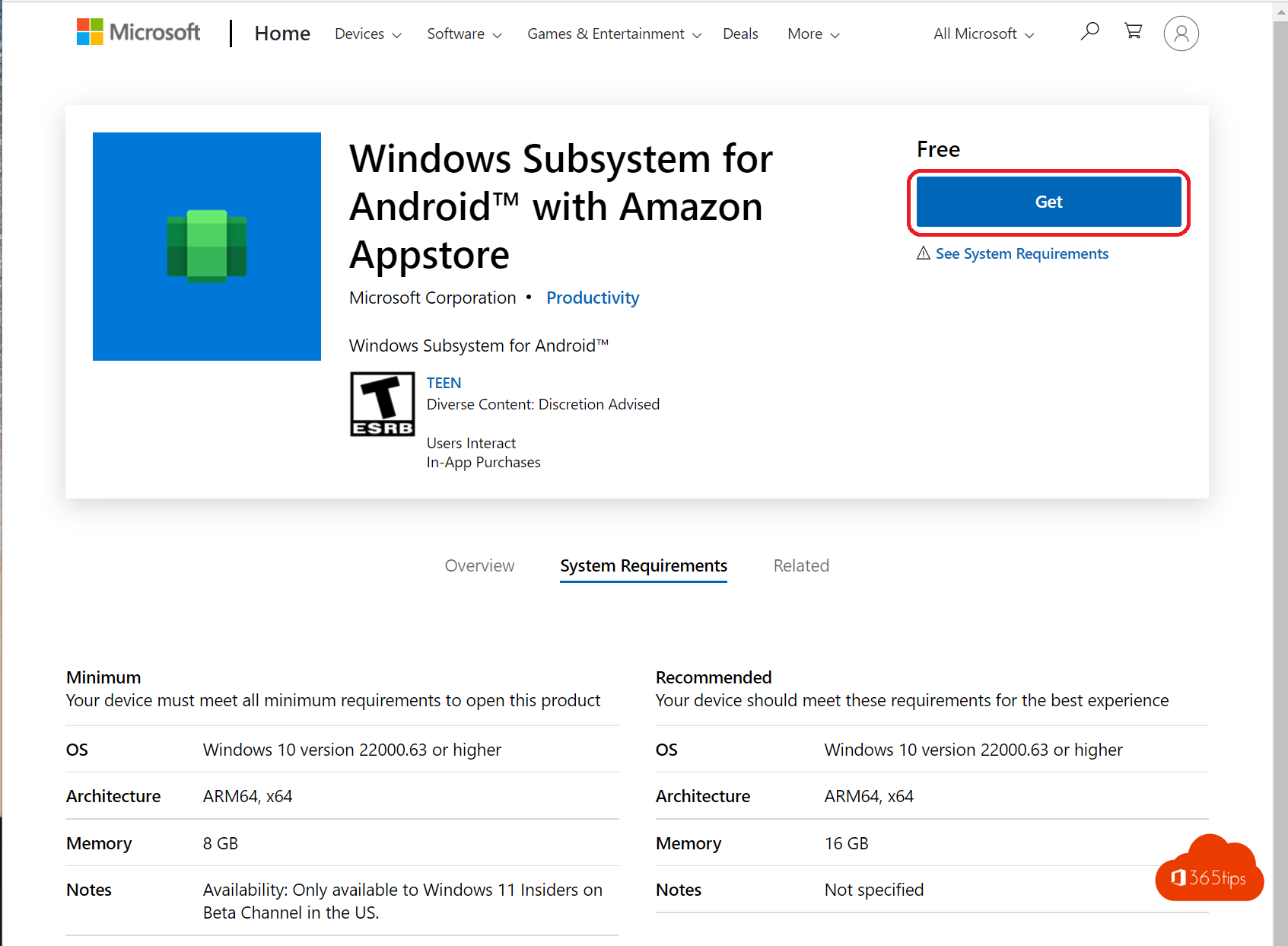
For a while you could install Android apps on Windows 11 through the Amazon Appstore, thanks to the Windows Subsystem for Android. Microsoft discontinued it on 5 March 2025. Existing Android apps no longer work and you can't install new ones. This article explains what changed and which alternatives you have to use your favorite Android apps on your PC anyway.
What happened?
- The Windows Subsystem for Android (WSA) and the Amazon Appstore for Windows have been unavailable since 5 March 2025.
- Apps installed through it no longer start. You can remove WSA under Settings > Apps > Installed apps.
- Data in those apps is only kept if the app itself stores it in the cloud.
Alternatives
| Alternative | How | Good for |
|---|---|---|
| Windows version of the app | Search the Microsoft Store or the maker's website | WhatsApp, Spotify, Netflix, Instagram, Telegram and many more |
| Web version or web app | Open the site in Edge and install it via Apps > Install this site as an app | Services without a Windows app |
| Phone Link | Use apps from your own Android phone on your PC | Notifications, messages, photos, and apps on supported phones |
| Android emulator | Third-party programs that emulate Android on your PC | Games, testing; not on work PCs without IT approval |
| Android Studio emulator | The official emulator for developers | App developers and testers |
Phone Link: your phone on your PC
- On your PC, open the Phone Link app, included in Windows 11.
- Choose Android and scan the QR code with your phone. Install the Link to Windows app on your phone if needed.
- Grant the requested permissions.
You then see your notifications, texts, photos and calls on your PC. On supported phones from brands such as Samsung and Honor, Apps also lets you open your Android apps directly on your PC screen; they run on your phone.
Use an Android emulator?
Emulators such as BlueStacks simulate an Android device on your PC. They work for many apps and games, but use a lot of memory, sometimes show ads and aren't from Microsoft or Google. Only install them from the official website and not on a managed work PC without permission. For testing your own apps, use the Android Studio emulator.
At work
Need an Android app for work? First ask whether a web or Windows version exists. For apps that truly only exist on mobile, a managed phone with the Intune Company Portal is often the safest option. See also install a website as an app in Edge.
Read also
Create a shortcut to a website on the desktop or taskbar
Install the Intune Company Portal automatically on all computers
How to use an iPad as a second screen for your Mac with Sidecar
Nederlandstalige versie: Android-apps op Windows 11: het subsysteem is gestopt, dit zijn de alternatieven