For a long time, organizations could use Skype for Business and Microsoft Teams side by side. With Teams Only mode, Teams became the only app for chat, calls and meetings. What does that mean today, and what if you still run Skype for Business Server? Keep in mind: Skype for Business Online was retired on July 31, 2021, so all cloud users are Teams Only, and support for Skype for Business Server 2015 and 2019 ended in October 2025.
What is Teams Only?
- Users chat, call and meet only in Teams.
- Incoming chats and calls land in Teams.
- The Outlook add-in schedules Teams meetings, not Skype meetings.
- Users can still join a Skype for Business meeting hosted by another organization, if one still exists.

Set up Teams Only
- Go to the Teams admin center at
https://admin.teams.microsoft.com. - Choose Teams > Teams upgrade settings. The exact location can vary slightly by version.
- Set Coexistence mode to Teams only.
- Save.
For a single user you can also use PowerShell:
Connect-MicrosoftTeams
Grant-CsTeamsUpgradePolicy -Identity "jan@yourdomain.com" -PolicyName UpgradeToTeams
Get-CsOnlineUser -Identity "jan@yourdomain.com" | Select-Object TeamsUpgradeEffectiveMode
Still on Skype for Business Server?
Users still homed on an on-premises Skype for Business Server need to be moved to the cloud. You do that in a hybrid configuration with Move-CsUser in the Skype for Business Server Management Shell. After the move they're automatically Teams Only. Don't forget telephony: move numbers to Teams Phone with a Calling Plan, Operator Connect or Direct Routing.
Because the server is no longer supported, it no longer gets security updates. So plan the decommissioning as soon as possible.
What does the user see?
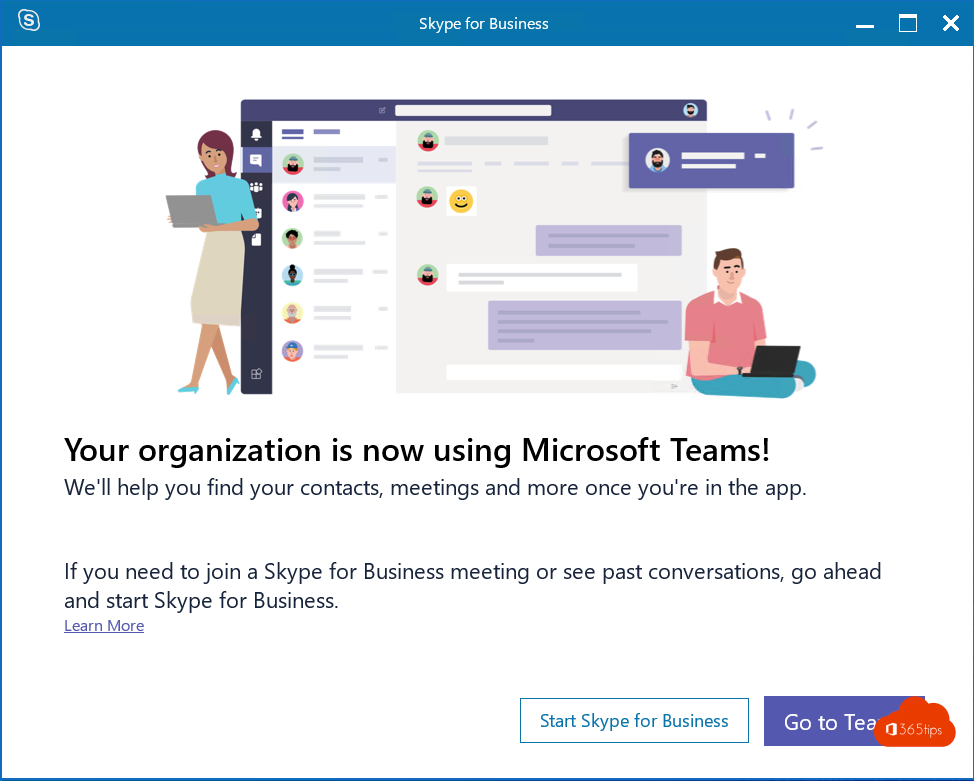
If a Teams Only user still opens the old Skype for Business client, they get a message telling them to use Teams, with a button to open Teams.
Then remove the Skype for Business client from computers, so nobody gets confused.
What about consumer Skype?
The free Skype app for home use also shut down in May 2025. Microsoft points users to the free version of Teams. Read Skype is retired: switch to Teams.
Also see make phone calls with Microsoft Teams.
Read also
Skype has been retired: switch to Microsoft Teams (free)
A tour of the Microsoft Teams admin center
Phone calls with Microsoft Teams: everything you need to know
Nederlandstalige versie: Van Skype for Business naar Microsoft Teams: de modus Alleen Teams