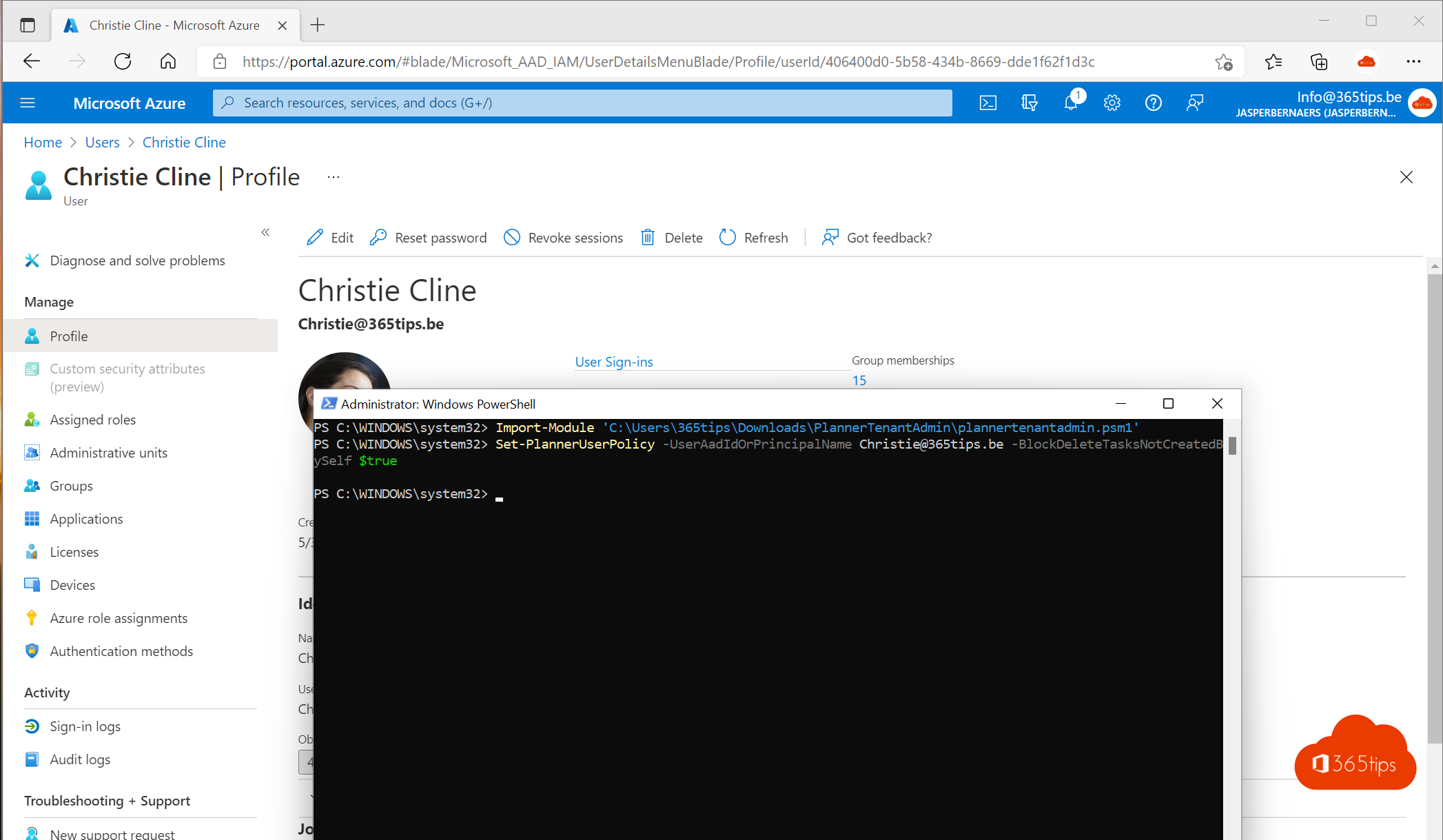
In Microsoft Planner, every member of a plan can delete every task, including tasks a colleague created. One wrong click and a task with all its comments and attachments is gone. As an admin you can restrict that: users can then only delete their own tasks. This article shows how to set that up with PowerShell, for whom it makes sense and how to avoid losing tasks.
What changes?
With the Planner user policy BlockDeleteTasksNotCreatedBySelf, a user can only delete tasks they created. They can still edit, assign and complete other people's tasks. The policy applies per user, for all plans they're a member of.
Prepare
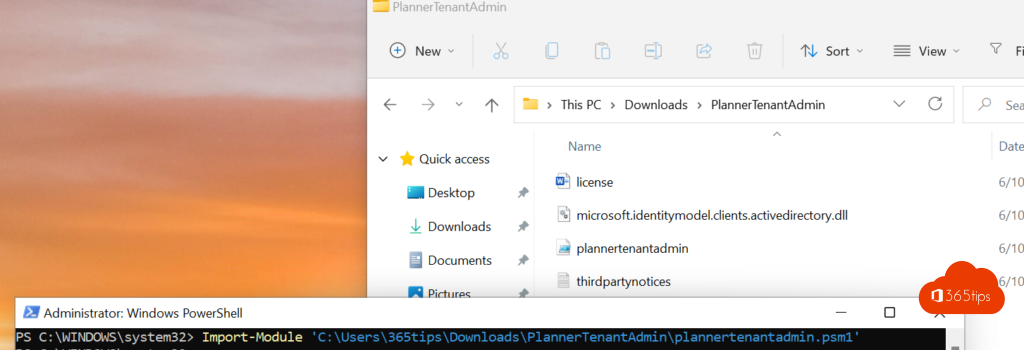
- Download Microsoft's Planner Tenant Admin PowerShell script (search for Planner tenant admin PowerShell on Microsoft Learn) and extract it to a folder, for example C:\Planner.
- Open PowerShell as administrator and load the script:
Set-ExecutionPolicy -Scope Process RemoteSigned
Import-Module C:\Planner\PlannerTenantAdmin.psm1
You need an account with the Global Administrator role. You sign in at the first command.
Set the policy for a user
Set-PlannerUserPolicy -UserAadIdOrPrincipalName ann.peeters@contoso.com -BlockDeleteTasksNotCreatedBySelf $true
Check the setting:
Get-PlannerUserPolicy -UserAadIdOrPrincipalName ann.peeters@contoso.com
For many users at once, loop over a list:
Import-Csv .\users.csv | ForEach-Object {
    Set-PlannerUserPolicy -UserAadIdOrPrincipalName $_.UPN -BlockDeleteTasksNotCreatedBySelf $true
}
Use $false to lift the policy again.
For whom?
- Students in class plans.
- Large plans with external or temporary staff.
- Plans for processes where tasks must remain as evidence.
Getting a deleted task back
Planner has no recycle bin for tasks. A deleted task is gone for the user. So these are good habits:
- Have people complete finished tasks instead of deleting them. Completed tasks are hidden but kept.
- Set up a retention policy in Microsoft Purview so an admin can still look up data after an incident.
- When a whole plan is deleted, the underlying Microsoft 365 group usually is too. An admin can restore it for 30 days, including the plan. See also a kanban board in Microsoft Lists.
Nederlandstalige versie: Voorkomen dat anderen je taken verwijderen in Microsoft Planner