365tips · category MFA
MFA and secure sign-in, set up right.
Multi-factor authentication, Microsoft Authenticator, passkeys, passwordless sign-in and security defaults in Microsoft 365 and Entra ID.
21MFA articles in English
21in Dutch too
21updated in 2026
0ads or cookies
Featured: MFA
The best MFA guides to start with.
01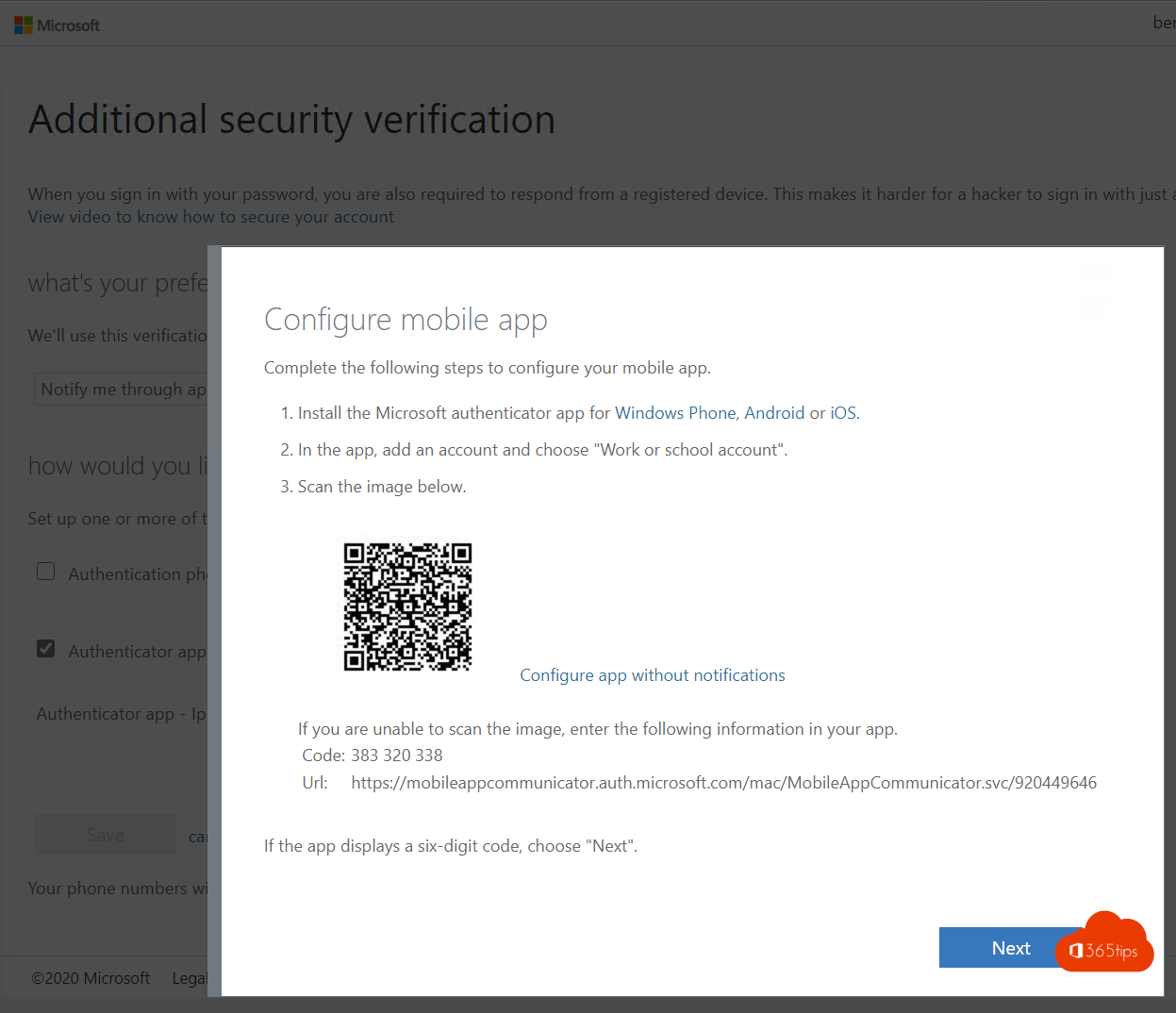 SecurityEnable multi-factor authentication (MFA) in Microsoft 365Turn on MFA in Microsoft 365 with security defaults or Conditional Access. Registering the Authenticator app and mandatory…
02
SecurityEnable multi-factor authentication (MFA) in Microsoft 365Turn on MFA in Microsoft 365 with security defaults or Conditional Access. Registering the Authenticator app and mandatory…
02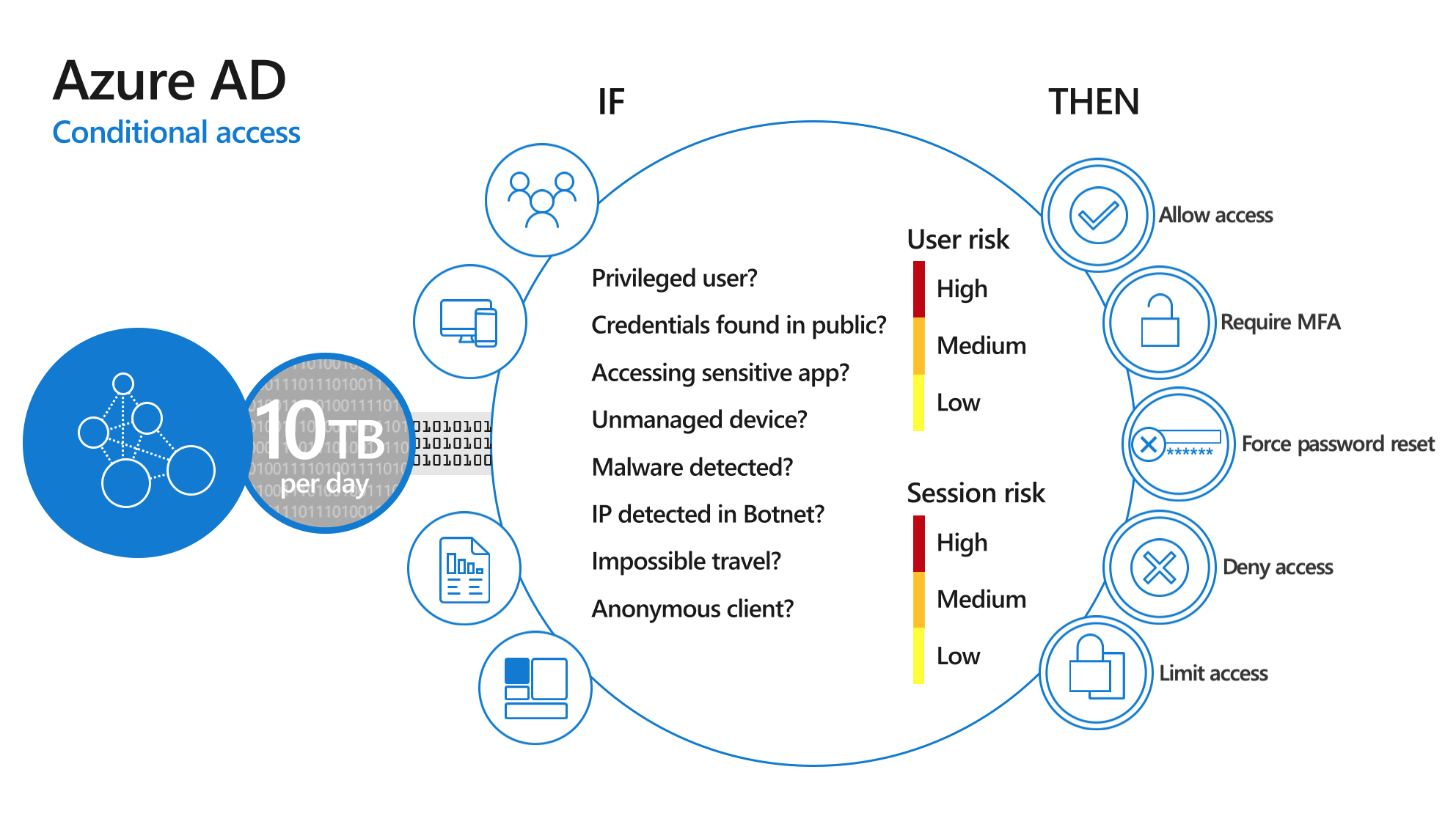 SecurityWhat is Multi-Factor Authentication (MFA)?MFA explained: the three kinds of factors, which methods are safest, why it matters and how to turn it on.
03
SecurityWhat is Multi-Factor Authentication (MFA)?MFA explained: the three kinds of factors, which methods are safest, why it matters and how to turn it on.
03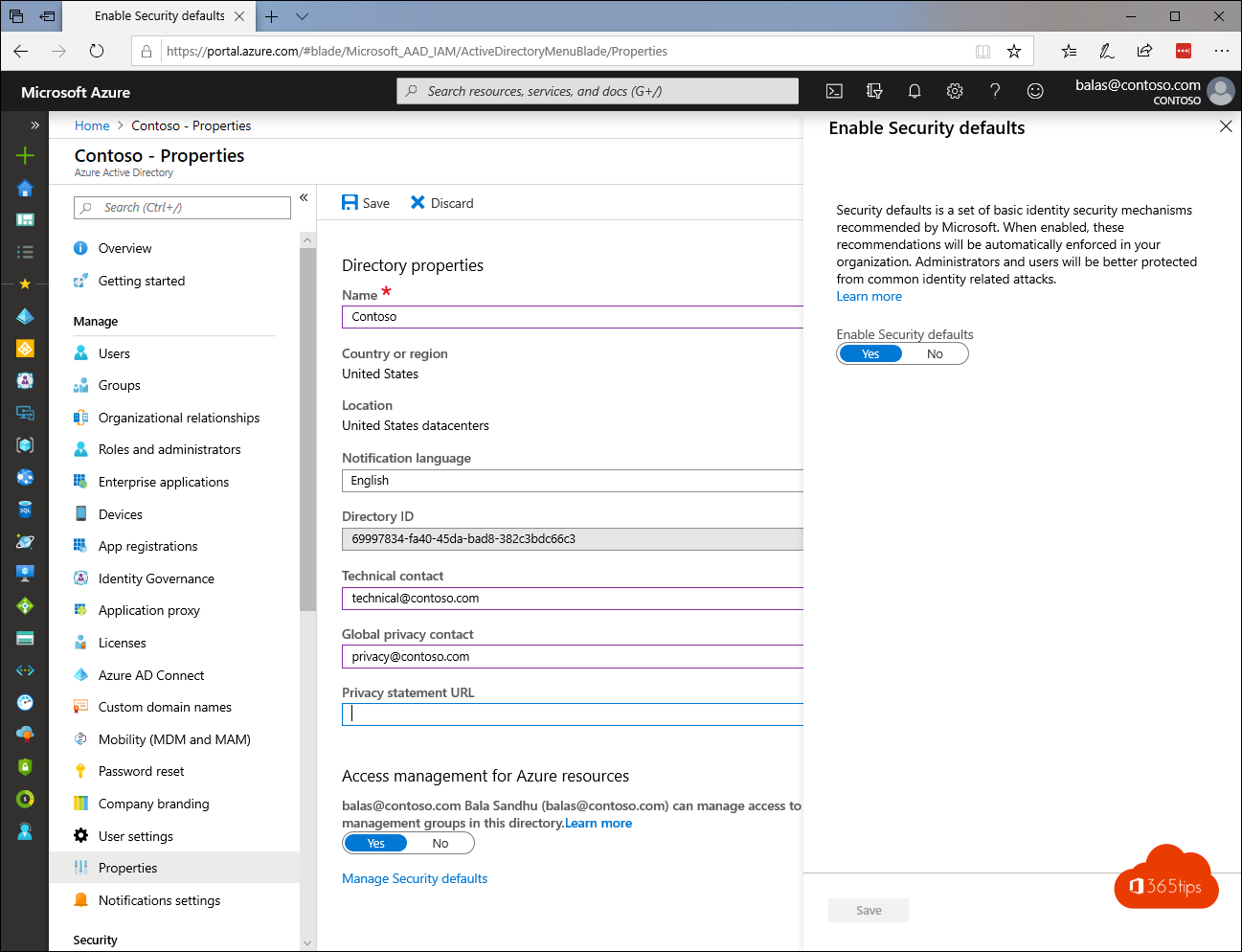 SecuritySecurity defaults in Microsoft Entra ID: what they do and how to enable themWhat security defaults in Microsoft Entra ID (formerly Azure AD) do, who they are for, how to turn them on or off, and when…
04
SecuritySecurity defaults in Microsoft Entra ID: what they do and how to enable themWhat security defaults in Microsoft Entra ID (formerly Azure AD) do, who they are for, how to turn them on or off, and when…
04 Microsoft 365Five reasons to start with Microsoft 365 Business PremiumOffice, collaboration, Intune, Conditional Access and Defender in one: five reasons Business Premium is often the best…
05
Microsoft 365Five reasons to start with Microsoft 365 Business PremiumOffice, collaboration, Intune, Conditional Access and Defender in one: five reasons Business Premium is often the best…
05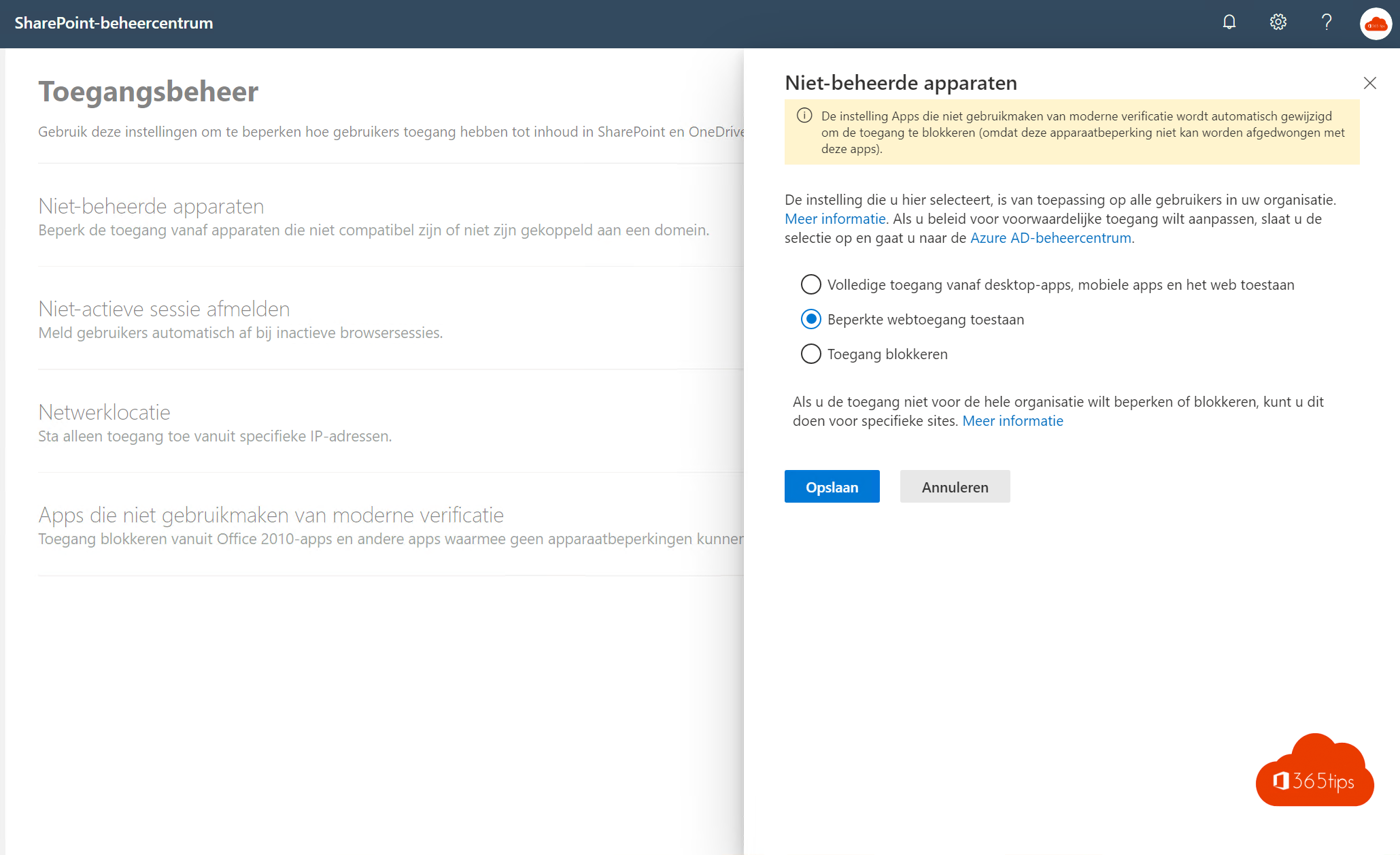 SecurityLimit access to documents on unmanaged devicesLimit SharePoint and OneDrive on unmanaged devices to browser-only access, using the SharePoint admin center and Conditional…
06
SecurityLimit access to documents on unmanaged devicesLimit SharePoint and OneDrive on unmanaged devices to browser-only access, using the SharePoint admin center and Conditional…
06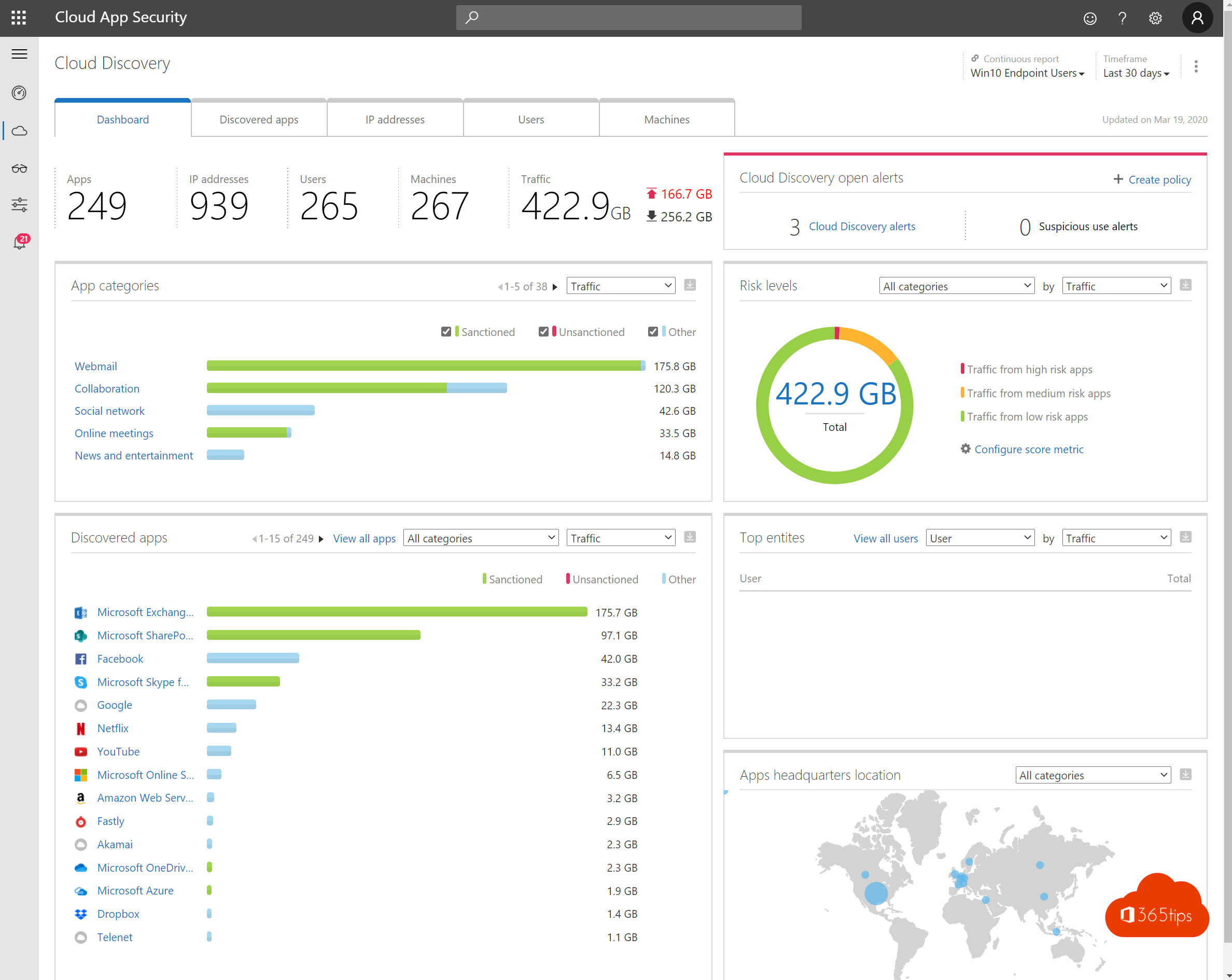 SecurityThe ten most important security measures for remote workMFA, Conditional Access, Intune, BitLocker, Defender and more: ten measures for working safely from home with Microsoft 365.
07SecurityThe three most important reasons to enable MFAStolen passwords, one account that opens everything and demands from customers and regulators: three reasons to turn on MFA,…
08
SecurityThe ten most important security measures for remote workMFA, Conditional Access, Intune, BitLocker, Defender and more: ten measures for working safely from home with Microsoft 365.
07SecurityThe three most important reasons to enable MFAStolen passwords, one account that opens everything and demands from customers and regulators: three reasons to turn on MFA,…
08 Microsoft 36515 steps to build a digital workplace with Microsoft 365Build a secure digital workplace with Microsoft 365: Autopilot, Intune, Teams, OneDrive, MFA, Defender and Purview in 15…
09
Microsoft 36515 steps to build a digital workplace with Microsoft 365Build a secure digital workplace with Microsoft 365: Autopilot, Intune, Teams, OneDrive, MFA, Defender and Purview in 15…
09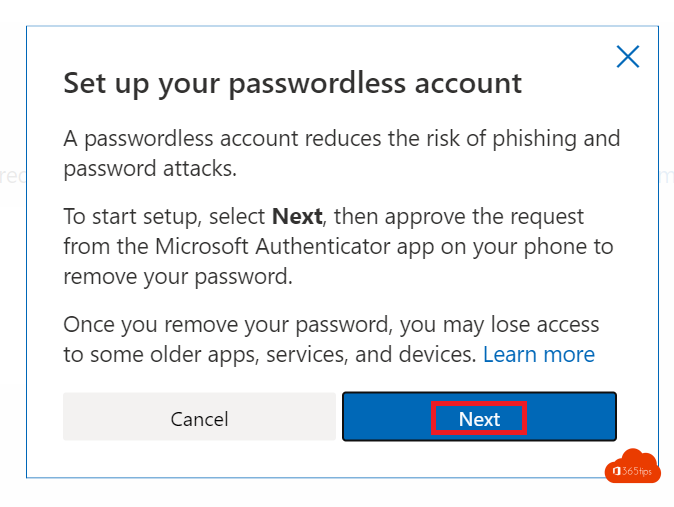 SecurityUse your personal Microsoft account without a passwordRemove the password from your personal Microsoft account and sign in with Authenticator, Windows Hello or a passkey.
10
SecurityUse your personal Microsoft account without a passwordRemove the password from your personal Microsoft account and sign in with Authenticator, Windows Hello or a passkey.
10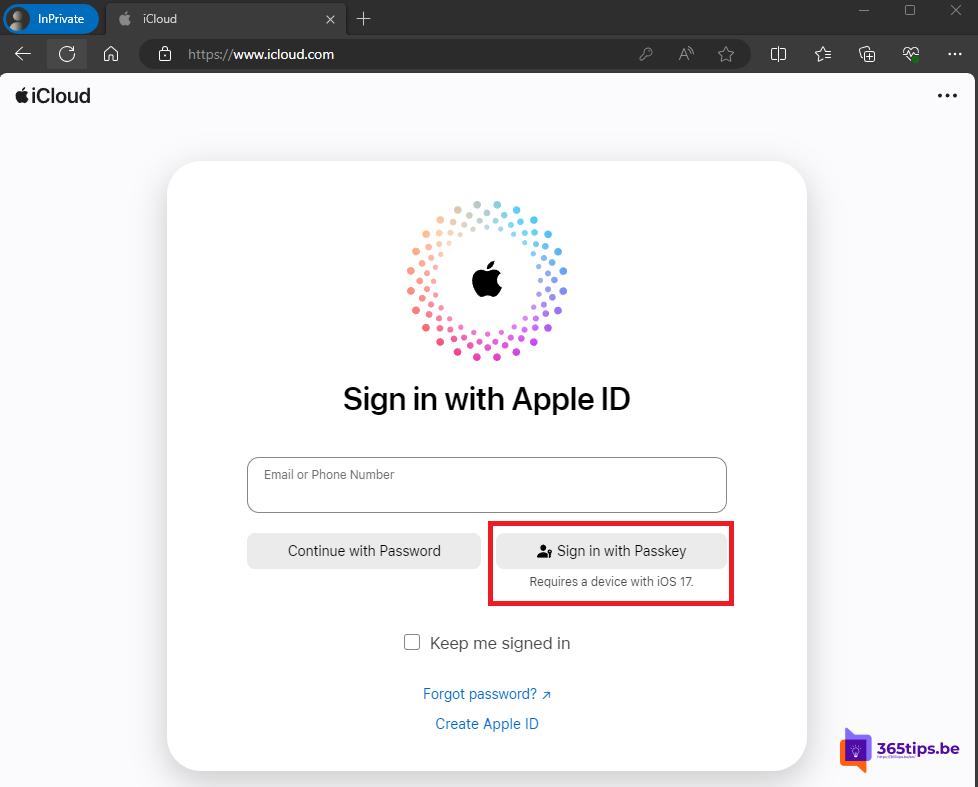 SecuritySign in to iCloud.com with a passkey in any browserSign in to iCloud.com without a password in any browser: scan the QR code with your iPhone and confirm with Face ID or Touch…
11
SecuritySign in to iCloud.com with a passkey in any browserSign in to iCloud.com without a password in any browser: scan the QR code with your iPhone and confirm with Face ID or Touch…
11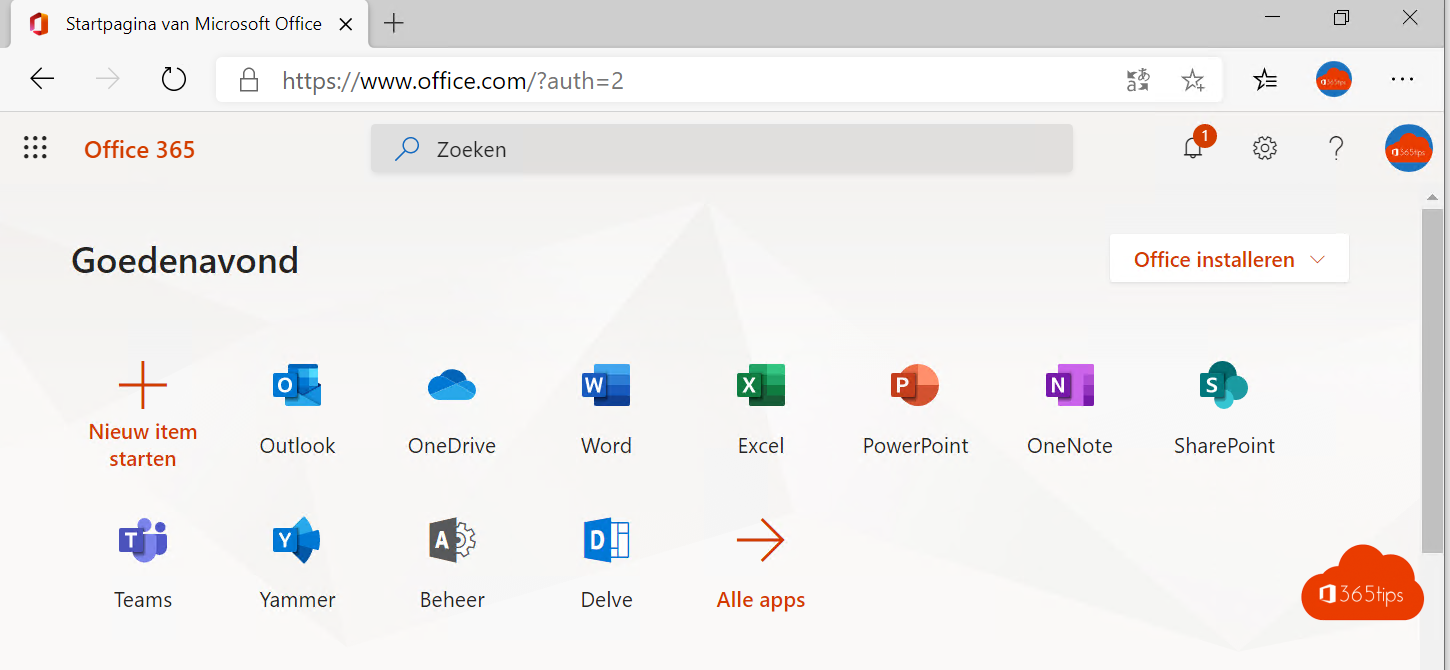 Microsoft 365Microsoft 365 starter guide: sign in, apps, email and securityNew Microsoft 365 account? How to sign in, open your email, install the apps and secure your account with MFA.
12
Microsoft 365Microsoft 365 starter guide: sign in, apps, email and securityNew Microsoft 365 account? How to sign in, open your email, install the apps and secure your account with MFA.
12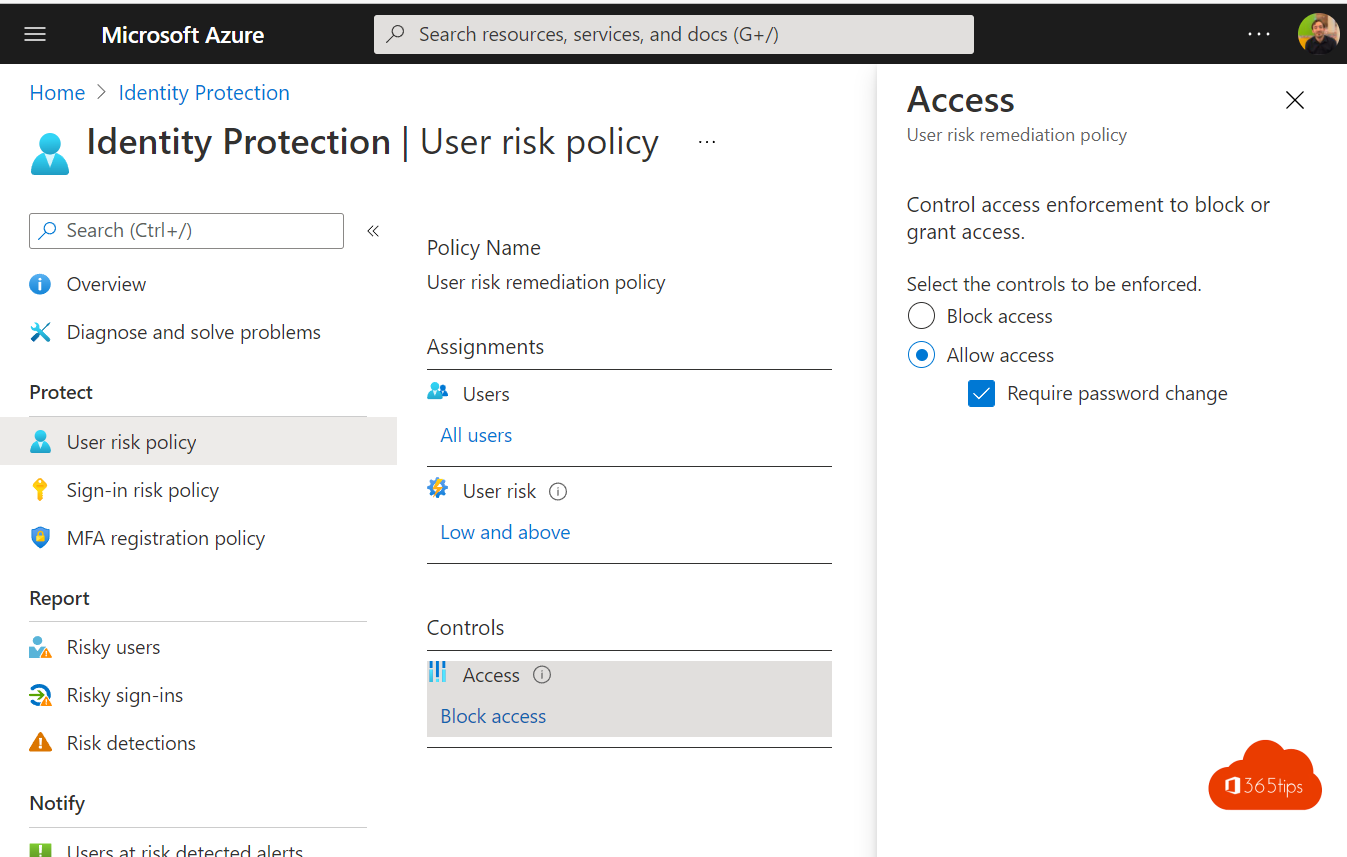 SecurityMake users change their password automatically when at riskMake high-risk users in Microsoft Entra ID choose a secure new password right away with Conditional Access and ID Protection.
SecurityEnable multi-factor authentication (MFA) in Microsoft 365Turn on MFA in Microsoft 365 with security defaults or Conditional Access. Registering the Authenticator app and mandatory…
02SecurityWhat is Multi-Factor Authentication (MFA)?MFA explained: the three kinds of factors, which methods are safest, why it matters and how to turn it on.
03SecuritySecurity defaults in Microsoft Entra ID: what they do and how to enable themWhat security defaults in Microsoft Entra ID (formerly Azure AD) do, who they are for, how to turn them on or off, and when…
04Microsoft 365Five reasons to start with Microsoft 365 Business PremiumOffice, collaboration, Intune, Conditional Access and Defender in one: five reasons Business Premium is often the best…
05SecurityLimit access to documents on unmanaged devicesLimit SharePoint and OneDrive on unmanaged devices to browser-only access, using the SharePoint admin center and Conditional…
06SecurityThe ten most important security measures for remote workMFA, Conditional Access, Intune, BitLocker, Defender and more: ten measures for working safely from home with Microsoft 365.
07SecurityThe three most important reasons to enable MFAStolen passwords, one account that opens everything and demands from customers and regulators: three reasons to turn on MFA,…
08Microsoft 36515 steps to build a digital workplace with Microsoft 365Build a secure digital workplace with Microsoft 365: Autopilot, Intune, Teams, OneDrive, MFA, Defender and Purview in 15…
09SecurityUse your personal Microsoft account without a passwordRemove the password from your personal Microsoft account and sign in with Authenticator, Windows Hello or a passkey.
10SecuritySign in to iCloud.com with a passkey in any browserSign in to iCloud.com without a password in any browser: scan the QR code with your iPhone and confirm with Face ID or Touch…
11Microsoft 365Microsoft 365 starter guide: sign in, apps, email and securityNew Microsoft 365 account? How to sign in, open your email, install the apps and secure your account with MFA.
12SecurityMake users change their password automatically when at riskMake high-risk users in Microsoft Entra ID choose a secure new password right away with Conditional Access and ID Protection.
All MFA articles
Search above or pick another category.- 15 steps to build a digital workplace with Microsoft 365Microsoft 365 · 20 Oct 2026
- Sign in to iCloud.com with a passkey in any browserSecurity · 20 Oct 2026
- Limit access to documents on unmanaged devicesSecurity · 20 Oct 2026
- Microsoft 365 starter guide: sign in, apps, email and securityMicrosoft 365 · 20 Oct 2026
- Use your personal Microsoft account without a passwordSecurity · 20 Oct 2026
- The three most important reasons to enable MFASecurity · 20 Oct 2026
- The ten most important security measures for remote workSecurity · 20 Oct 2026
- Make users change their password automatically when at riskSecurity · 20 Oct 2026
- What is Multi-Factor Authentication (MFA)?Security · 20 Oct 2026
- Five reasons to start with Microsoft 365 Business PremiumMicrosoft 365 · 20 Oct 2026
- Block Exchange ActiveSync and allow only the Outlook appExchange · 19 Oct 2026
- Connect to Exchange Online PowerShell with MFA or a certificateExchange · 19 Oct 2026
- Create a free Microsoft account or Outlook.com addressHow-to · 19 Oct 2026
- Disable the "Stay signed in?" prompt in Microsoft 365Security · 19 Oct 2026
- Enable multi-factor authentication (MFA) in Microsoft 365Security · 19 Oct 2026
- Microsoft Entra ID P1 in Microsoft 365 Business Premium: what do you get?Security · 19 Oct 2026
- Install and use the Microsoft Teams PowerShell moduleTeams · 19 Oct 2026
- Enable passwordless sign-in in Microsoft 365 in 3 stepsSecurity · 19 Oct 2026
- Set up your work email in the Outlook app on iPhone or AndroidExchange · 19 Oct 2026
- App passwords in Microsoft 365: create, delete and replace themSecurity · 16 Oct 2026
- Security defaults in Microsoft Entra ID: what they do and how to enable themSecurity · 16 Oct 2026