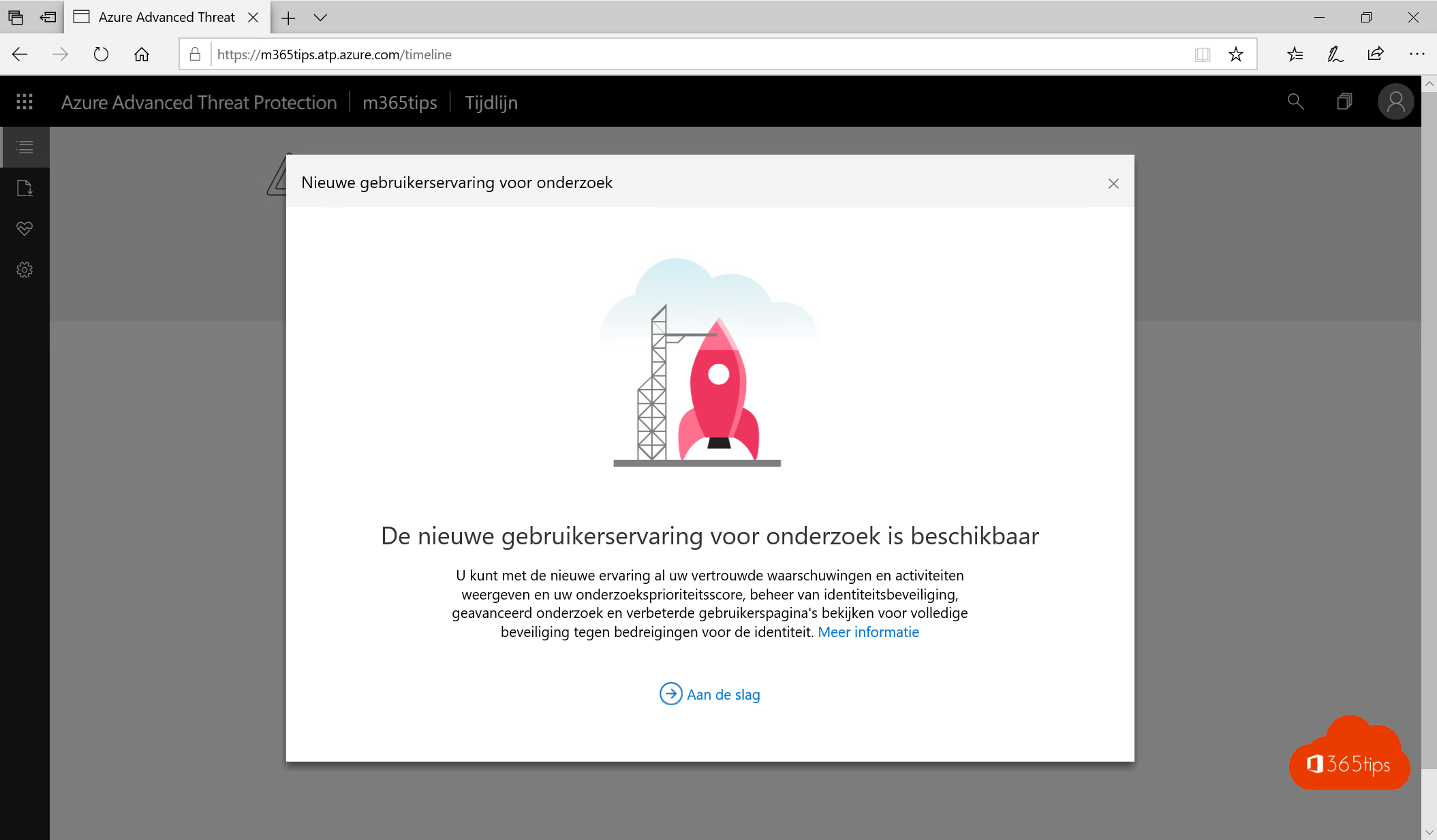
Want to spot attacks on your Active Directory and cloud apps in time? Then you need two parts of Microsoft Defender: Microsoft Defender for Identity (formerly Azure Advanced Threat Protection) and Microsoft Defender for Cloud Apps (formerly Microsoft Cloud App Security). Their old portals have been replaced by the Microsoft Defender portal at security.microsoft.com. Here's what they do and how to set them up at a high level.
What do you need?
- A license that includes both services, for example Microsoft 365 E5 or E5 Security. A trial in a test tenant works too.
- An admin role such as Security Administrator.
- For Defender for Identity: on-premises Active Directory with domain controllers.
Set up Defender for Identity
Defender for Identity watches your domain controllers and detects suspicious activity, such as pass-the-hash, brute-force attacks or reconnaissance of your domain.
- Open security.microsoft.com and go to Settings > Identities.
- Add a Directory Service account (preferably a gMSA) that can read Active Directory.
- Under Sensors, download the sensor setup and copy the access key.
- Install the sensor on every domain controller. Servers running AD FS, AD CS or Microsoft Entra Connect should get a sensor too.
- Check in the portal that all sensors are Healthy.
On newer domain controllers already onboarded to Microsoft Defender for Endpoint, Microsoft may also offer a newer sensor you activate without a separate install. Check in the portal which option is available for your servers.
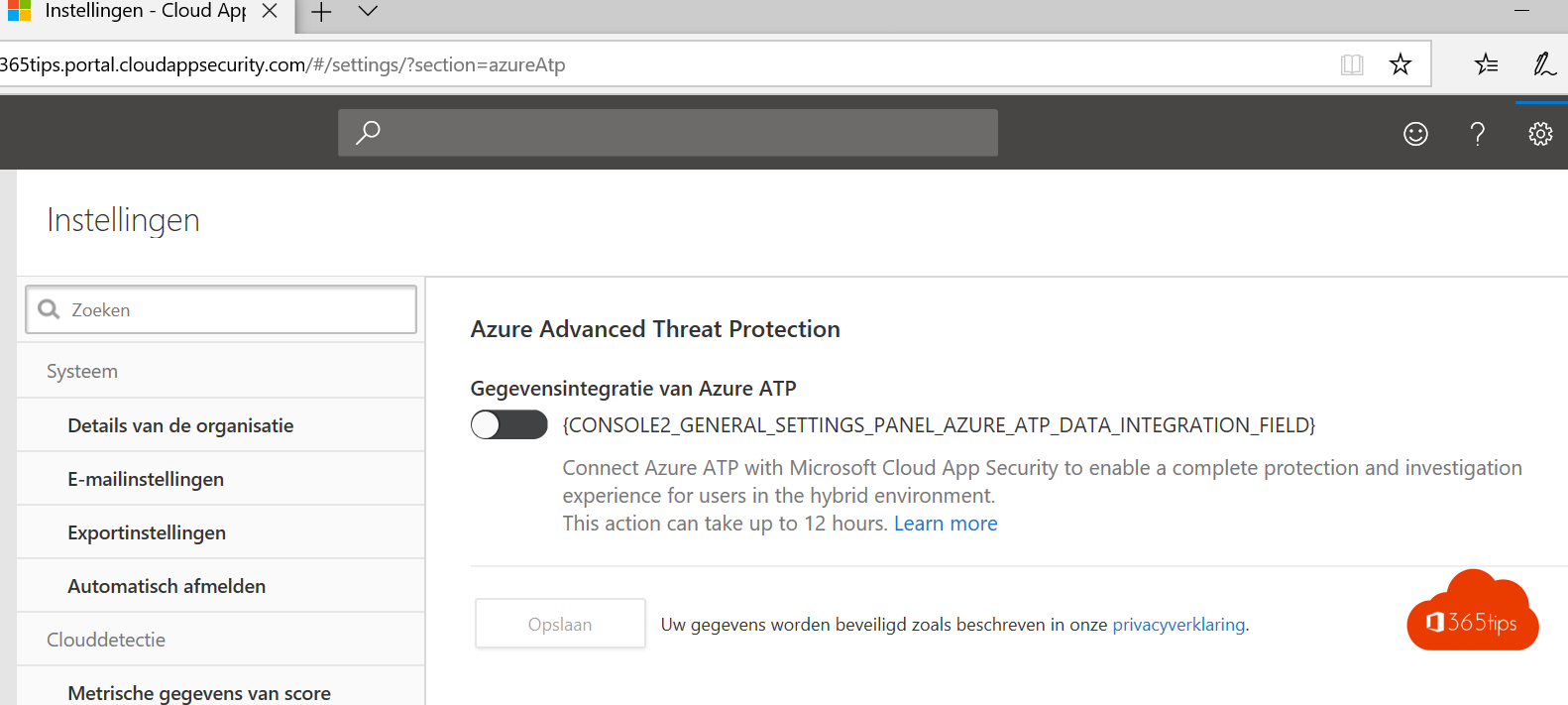
Set up Defender for Cloud Apps
Defender for Cloud Apps gives visibility into cloud app usage and protects data in those apps.
- In the Defender portal go to Settings > Cloud Apps.
- Under App connectors, connect Microsoft 365 so you see activities and files.
- Optionally connect other apps, such as Google Workspace or Salesforce.
- Turn on Cloud Discovery, for example via Defender for Endpoint, to uncover shadow IT.
Together in one portal
You used to have to connect both services manually. Now they sit together in Microsoft Defender XDR. Alerts are automatically combined into incidents, so you see an attack across identities, email, devices and cloud apps.
Also see Defender for Office 365 preset security policies and Microsoft Secure Score.
Read also
The recommended configuration for Microsoft Defender for Office 365
Improve your security with Microsoft Secure Score
Microsoft 365 E3 or E5: what's the difference and which to choose?
Nederlandstalige versie: Microsoft Defender for Identity en Defender for Cloud Apps instellen