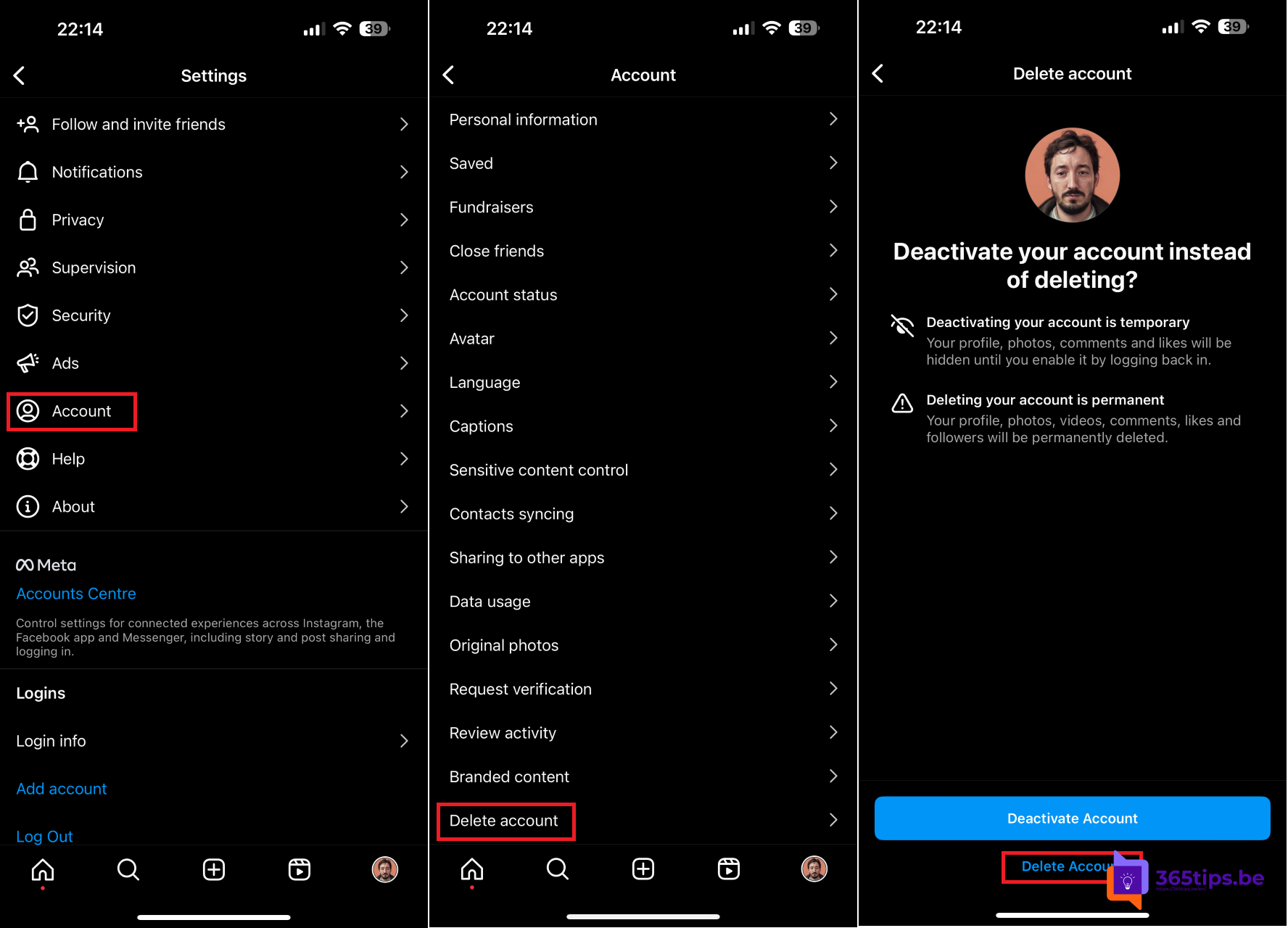
Want a break from Instagram, or want to delete your account for good? You have two options: temporarily deactivate your account or permanently delete it. You do both through Meta's Accounts Center. Here's how. Menu names may vary slightly between versions.
Deactivate or delete?
| Deactivate | Delete | |
|---|---|---|
| Profile and posts | Hidden until you log back in | Permanently gone after the waiting period |
| Undo | Any time, by logging back in | Only during the 30-day waiting period |
| Best for | Taking a break | Quitting for good |
First: download your data
After deletion, your photos, videos and messages are gone. So make a copy first:
- In Instagram, go to your profile and tap the menu (three lines) in the top right.
- Tap Accounts Center > Your information and permissions > Download your information.
- Choose your account, the format and the date range. You get a download link once the file is ready.
Delete your account
- Open Instagram and go to your profile.
- Tap the menu (three lines) > Accounts Center.
- Tap Personal details > Account ownership and control.
- Tap Deactivation or deletion and choose the Instagram account.
- Choose Delete account, give a reason and confirm with your password.
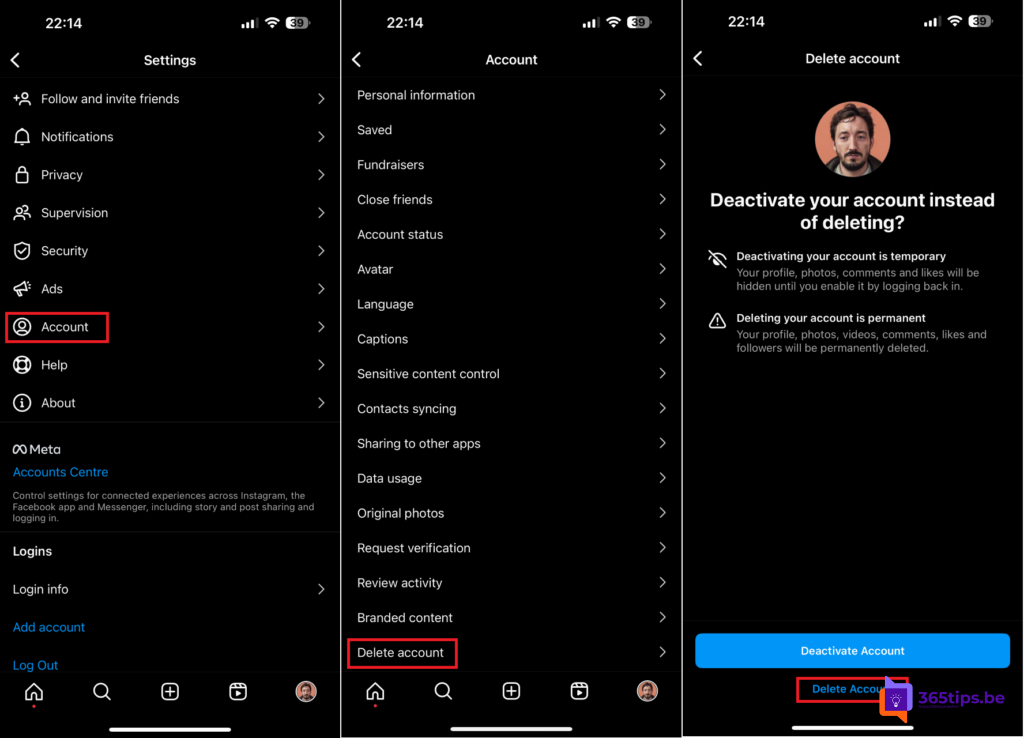
It works the same on a computer: open instagram.com, click More > Settings and go to Accounts Center.
What happens next?
- Your account is immediately hidden from others.
- You have 30 days to change your mind. If you log back in during that period, you can cancel the deletion.
- After that, your account is permanently deleted. Fully erasing all data can take a while longer.
- Someone else may later use your username.
Good to know
- Have several accounts? You delete each one separately.
- Is your Instagram linked to Facebook in Accounts Center? Your Facebook account stays. You delete that separately.
- Using Threads with the same profile? Check first what happens to your Threads profile. Meta shows this during deletion.
Also see how to delete your LinkedIn account and how to check whether your accounts were hacked.
Read also
Delete your LinkedIn account (or put it in hibernation)
Have I Been Pwned: check whether your email is in a data breach
How to message yourself in WhatsApp
Nederlandstalige versie: Je Instagram-account verwijderen of tijdelijk deactiveren