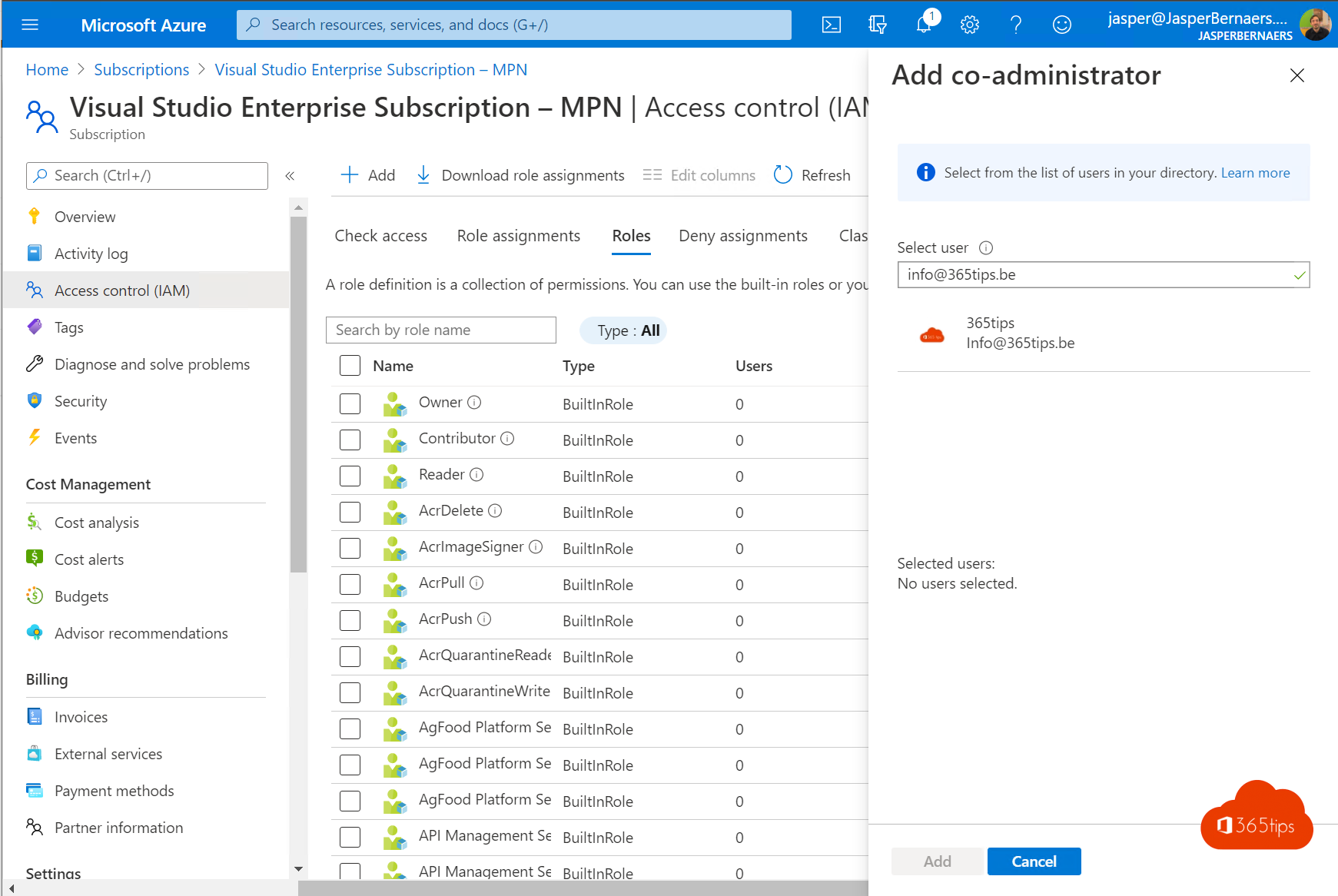
Whoever creates an Azure subscription is usually its only owner. When that person leaves, management changes hands, or the subscription has to move to another organization, you want to change the ownership. In Azure that's three different things: who can manage the subscription, who pays the bill and which tenant the subscription belongs to. This article shows how to change each of them.
What exactly do you want to change?
| Goal | How | Result |
|---|---|---|
| Someone else can manage the subscription | Assign the Owner role | Billing and tenant stay the same |
| Someone else pays and manages the invoice | Transfer billing ownership | Subscription and resources keep running |
| Subscription to another Entra tenant | Change directory | Existing role assignments are removed |
Add a new owner (Azure RBAC)
- Sign in at portal.azure.com and search for Subscriptions.
- Select the subscription and choose Access control (IAM).
- Select Add > Add role assignment.
- Open the Privileged administrator roles tab and select Owner.
- Under Members, pick the user or, better, a group.
- Under Conditions you can limit which roles the new owner may assign. Then select Review + assign.

To remove the old owner, delete their role assignment under Access control (IAM) > Role assignments. Always keep at least two owners, preferably through a group, so you never lock yourself out.
Should someone only manage resources without granting access to others? Use the Contributor role instead of Owner. If they only look at costs, Cost Management Reader is enough.
Transfer billing ownership
For a pay-as-you-go subscription (Microsoft Online Subscription Program):
- Go to Cost Management + Billing > Subscriptions and select the subscription.
- Choose Transfer billing ownership.
- Enter the new owner's email address. Choose whether the subscription may move to their tenant.
- The new owner receives an email and must accept the transfer within a limited time and add a payment method.
For a Microsoft Customer Agreement or an Enterprise Agreement the transfer goes through the billing account and billing profiles. For a subscription bought through a CSP partner, arrange it with that partner. Credit-based subscriptions, such as Visual Studio/MSDN or a free trial, usually can't be transferred.
Move the subscription to another tenant
- Open the subscription and select Change directory at the top.
- Pick the target tenant. You need an account in both tenants and the Owner role on the subscription.
- Confirm the change.
Tips
- Assign roles to groups, not people. When staff change, you only update group membership.
- Use Privileged Identity Management (Entra ID P2) to grant Owner only temporarily and on request.
- Has the only owner left? A Global Administrator can temporarily elevate their access to manage all subscriptions in the tenant.
Read also
Security defaults in Microsoft Entra ID: what they do and how to enable them
All Microsoft 365 admin portals in one list: the right URLs in 2026
Change a UserPrincipalName (UPN) in Microsoft 365 and Entra ID
Nederlandstalige versie: De eigenaar van een Azure-abonnement wijzigen of overdragen