
The new Microsoft Teams app started as a preview in 2023. By now it is simply the Teams app on Windows and Mac; classic Teams has been retired and the toggle to switch is gone. Here is what is different and how to make sure you are on the new version.
What is different in the new Teams?
- Faster and lighter: the app starts faster and, according to Microsoft, uses less memory.
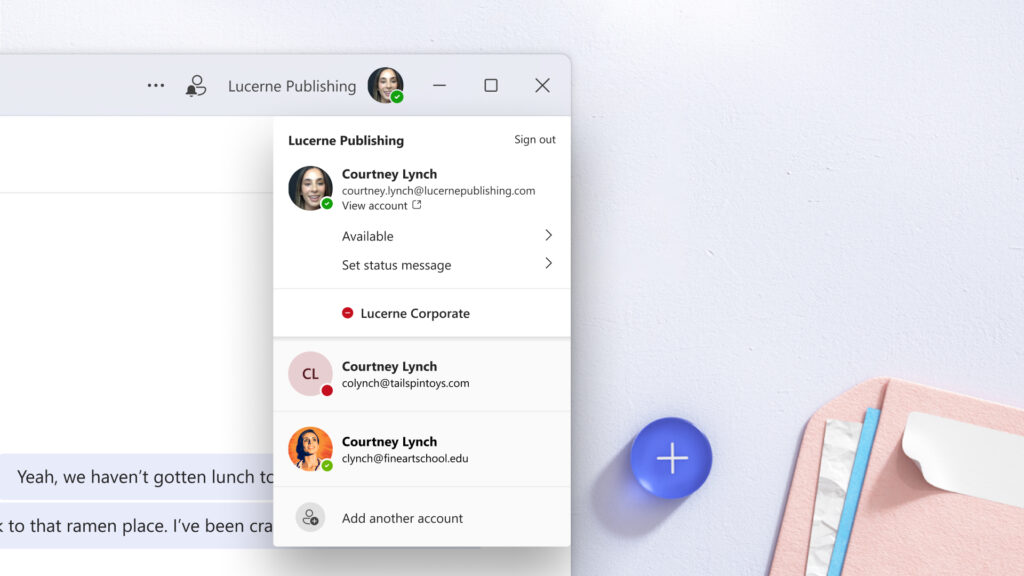
- Multiple accounts and organizations: use your work account, a guest account in another organization and a personal account in one app, without signing out.
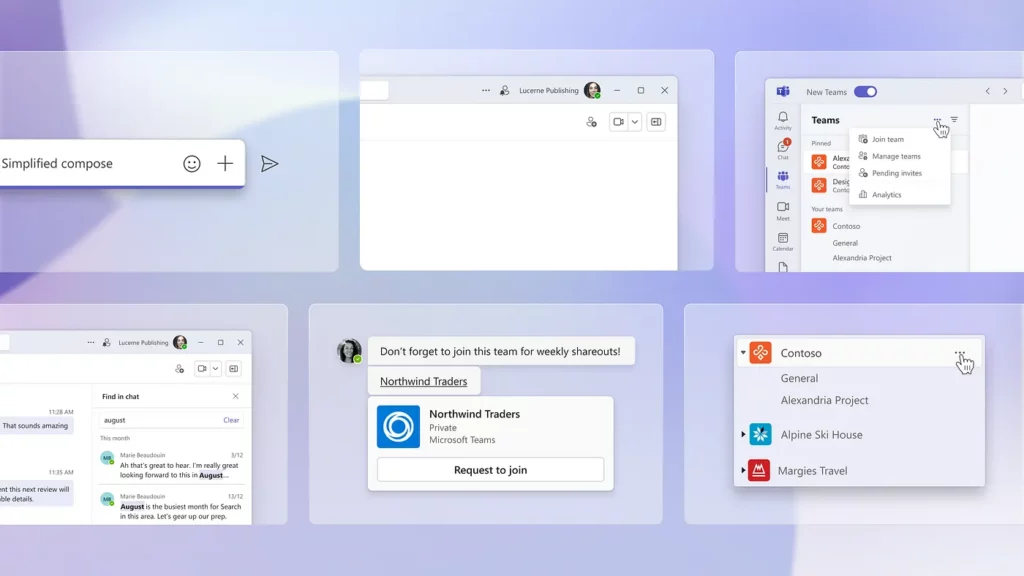
- New design: based on the Fluent Design System, with clearer chat and channel views.
- More personalization: pick your theme, chat list density and how channels and chats are shown.

Are you using the new Teams?
- Click the three dots ... at the top right and choose Settings.
- Choose About Teams to see the version.
- Still see an old Teams app on your PC? Uninstall it and reinstall Teams from Microsoft's official download page.
Add another account
Click your profile picture at the top right and choose Add another account. You get notifications from all accounts and switch with one click.
Also see download and install Microsoft Teams and multiple accounts in Teams.
Read also
Download and install Microsoft Teams on Windows, Mac and mobile
Use multiple accounts at once in Microsoft Teams
The most useful Microsoft Teams features in one list
Nederlandstalige versie: De nieuwe Microsoft Teams-app: wat is er anders en gebruik jij ze al?
More in English
▸Why the new Teams is faster (and what to do if it's still slow)The new Teams runs on WebView2 and React and is faster and lighter. Plus tips if Teams still feels…
▸How the Microsoft Teams update mechanism worksTeams updates itself. Here's how to check your version, look for updates and get new features earlier with…
▸Clear the Microsoft Teams cache on Windows and MacClear the new Teams cache on Windows 11 or Mac to fix slow starts, frozen screens and sign-in problems,…
▸Basic guide to Microsoft Teams for beginnersLearn the basics of Microsoft Teams: navigating, chatting, using teams and channels, and meeting in the new…