With Microsoft Power Pages you build business websites for external visitors with little code. Think of a registration form, a customer portal or a request site. The data is stored in Microsoft Dataverse, so you can process it further with Power Apps and Power Automate. In three steps your first site is online.
Power Pages left preview long ago and is the successor to Power Apps portals. The design studio has been refreshed and now includes Copilot features to create pages and forms, so your screens may differ from the screenshots below.
What is Power Pages?
- A low-code SaaS platform to create, host and manage secure external websites.
- Works with templates, a visual design studio and Dataverse as the database.
- Visitors can browse anonymously or sign in, for example with Microsoft Entra External ID or another account.
- Developers can extend sites with their own code (HTML, JavaScript, Liquid) and Visual Studio Code.
Power Pages requires its own license for production use. For testing you can use a trial environment.
Step 1: Open Power Pages
- Go to make.powerpages.microsoft.com and sign in with your work account.
- Choose the right environment in the top right. For a first test, use a trial or developer environment.
- Select Get started or Create a site.


Step 2: Choose a template
- Choose a blank design or a template, for example a registration or request site.
- Check the preview and select Choose this template.
- Then customize the pages, theme, forms and navigation in the design studio.


Step 3: Publish the site
- Give your site a clear name.
- Choose a web address. By default you get an address on powerappsportals.com; you can add your own domain later.
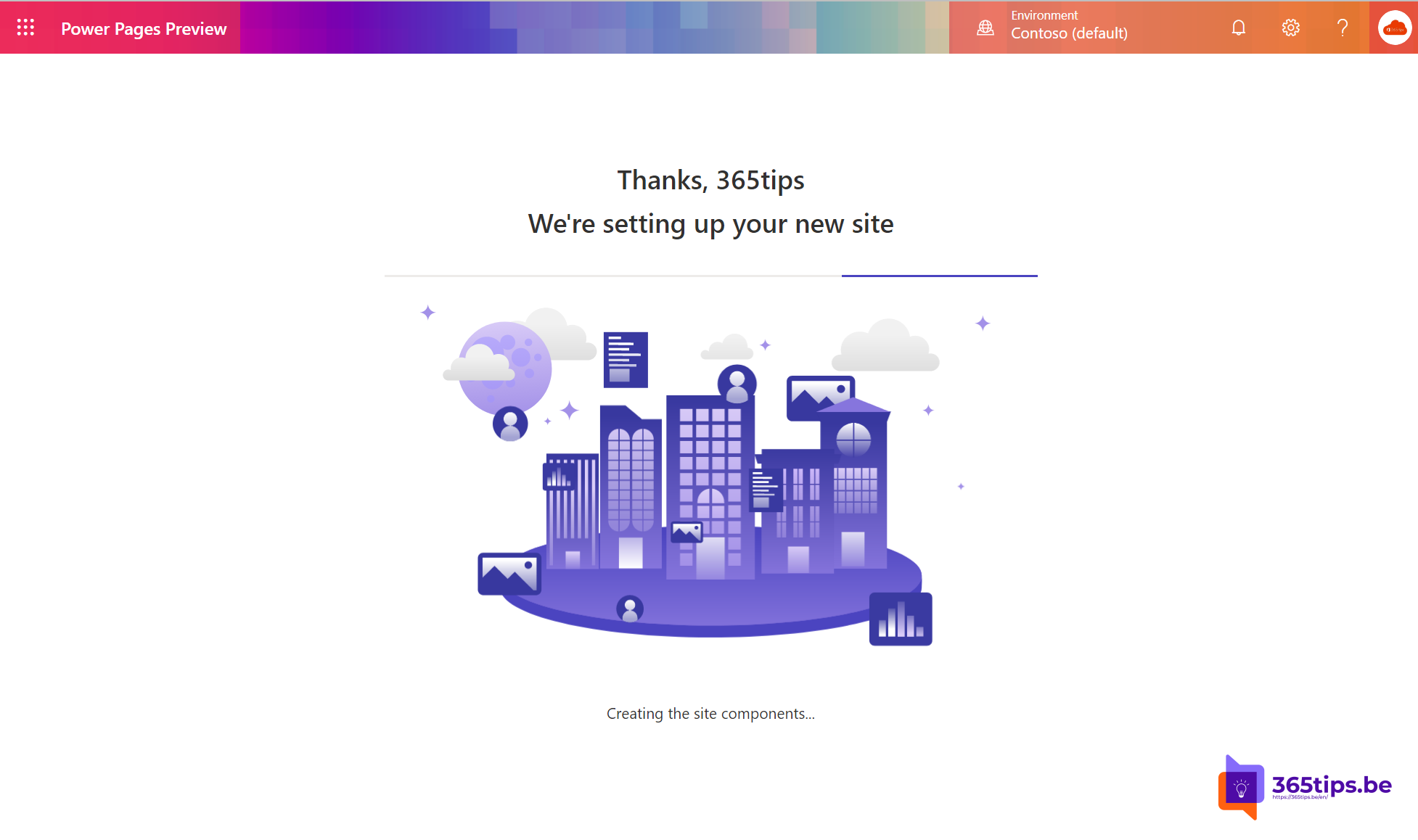
- Select Done. Provisioning takes a few minutes.
- In the design studio, select Sync and Preview to see your changes.


Tips before you go live
- A new site is often private at first: only internal users can open it. Switch visibility to public only when everything is ready.
- Check the table permissions and web roles so visitors only see the data meant for them.
- Use the security overview or site checker in the studio to find problems.
Also see create a Power App from a SharePoint list and what is Power Automate.
Read also
Create a Power App from a SharePoint list
What is Microsoft Power Automate and how do you start?
Set up good governance for SharePoint Online
Nederlandstalige versie: In 3 stappen aan de slag met Microsoft Power Pages