Some free websites save you so much time it almost feels unfair. Converting files, removing a photo background, finding a great image or quickly making a design: below you'll find well-known websites that do it for free, plus tips to use them safely. Free tiers often have limits and terms that can change. Never upload confidential work documents to a free online tool; use the tools your organization allows, such as Microsoft 365.
Converting files
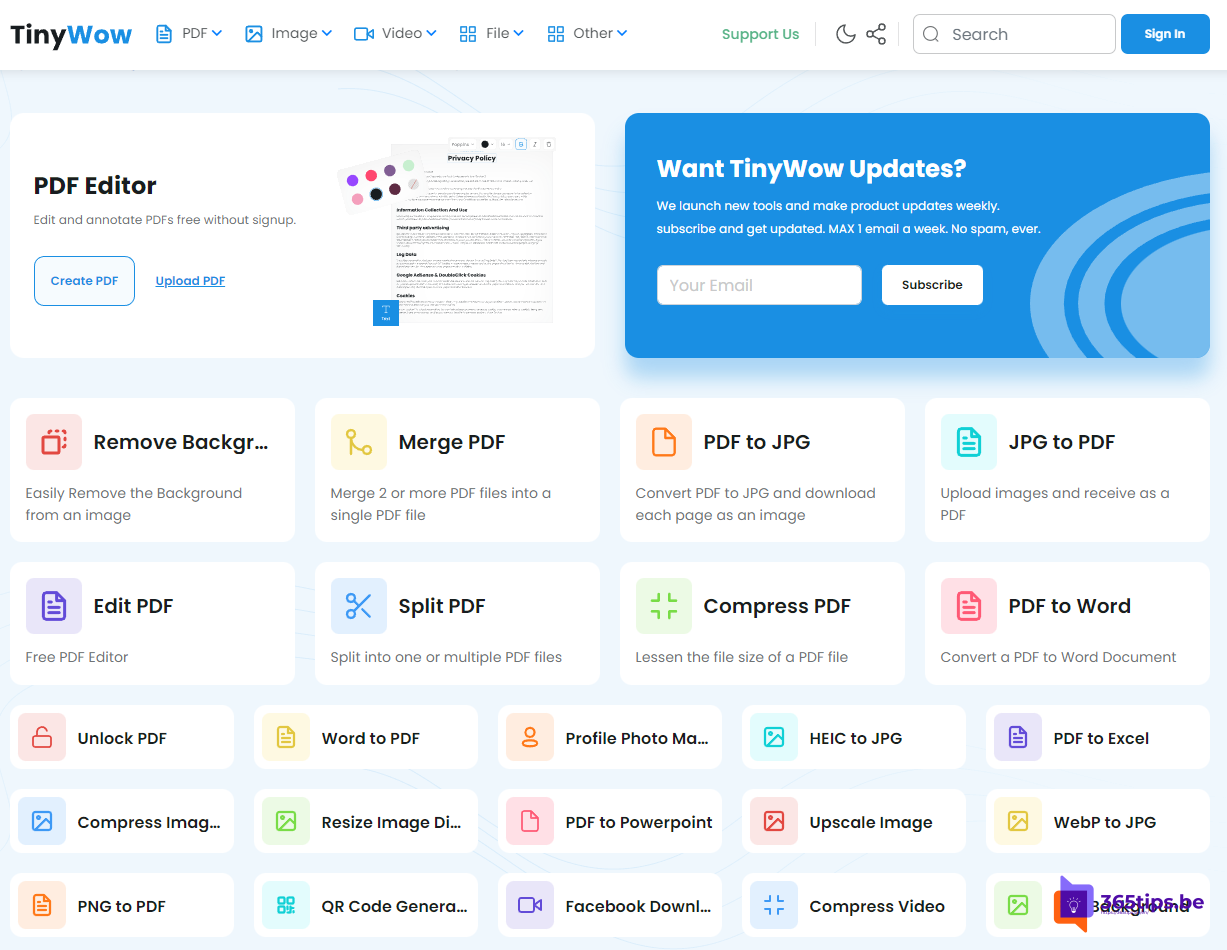
- TinyWow: PDF to Word or JPG, merging PDFs, HEIC to JPG and more.
- Tip: a lot works without an extra website. Word and Edge save as PDF, and Word opens and edits PDF files.

Images and design
- Pexels and Unsplash: free high-quality stock photos. Do read the license.
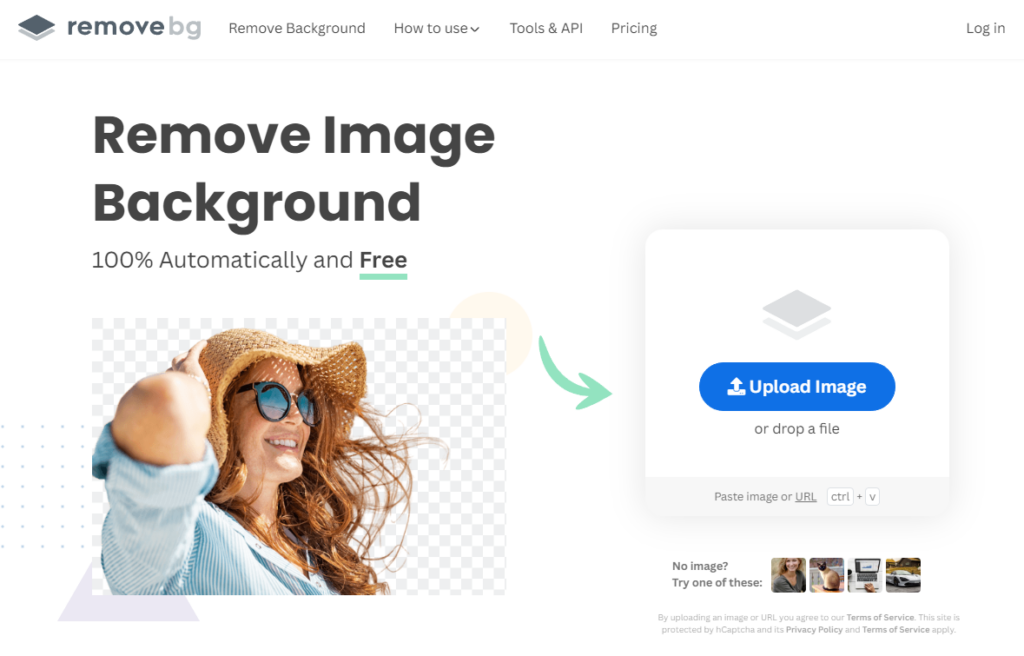
- remove.bg: removes the background from a photo. Microsoft Designer, the Windows Photos app and Paint can do that too.
- Canva: design posters, social media posts and presentations in your browser.
- Microsoft Designer: create designs and images with AI.
Building a website
- WordPress.com: a blog or website without your own server.
- Wix: build websites with drag and drop.
- For an internal site at work, SharePoint is a better fit.
Meetings and communication
- Otter.ai: transcripts of conversations and meetings.
- Loom: record short screen videos to explain something.
- Within Microsoft 365 you can do this with transcription and recording in Teams, Clipchamp and screen recordings in Stream, and the data stays inside your organization.
Temporary email address
Sites like temp-mail.org give you a disposable address to sign up for something briefly without spam in your real mailbox. Never use such an address for accounts you'll need later: you lose access as soon as the address disappears.
Using free websites safely
- Type the address yourself or use a bookmark. Watch out for fake sites and ads that look like download buttons.
- Don't upload personal or confidential files.
- Read the terms: sometimes you may not use results commercially.
- At work, follow your organization's policy.
Also see free Office online and the best free software for Windows 11.
Read also
Use Word, Excel, PowerPoint and OneNote for free in your browser
The best free software for Windows 11 by category
What is generative AI and what can you do with it?
Nederlandstalige versie: Deze gratis websites zijn zo handig dat ze bijna illegaal voelen