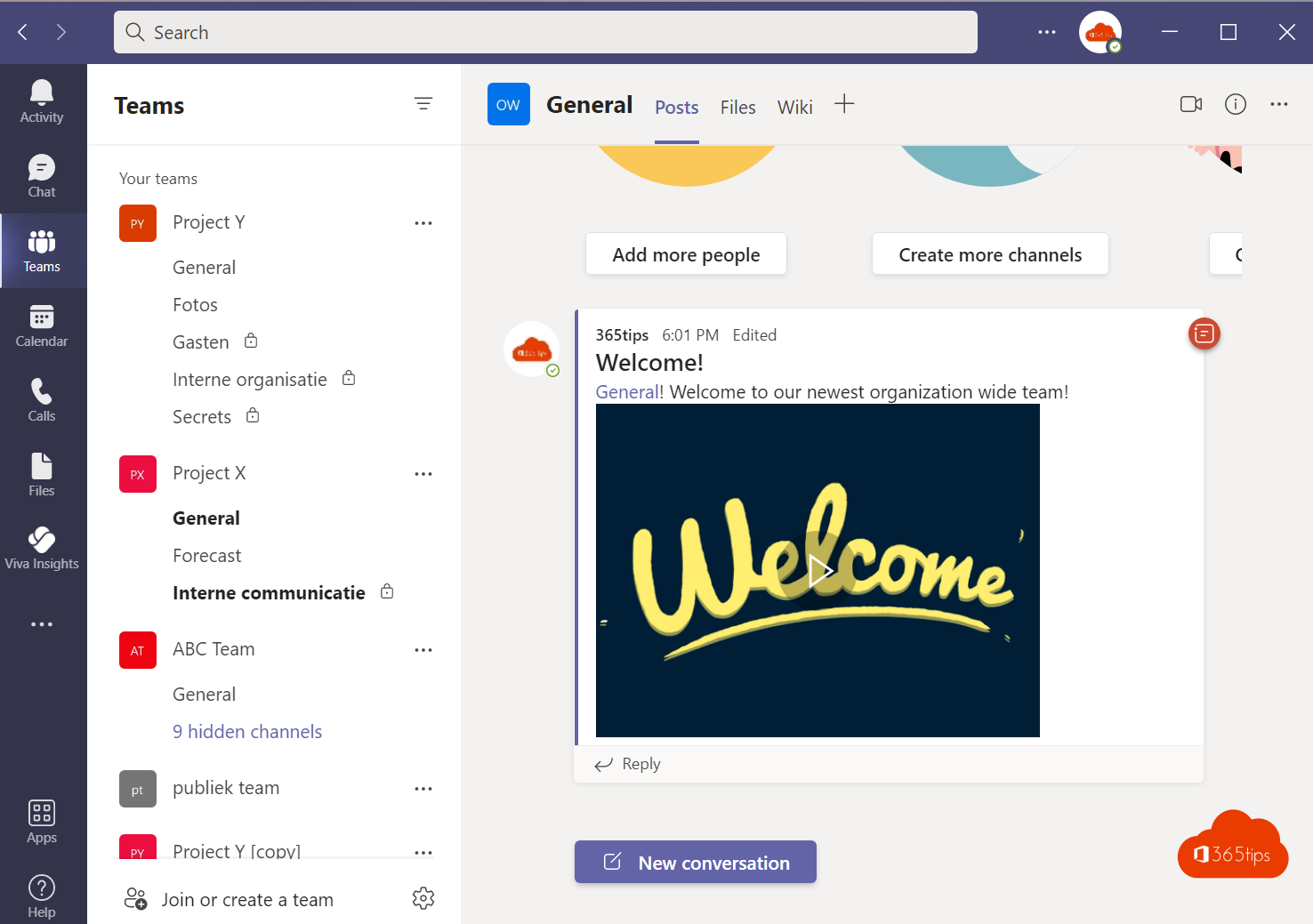
We all use Teams, but most people only know part of what it can do. Here are the most useful features in one list, from chat to meetings. Each tip links to a full guide.
Chat
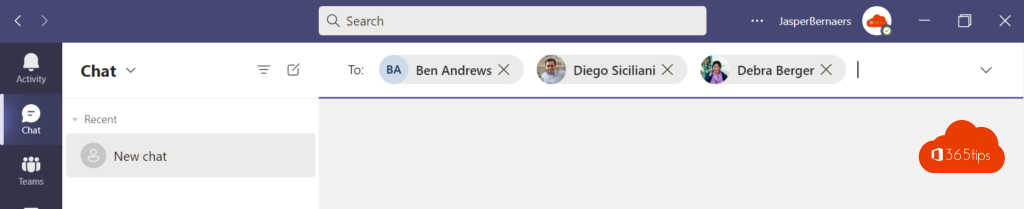
- Chat with yourself as a notepad. Read how.
- Schedule a message to send it later. Read how.
- Reply to a specific message to make clear what you're responding to.
- Mark as unread to come back to it later.
- Chat in a separate window. Read how.
Meetings
- Noise suppression against a barking dog or a drill.
- Live captions and translated captions.
- PowerPoint Live for sharp slides and your notes. Read how.
- Breakout rooms to work in small groups.
- Attendance report to see who was there.
Work productively
- Keyboard shortcuts: press Ctrl + . for the overview.
- Search with Ctrl + E and filters. Read how.
- Create a task from a message in Planner. Read how.
- Quiet hours on your phone for peace outside work hours.
Read also
The most useful Microsoft Teams keyboard shortcuts for Windows and Mac
How to chat with yourself in Microsoft Teams
Search Microsoft Teams quickly, without the old commands
Nederlandstalige versie: De handigste functies van Microsoft Teams op een rij
More in English
▸How to schedule a chat message in Microsoft TeamsSchedule a chat message in Microsoft Teams on desktop and phone, change or cancel it, and schedule posts in…
▸Ten tips for good meeting etiquette in Microsoft TeamsAgenda, headset, muting, raising your hand, PowerPoint Live and ending on time: ten tips for better Teams…
▸Create a task from a chat message in Microsoft TeamsTurn a Teams message into a Planner task with a link back to the original message. Plus alternatives like…
▸Work in multiple windows with Microsoft TeamsOpen chats, channels, meetings and shared content in a separate window in Teams. Handy with two screens, plus…