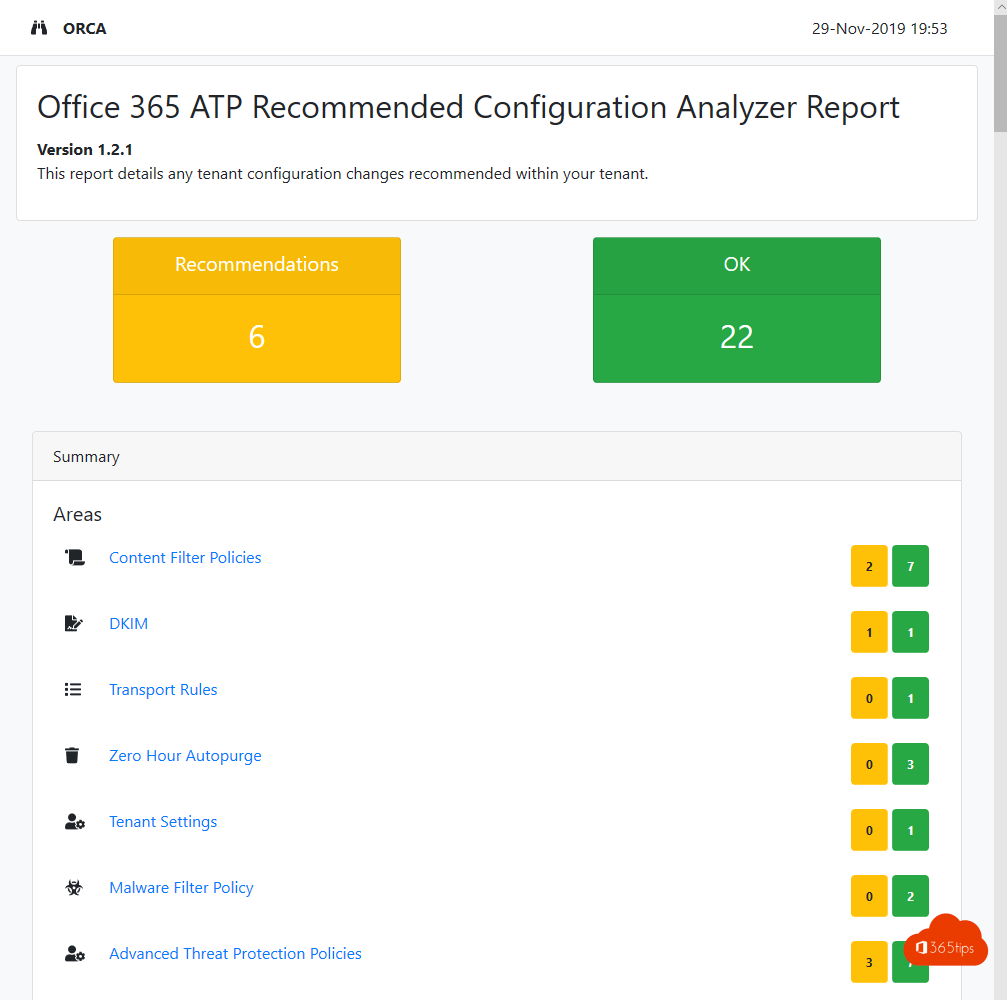
Your email security grows with your organization. Several admins change something now and then, and after a while nobody knows whether everything is still set correctly. In Microsoft Defender for Office 365 you can easily compare your settings with Microsoft's recommendations and fix them in a few clicks.
What's included?
- Exchange Online Protection (EOP): anti-spam, anti-malware and anti-spoofing. Included in every Microsoft 365 license with Exchange Online.
- Defender for Office 365: Safe Links, Safe Attachments and advanced anti-phishing with impersonation protection. Plan 1 is included in Microsoft 365 Business Premium among others, Plan 2 in Microsoft 365 E5.
1. Use preset security policies
- Go to the Microsoft Defender portal (security.microsoft.com).
- Select Email & collaboration > Policies & rules > Threat policies > Preset security policies.
- Choose Standard protection for most users and Strict protection for sensitive accounts such as executives and admins.
- Select the users, groups or domains per policy, and add your key senders and domains for impersonation protection.
- Confirm. Microsoft keeps the settings of these policies up to date.
Preset policies take precedence over your own custom policies. Anyone in Standard or Strict gets those settings.
2. Check your own policies with the configuration analyzer
Prefer your own policies? Go to Threat policies > Configuration analyzer. You'll see for each setting where you differ from Standard or Strict, and you can apply a recommendation right away. The change history tab shows what changed.
3. ORCA as an extra report
The community ORCA script still exists and produces a clear HTML report. Useful when you want to keep a snapshot or compare several tenants.
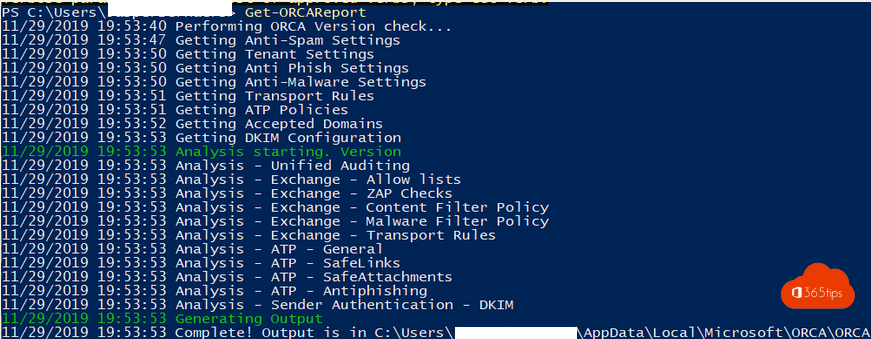
Install-Module ExchangeOnlineManagement
Install-Module ORCA
Connect-ExchangeOnline
Get-ORCAReport
The report opens in your browser and is saved in your user profile.
Tips
- Review your settings every month. New features are added regularly.
- Turn on DKIM and DMARC for your own domains.
- Let users report suspicious mail with the Report button in Outlook.
Also see enable DKIM in Microsoft 365 and get started with Microsoft Secure Score.
Read also
Enable DKIM in Microsoft 365 for your own domain
Improve your security with Microsoft Secure Score
Set up alert policies in Microsoft 365
Nederlandstalige versie: De aanbevolen configuratie voor Microsoft Defender for Office 365