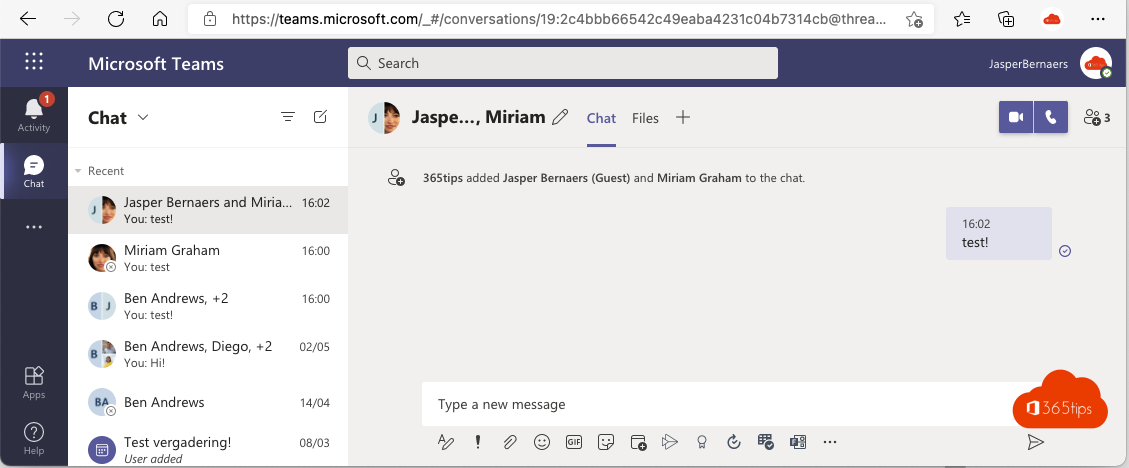
A quick discussion with a colleague and two people from a customer? That works in one group chat in Teams, with internal and external participants together. You don't have to add anyone as a guest to a team.
Start a group chat
- Select New chat.
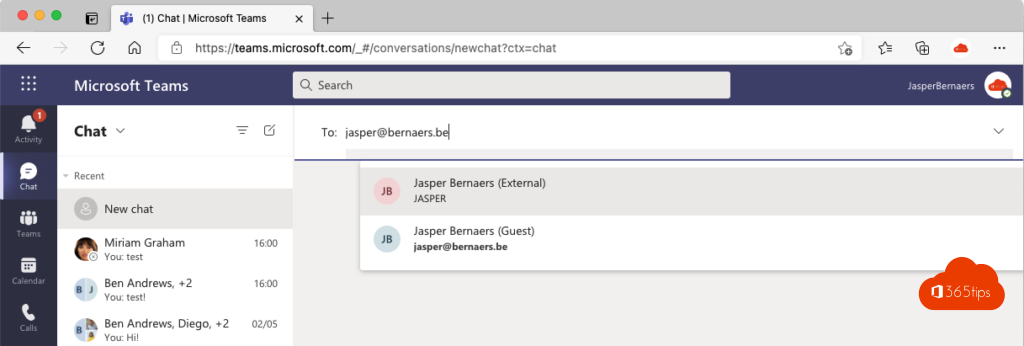
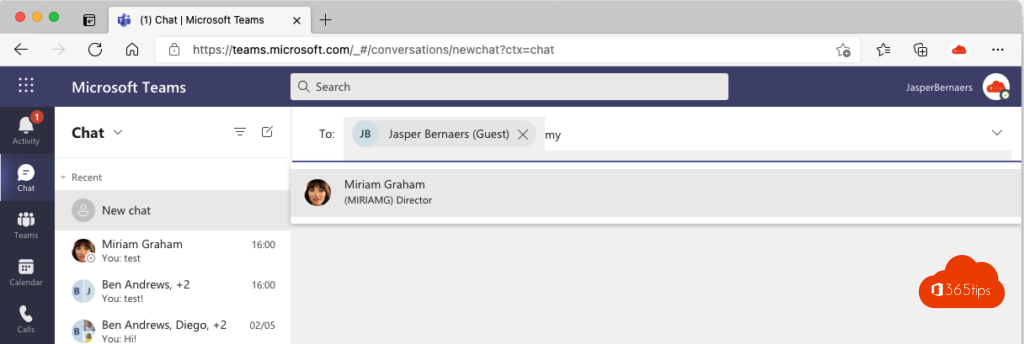
- In the To field, type your colleagues' names.
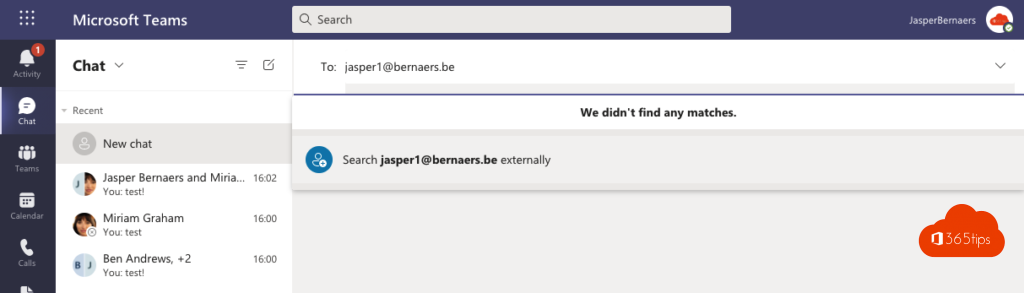
- For external people, type their full email address and choose Search externally.
- Name the chat and send your first message.
What works?
- Messages, reactions and emoji.
- Calls and video calls with the whole group.
- File sharing is limited: share files with a link from OneDrive or SharePoint instead.
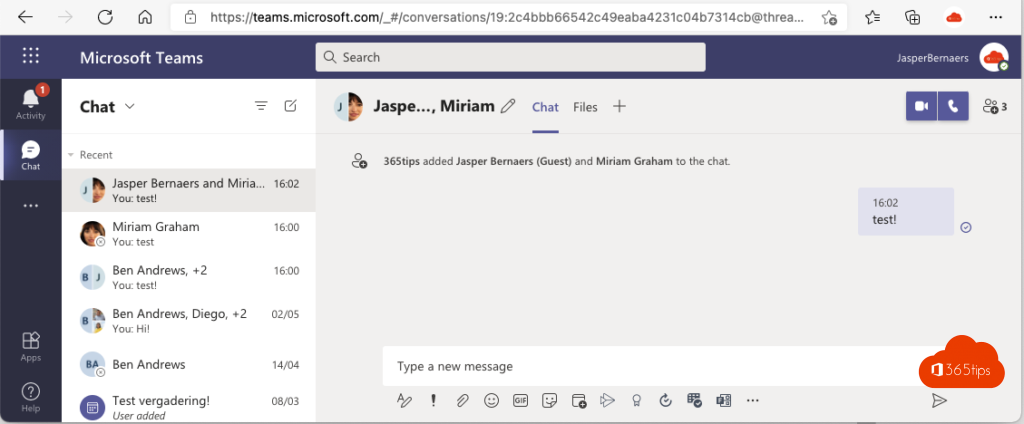
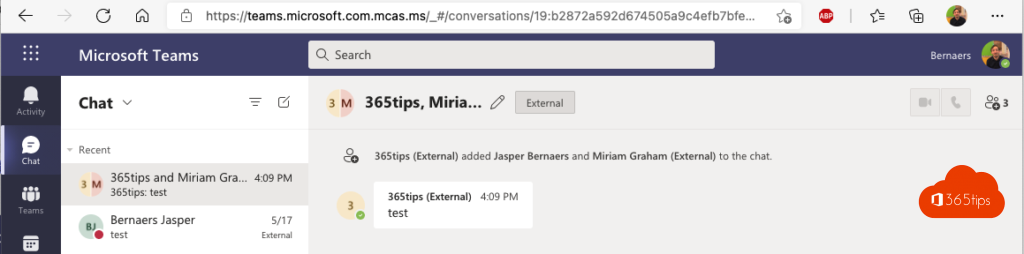
Not working?
Both organizations must allow external access for each other's domain. Read set up external access. Does the external person also need files and channels? Then make them a guest in a team or use a shared channel.
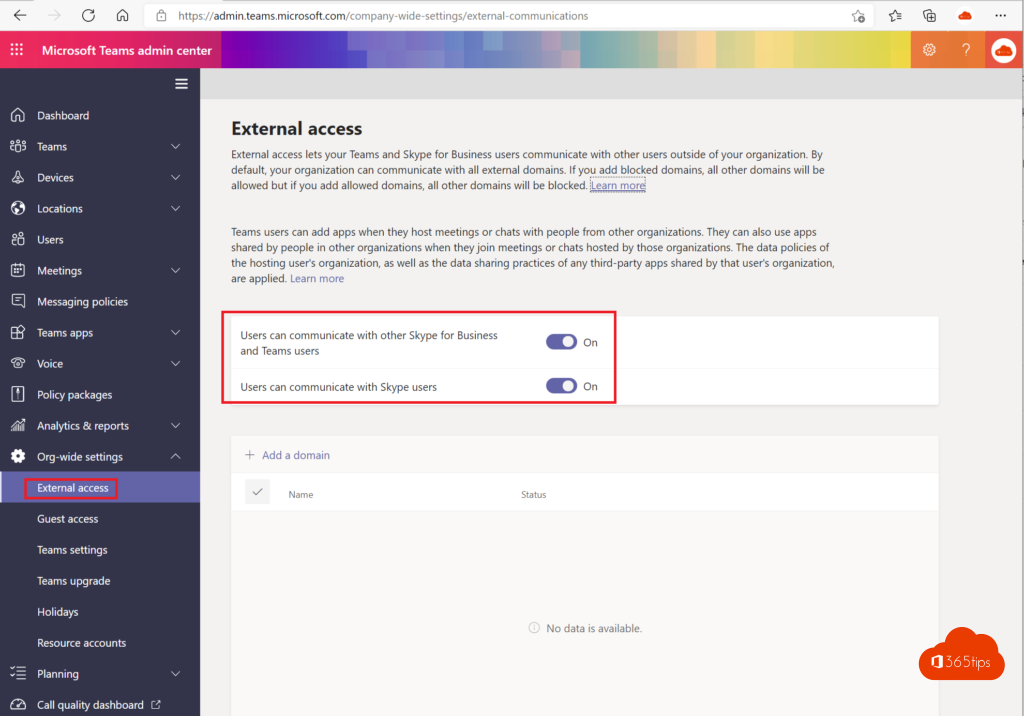
Also see five ways to work with external users.
Read also
Five ways to work with external users in Teams
Set up external access in Microsoft Teams
Chatting in Microsoft Teams: four scenarios and when to use each
Nederlandstalige versie: Een groepschat starten met interne en externe contacten in Teams
More in English
▸How to add external guests in Microsoft TeamsAdd an external guest to a team in Microsoft Teams, see what the guest sees and can do, which settings an…
▸Add people to a group chat with an @mentionMention someone who isn't in a group chat yet and Teams adds them, with a choice of how much chat history…
▸Share a Teams message with people who don't use TeamsUse Share to Outlook to send a Teams message and its replies as an email, and see the alternatives such as…
▸Mention everyone in a group chat with @everyoneType @everyone in a Teams group chat to notify all participants, and see how mentions work in channels and…